What Is the XBuddy Platform
XBuddy is an AI-native business operating system (BOS) built for small and medium enterprises. Instead of stitching together a dozen disconnected SaaS tools, XBuddy gives your whole company one platform — CRM, finance, HR, operations, and more — that shares one data model, one permission system, and one AI layer that works across every module.
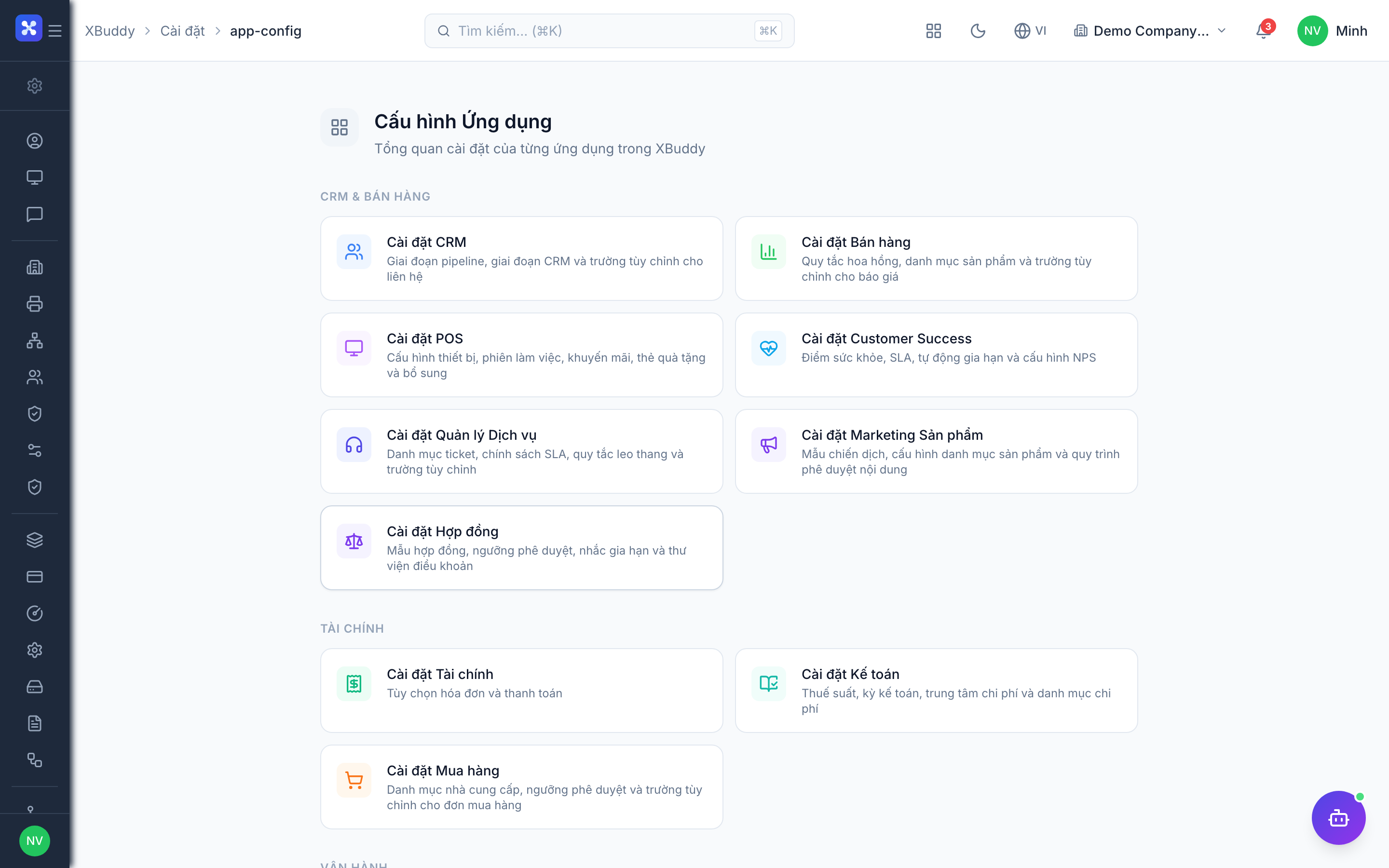
What makes XBuddy different
- AI-native. AI is not bolted on — it is woven through the platform. AI Agents run in the background (collecting receivables, flagging stale deals, watching inventory), an AI Copilot chat answers questions and takes actions, and inline suggestions appear right on the records you work with. See the AI Agents guide.
- Multi-tenant with schema-per-tenant isolation. Every organization (tenant) gets its own isolated database schema. Your data never mixes with another tenant’s — a foundational guarantee for security and compliance.
- Bilingual (English + Vietnamese). Every screen, label, and status is fully translated. Switch languages any time from the top bar without losing your place.
- One platform, ~41 apps. Apps are organized into six app groups and unlocked through subscription packs and add-ons, so you only pay for what you use.
The six app groups at a glance
XBuddy’s ~41 apps are grouped by the part of the business they serve. You move between them with the App Switcher in the top-left corner.
| App group | What it covers | Approx. apps |
|---|---|---|
| Platform & Intelligence | Dashboards, analytics, documents, knowledge, communications, calendar, approvals, e-signatures, workflow & automation, settings | ~12 |
| Sales & Business | CRM, Sales, Product Marketing, POS, Customer Success, Service Management | 6 |
| Finance & Accounting | Finance, Accounting, Procurement | 3 |
| People | HR, Self-Service, Payroll, Performance, OKR, LMS, Coaching, Time Tracking | 8 |
| Operations | Projects, Tasks, Inventory, Field Service, Quality, Asset Management | 6 |
| Verticals | F&B, Manufacturing, Logistics, Distribution, Legal / Contract Management | 5 |
For the full per-group app tables (with module codes and links to each guide), see App Groups & Apps.
How access is governed — the 4 axes
A user only ever sees what they are entitled to. XBuddy decides this along four independent axes. All four must pass for an action to succeed.
| Axis | Question it answers | Controlled by |
|---|---|---|
| 1. Capability | Are you allowed to do this action? | Roles & permissions (e.g. invoices:write) |
| 2. Module | Has your tenant purchased this feature? | Subscription pack / add-on |
| 3. App-access filter | Which apps in a pack may you open? | Per-user allowlist (set by admin) |
| 4. Data scope | On which set of records? | own / team / all / none |
Access is deny-by-default: if something isn’t explicitly granted, you can’t see or do it. The frontend hides apps, menus, and buttons you can’t use — but the real security boundary is always enforced on the server.