Project Management setup guide
This page walks through 8 steps to set up Project Management, in the order the in-app Setup assistant recommends. Each step lists what to prepare, the questions to answer first and the screen to use.
In the app, open Settings → Setup assistant: it measures your current state, asks the survey questions below and proposes a change set you approve before it is applied. This page is the read-only version for preparing ahead or doing it by hand.
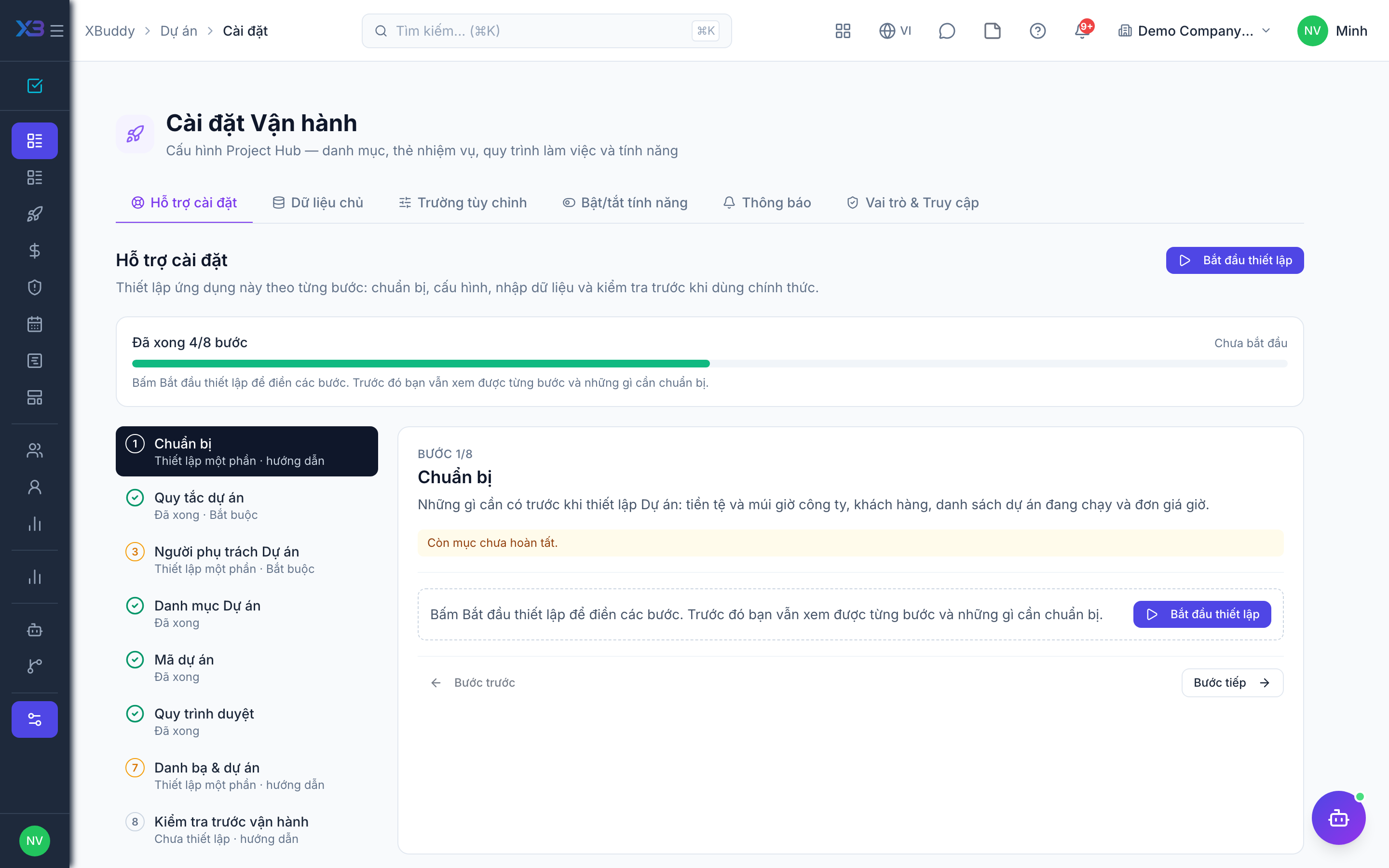
1. Prepare
Optional
What to have ready before setting up Projects: company currency and time zone, customers, the list of running projects and the hourly rates.
| # | Task | How | Screen |
|---|---|---|---|
| 1 | Company currency and time zone confirmed | Project budgets, the kickoff threshold and due dates use them. | /settings/company |
| 2 | Customers exist in CRM | Needed for customer projects and invoices. | /crm/accounts |
| 3 | Running projects listed | Code, name, customer, owner, dates, budget and status of every project running at go-live. | — |
| 4 | Hourly rates agreed | Only if hours are billed or costed: bill rates per role/person and internal labour rates. | — |
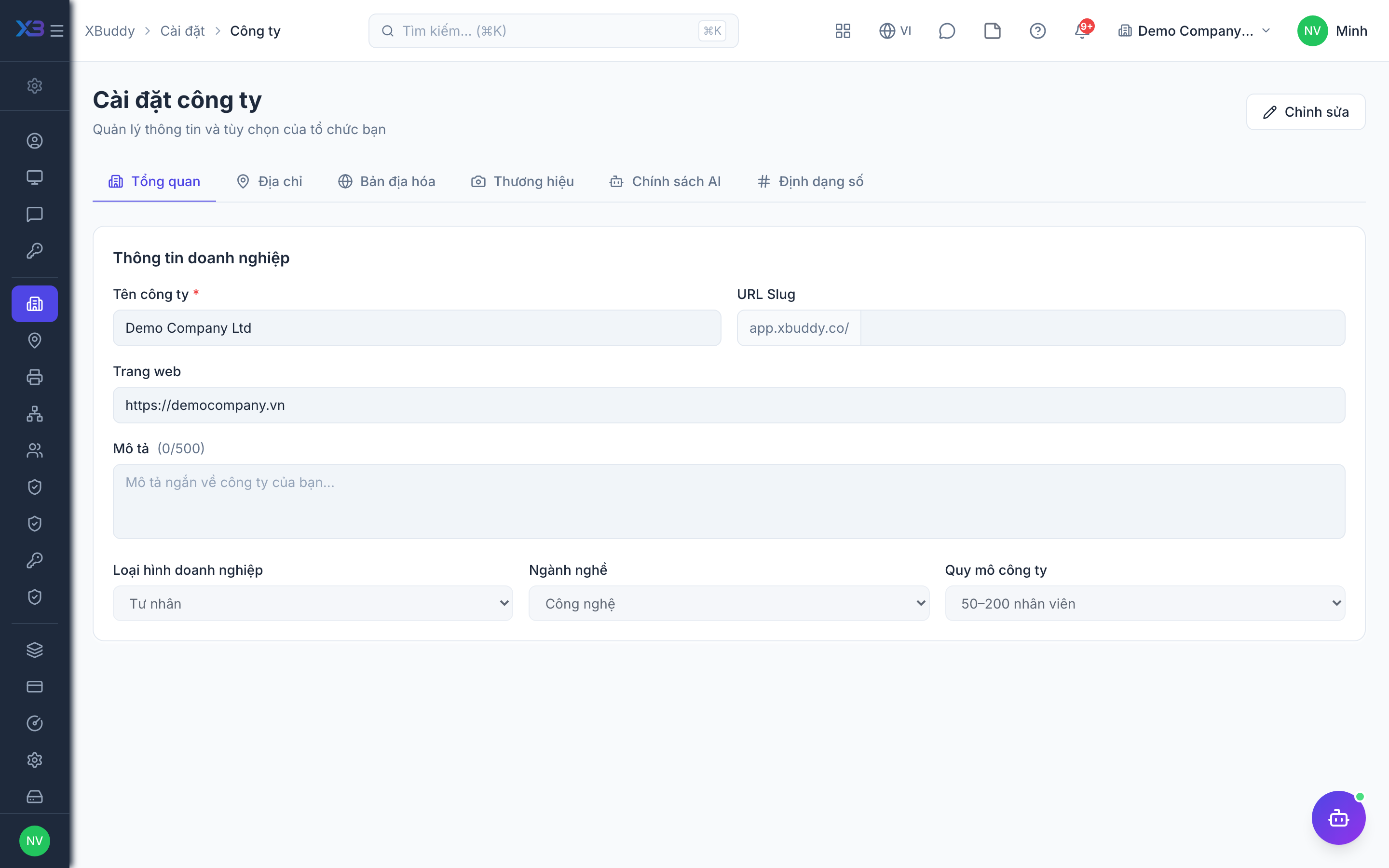
2. Project rules
Required
What a new project must have, kickoff and closure approval, budget control, time and expense rules, and (optional) customer billing, project teams and the customer portal. Billing switches need hourly billing turned on in Finance (finance.billable_time).
Prepare first
- The written project policy: what every new project must have (owner, dates, budget), which budget size needs approval to start, and whether closing a project needs approval.
- Whether project hours and expenses are billed to customers, and how overtime is priced.
Questions to answer
- What must every new project have before it is created (owner, start/due dates, budget)? Above what budget must a project be approved before work starts?
- May a project be closed while tasks are still open? Does closing a project need approval? Is the project budget approved from a cost estimate?
- When spending would exceed a project budget, should the system do nothing, warn, or block the approval?
- Do staff log time and expenses on projects? May people approve their own entries? Is labour cost taken from internal rates?
- Are project hours and expenses billed to customers? Is overtime billed at a premium?
- Do you organise people in named project teams, and should only project members be assignable?
- Do customers need a read-only link to follow project progress?
| Toggle | Key | Default | Effect |
|---|---|---|---|
| Require an owner on new projects | projects.owner_required_on_create | Off | Block creating a project unless an owner is assigned. |
| Require start & due dates | projects.dates_required_on_create | Off | Block creating a project without both a start date and a due date. |
| Require a budget | projects.budget_required_on_create | Off | Block creating a project without a budget amount greater than 0. |
| Kickoff approval threshold | projects.kickoff_threshold | 50000000 | New projects (from the form, a template, a quotation or a CRM lead) with a budget at or above this amount wait for kickoff approval before work starts. |
| Block completing with open tasks | projects.block_close_with_open_tasks | Off | Prevent marking a project completed while it still has open tasks. |
| Closing a project needs approval | projects.closure_approval_required | Off | Moving a project to Completed sends a closure request to the approval inbox; the project stays open until it is approved. Needs an active workflow for “Project closure”. |
| Block time and expenses on paused projects | projects.block_work_on_hold | Off | While a project is On hold, new time logs and expenses against it are refused (from Projects, tasks, Time Tracking, timesheets and Finance). Tasks and milestones can still be planned. |
| Require an approved budget | projects.budget_approval_required | Off | After creation, the project budget comes only from the approved cost estimate (baseline): editing the budget by hand is refused, and a project cannot start (Active) until its estimate is approved. |
| Project budget enforcement | projects.budget_enforcement | Off — no check | What happens when an approval would push a project past its budget. Compares budget against incurred cost plus open purchase orders and requisitions; Block sends the approval to a budget-override step. |
| Time logging | projects.time_logging_enabled | On | Allow logging time against projects. Turning this off blocks new project hours from every entry point (Projects, tasks, Time Tracking, timesheets); Service Management sync and import are exempt. |
| Expense tracking | projects.expense_tracking_enabled | On | Allow recording project expenses. Turning this off blocks new expenses against projects, from Projects and from Finance. |
| Allow self-approval | projects.self_approval_allowed | On | When off, a person cannot approve their own project time logs or project expenses (one by one or in bulk). It can only tighten: finance-ledger expenses also follow the company-wide self-approval rule. |
| Approvers can adjust approved hours | projects.time_log_post_approval_adjust | On | The approver may correct total, overtime and billable hours of an approved entry (with a reason and history) as long as it has not been invoiced, recharged, paid in payroll or locked. Off: corrections only by rejecting the entry back to the employee. |
| Project labour cost from internal rates | projects.labor_cost_from_internal_rate | On | Cost each project hour at Accounting’s internal labour rate (Internal charges) for the employee’s position and level, so project cost matches internal charges. When on, the Cost column of the hourly rate cards and the separate cost/bill toggle no longer affect cost — the project card only sets the bill rate. An internal rate in another currency is converted at the work date’s exchange rate; with no rate, or no internal rate found, the hour is flagged for repricing. |
| Separate cost rate from bill rate | projects.separate_cost_bill_rate | Off | Only used when cost does NOT come from internal rates: lets the Cost column of the hourly rate cards differ from the bill rate, so labour margin can be measured. When off, cost equals the bill rate. |
| Billable by default | projects.billable_by_default | Off | New project and task time logs are marked billable unless changed. Does not apply to expenses. |
| Rebill project expenses to the customer | projects.expense_rebilling | Off | Approved expenses marked billable can be included on the customer’s invoice when you choose to include them. Off, expenses stay in the project cost column only. |
| Require a bill rate for billable hours | projects.require_bill_rate_card | Off | A billable hour on a Time & material or Retainer project must match a card in the hourly rate cards (or carry a manual rate). Off: an hour with no card takes the system default rate and is flagged as not configured. Fixed-price and internal projects, and hours synced from Service Management, are never blocked. |
| Bill overtime at a premium | projects.bill_overtime_premium | Off | Invoices from hours split billable overtime into its own line priced at the bill rate × the overtime multiplier of the day type (weekday, Sunday, holiday). Off: overtime is billed at the regular rate. |
| Overtime bill multiplier — weekday | projects.overtime_bill_multiplier_regular | 1.5 | Billed overtime hours on a regular working day are priced at the bill rate × this multiplier. |
| Overtime bill multiplier — rest day | projects.overtime_bill_multiplier_sunday | 2 | Billed overtime on a Sunday / rest day: bill rate × this multiplier. |
| Overtime bill multiplier — public holiday | projects.overtime_bill_multiplier_holiday | 3 | Billed overtime on a public holiday (from the attendance calendar): bill rate × this multiplier. |
| Team management | projects.team_management | Off | Turn on reusable project teams: named groups of people you can attach to a project in one step. |
| Assign tasks to a team | projects.team_task_assignment | Off | Allow a task to be handed to a team queue, so any member can pick it up. |
| Team members see the team’s work | projects.team_data_scope | Off | Being on a team grants visibility of that team’s projects and its queued tasks. This widens access — it never hides anything. |
| Only project members can be assigned | projects.assign_roster_only | On | Assignee, co-assignees, reviewer, risk/issue/deliverable owners and new project time entries accept only active members of that project (the project owner always counts). Turn off to allow anyone in the company Projects directory. |
| Risk register | projects.risk_register_enabled | On | Allow adding risks to the project risk register. Turning this off blocks new risks; existing risks stay visible and editable. |
| Share progress with customers | projects.client_share | Off | Project managers can invite customer contacts by email to a read-only progress portal (link + PIN that rotates every 1, 7 or 30 days). Customers see milestones, deliverables, tasks, dependencies, the Gantt chart and comments — never items marked Internal, money, hours or assignees — and can comment on tasks. |
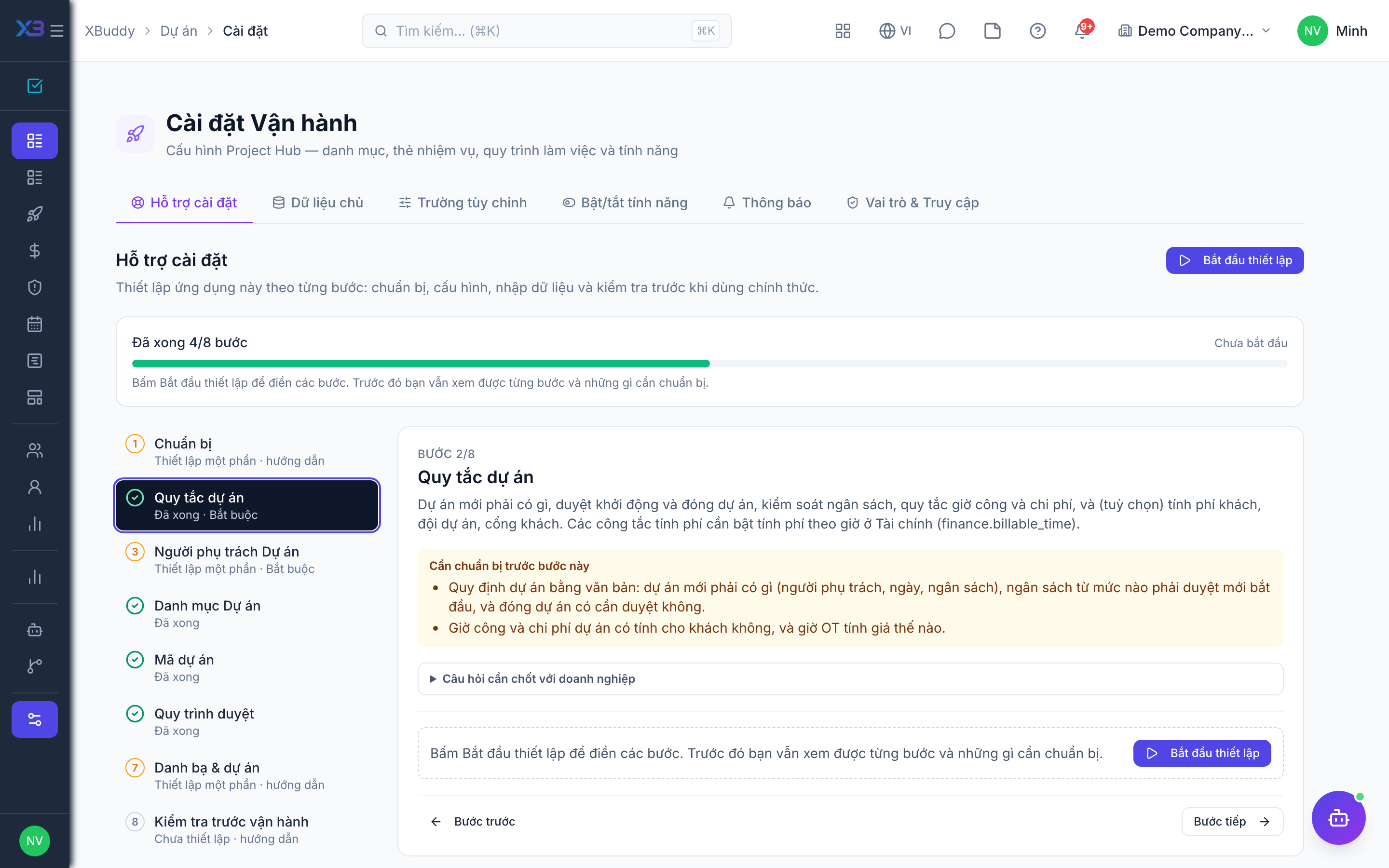
3. Projects owners
Required
Choose the PMO who owns Projects settings, the project managers, and who approves project kickoff, closure and budgets.
Prepare first
- The list of the PMO, project managers and the people who approve project kickoff, closure and budgets — each must already be invited as a user.
Questions to answer
- Who owns Projects settings, templates and rate cards (PMO)?
- Who approves a new project to start, a project to close, and a project budget?
| Role template | Key | For |
|---|---|---|
| Project Portfolio Manager | project_portfolio_manager | PMO — owns settings, templates and rate cards; approves kickoff and closure |
| Project Manager | project_manager | Runs projects and approves time logged on them |
| Director / General Manager | director | Approves project kickoff and closure |
| Chief Operating Officer | coo | Approves project kickoff and closure |
| Finance Manager | finance_manager | Reads project finance and approves budgets |
4. Projects lists
Optional
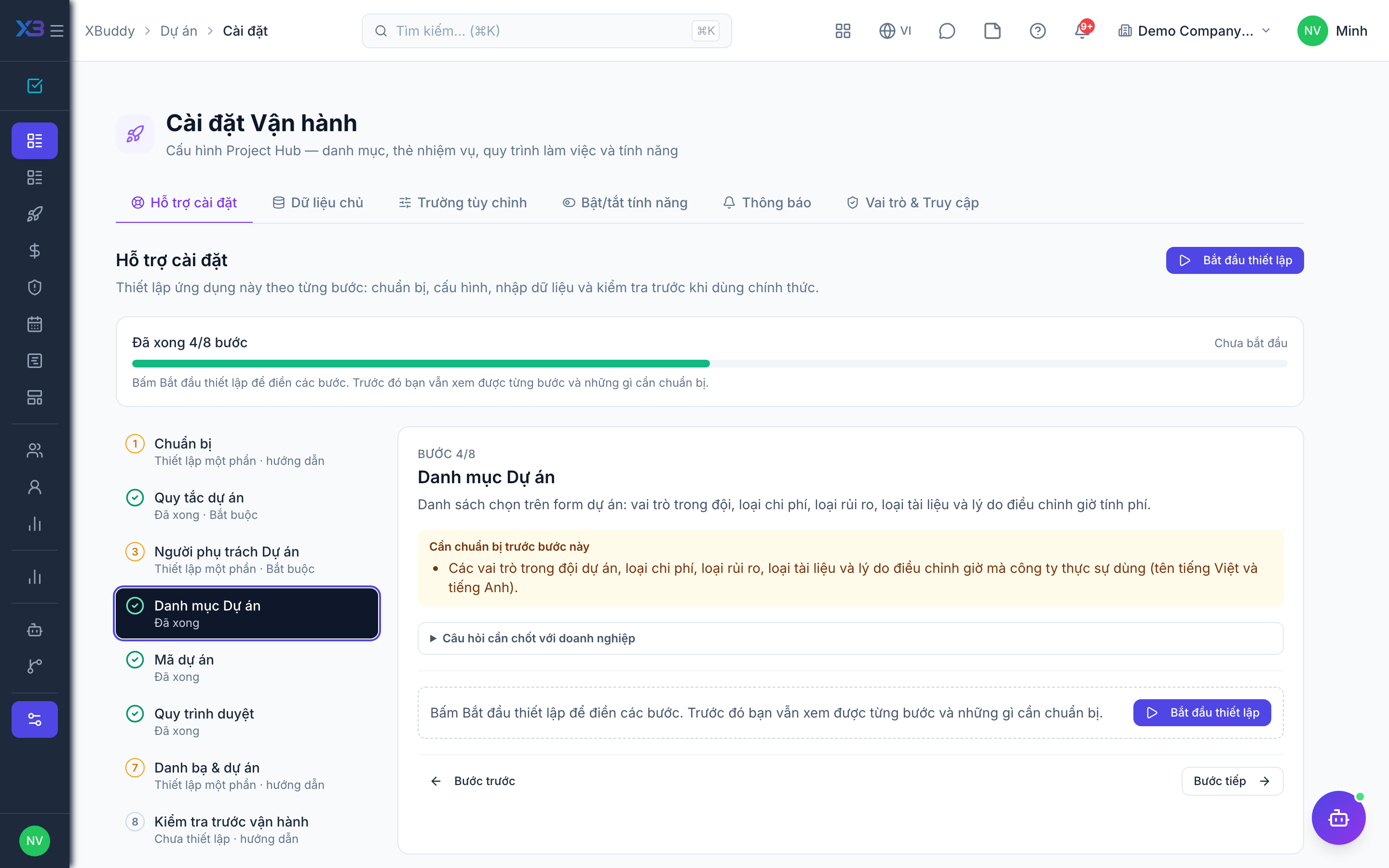
Pick-lists on project forms: team roles, expense categories, risk categories, document categories and write-down reasons.
Prepare first
- The project team roles, expense categories, risk categories, document categories and write-down reasons the business really uses (names in Vietnamese and English).
Questions to answer
- Which roles do people hold on a project (project manager, lead, developer, consultant…)?
- How are project expenses classified (travel, materials, subcontract…)?
- Which risk categories do you track, and why are billable hours written down?
Lookups to review (Settings → Lookups):
- Project Document Categories (
project_document_categories) - Project Expense Categories (
project_expense_categories) - Project Team Roles (
project_team_roles) - Risk Categories (
risk_categories) - Time Write-down Reasons (
time_writedown_reasons)
5. Project codes
Optional
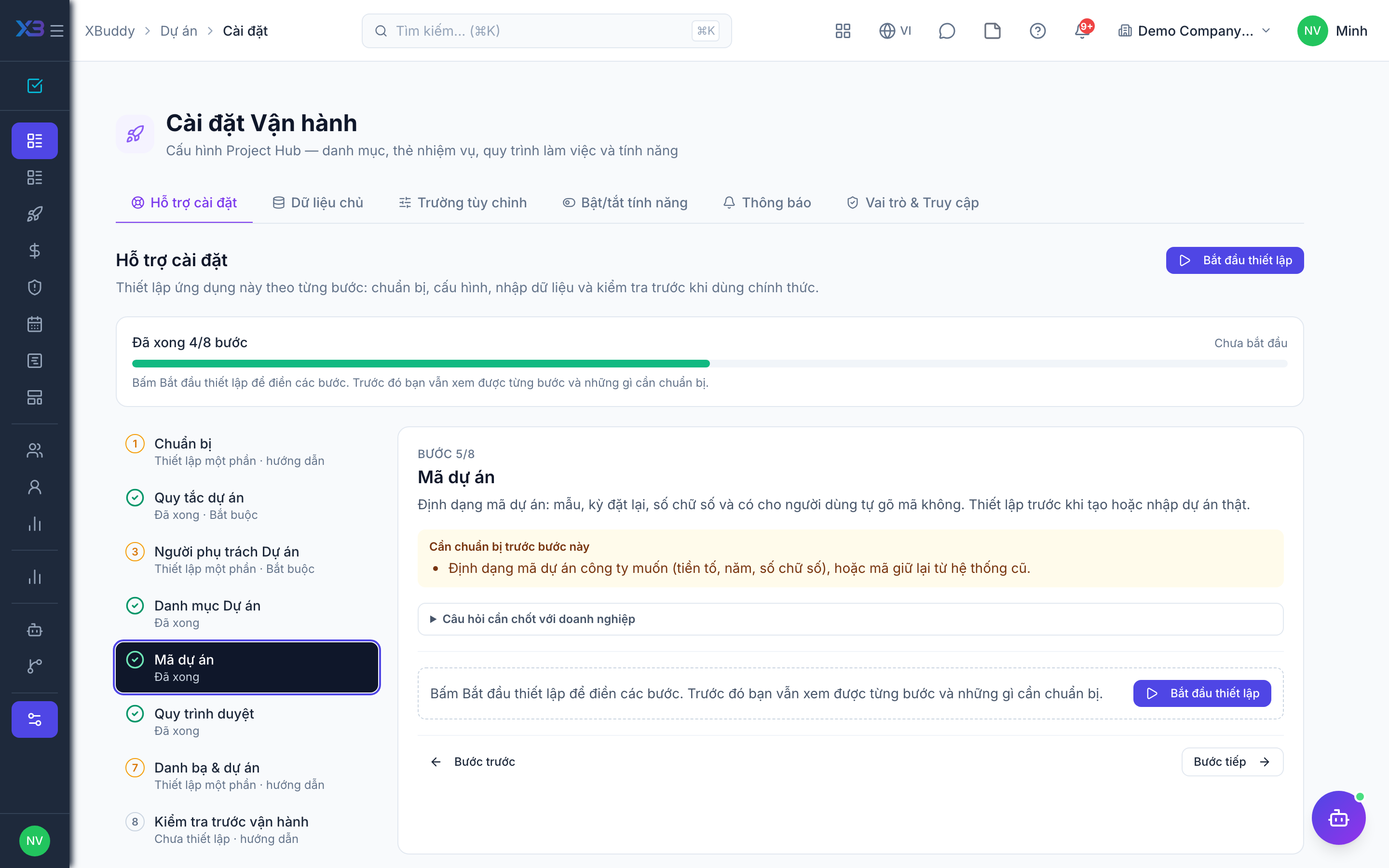
The format of project codes: pattern, reset period, digits and whether users may type a code. Set it before creating or importing real projects.
Prepare first
- The project code format the business wants (prefix, year, digits), or the codes kept from the old system.
Questions to answer
- Do you want a specific project code format, or keep the default?
Document types to configure numbering for (Settings → Document numbering):
project
6. Approval workflows
Optional · After step: Project rules, Projects owners
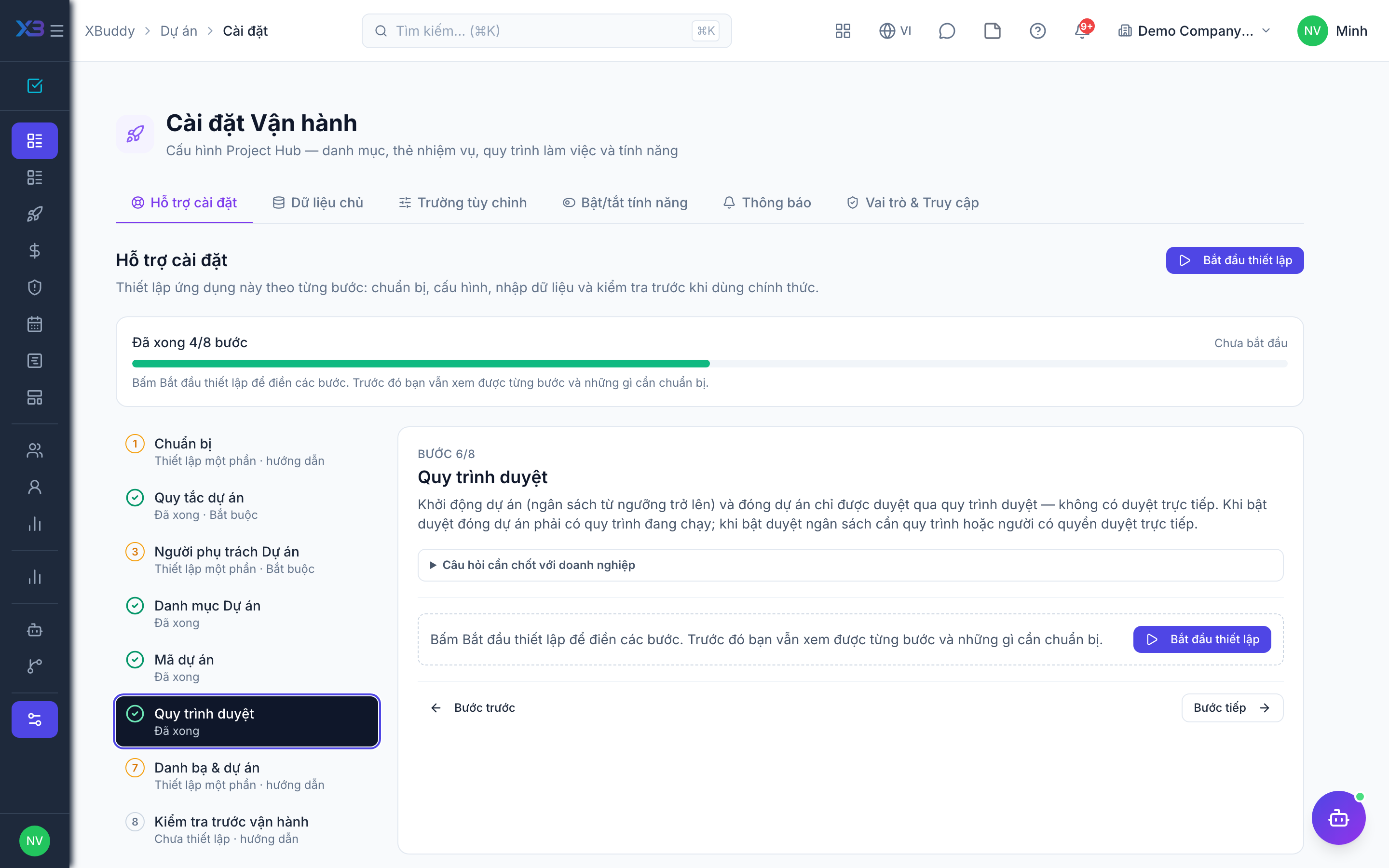
Project kickoff (budget at or above the threshold) and closure only go through an approval workflow — there is no direct approval. Closure must have a running workflow when closure approval is on; project budgets need a workflow or someone who can approve directly when budget approval is on.
Questions to answer
- Who approves a new project above the kickoff threshold, and in how many levels?
- Who approves closing a project, and who approves a project budget (cost estimate)?
Approval workflows to enable (Workflow → Template library) — see Workflow templates:
project_changeproject_closureproject_budget
7. Directory & projects
Optional
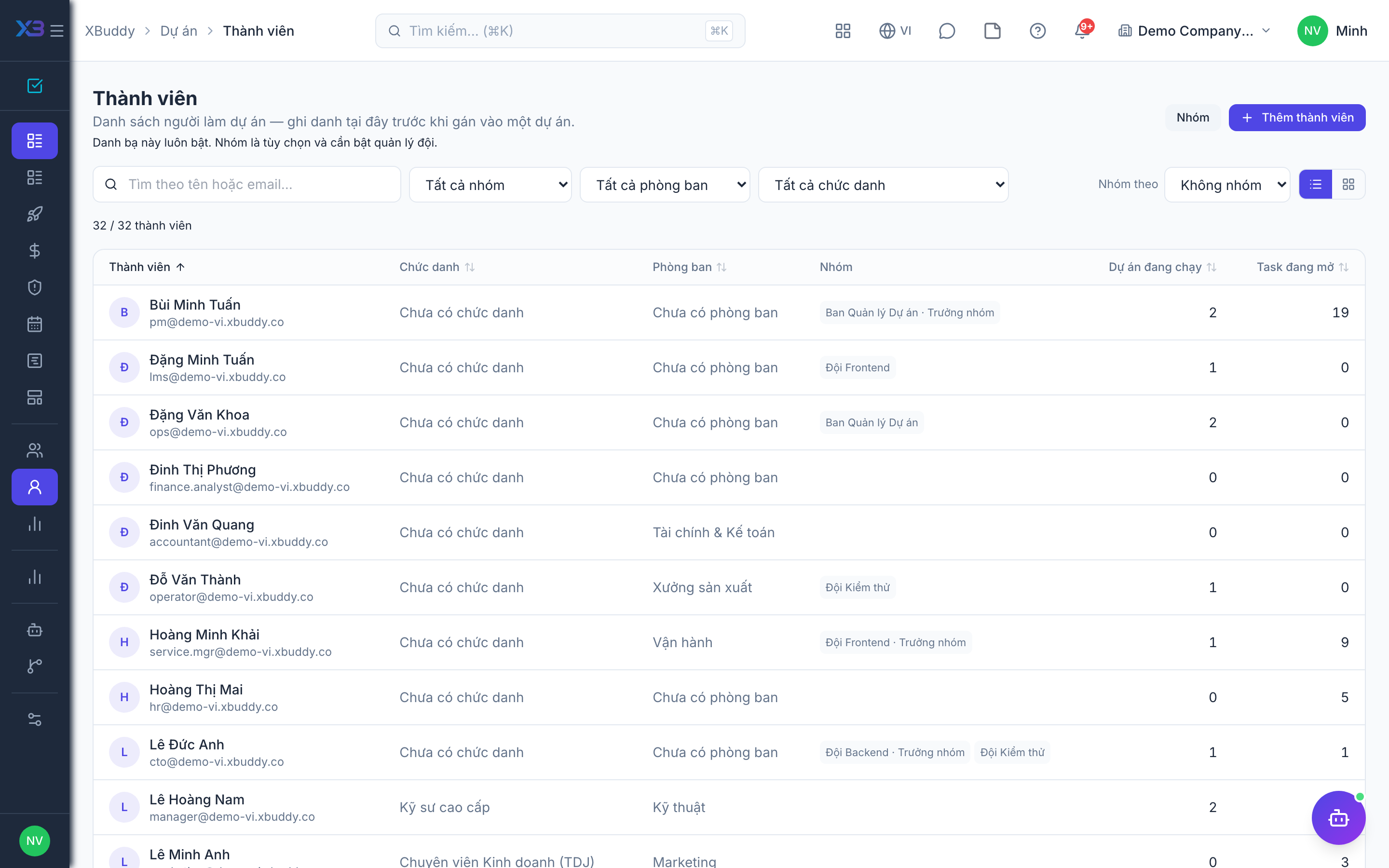
Add people to the Projects directory, optional templates and rate cards, then import the projects running at go-live.
Questions to answer
- Where are projects tracked today, and how many are running? Do you need their past hours and expenses?
| # | Task | How | Screen |
|---|---|---|---|
| 1 | Projects directory | Only directory members can be assigned tasks or log project time. | /projects/members |
| 2 | Project templates | Optional: task tree, milestones and roles for projects you run repeatedly. | /projects/templates |
| 3 | Bill rate cards | Only if hours are billed: Projects settings → Master data → Rate cards. | /projects/settings |
| 4 | Running projects | Import projects, then milestones, time and expenses from the Projects list (Import). Imported history skips approval. | /projects/projects |
8. Go-live check
Optional
Run one project end to end with the key users before going live.
Prepare first
- Pick one project manager, one team member and one approver to run the test with; agree who checks each result.
| # | Task | How | Screen |
|---|---|---|---|
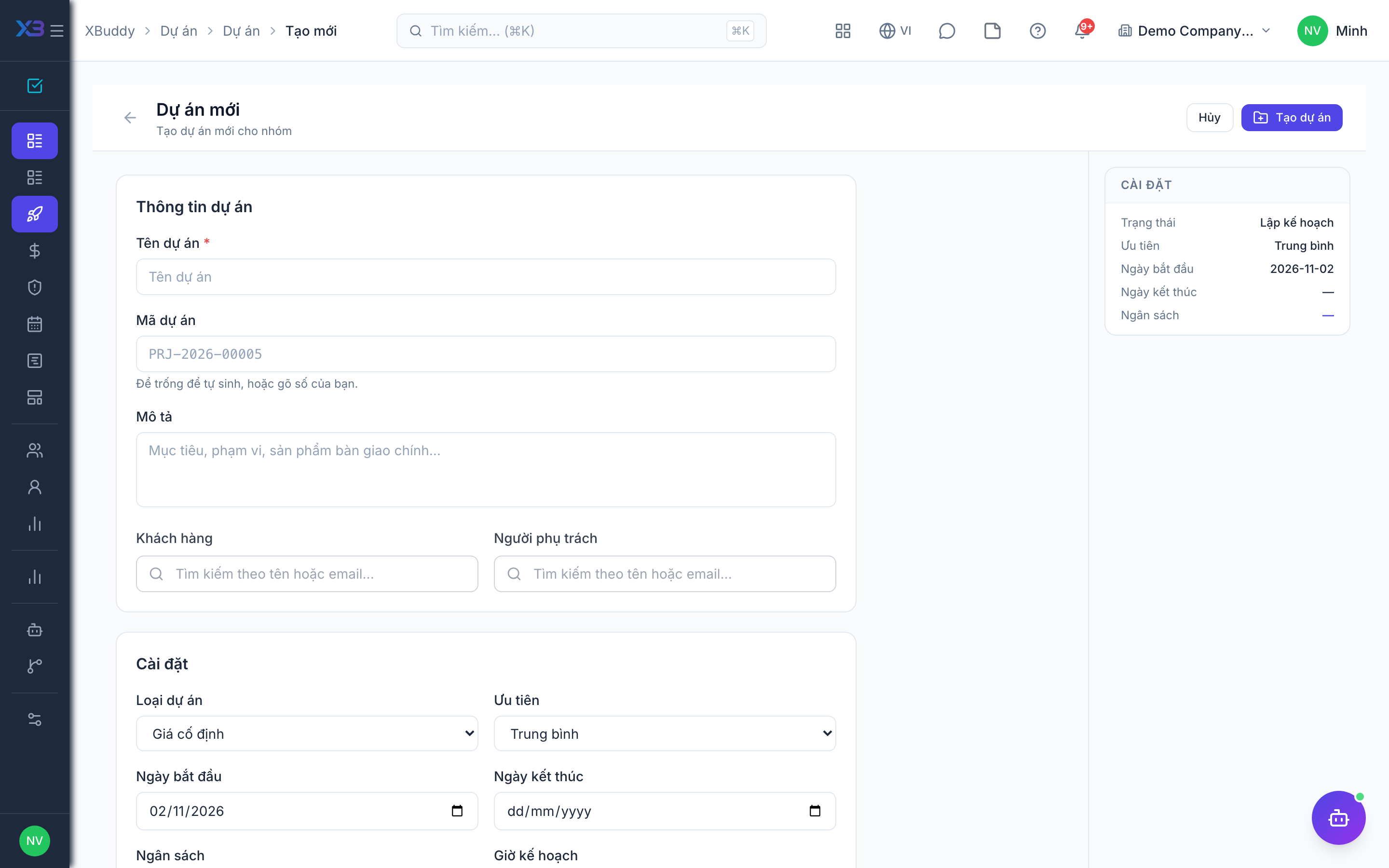
| 1 | Create a project | Owner, dates, budget (above the kickoff threshold if kickoff approval is used) and members. | /projects/projects/new (Create) |
| 2 | Plan work | Add a few tasks and a milestone; assign tasks to members. | /projects/projects |
| 3 | Log time | As the member: log time (and an expense) on the project. | /time-tracking/my-day |
| 4 | Approve and check spend | As the project manager: approve the time log; check spend and budget figures. | /projects/projects |
| 5 | Close the project | Complete the project (through closure approval if it is on). | /projects/projects |
Next
See the feature pages of this app in the left menu, or the setup guides of every app.