Pipelines
A Pipeline is a multi-step orchestration. Each step runs an agent, and steps chain together with dependencies: one step’s outputs become the input for the next. Unlike a Scenario — which fans several agents out in parallel and merges the results — a Pipeline is sequential and data-aware. The platform keeps a parent/child trace of the run and an outputs snapshot so you can see exactly what each step produced and passed on.
Single agent vs Scenario vs Pipeline
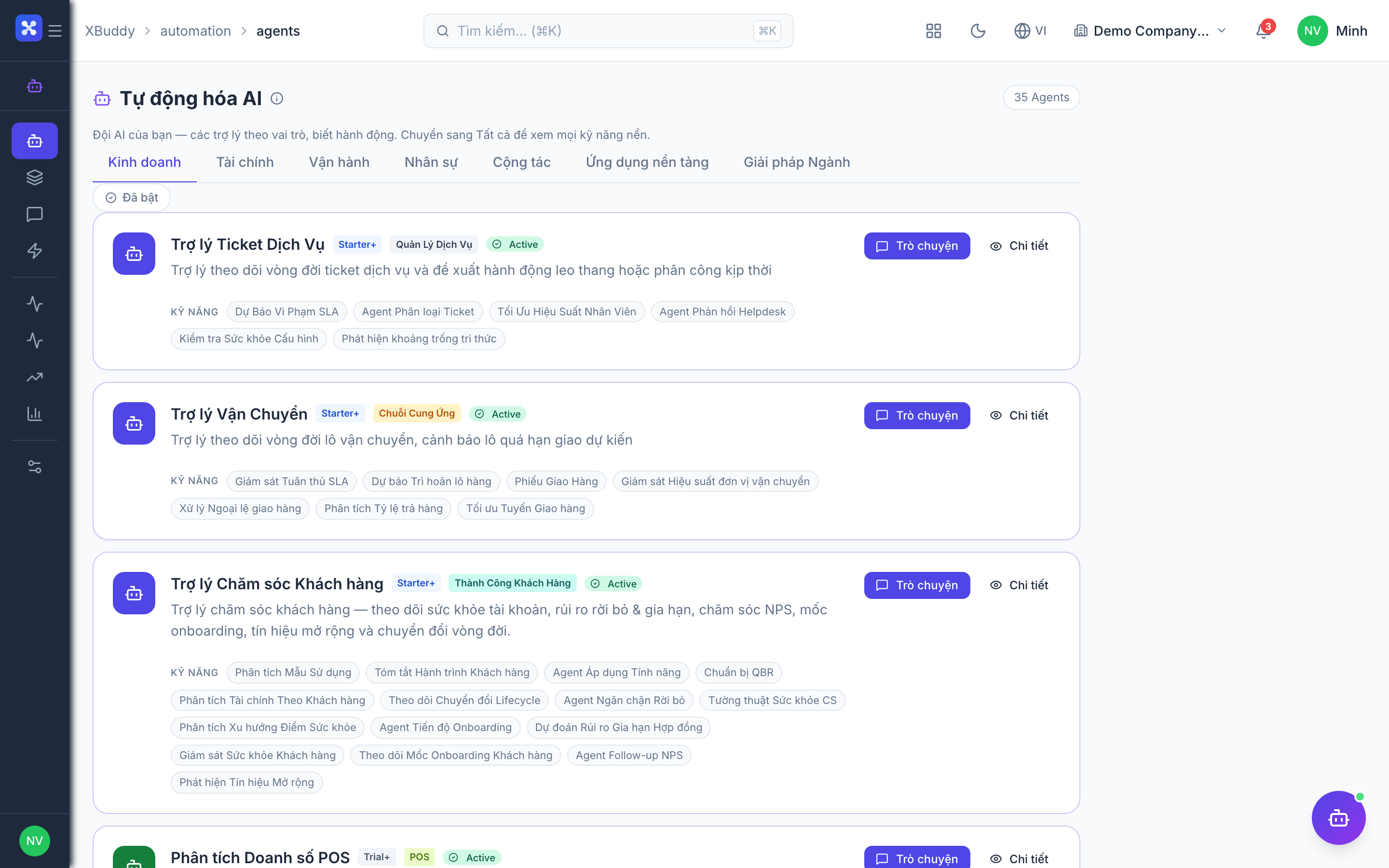
- Single agent — one handler, one task.
- Scenario — several agents run together; results are merged. No data flows between them.
- Pipeline — steps run in order; each step consumes prior steps’ output via declared dependency keys.
How steps declare dependencies
Every step in a Pipeline produces named outputs. A downstream step references upstream outputs by their dependency keys. At run time the orchestrator:
- Runs steps in dependency order (a step waits for the steps it depends on).
- Collects each step’s outputs into a shared outputs snapshot.
- Injects the referenced outputs into the dependent step before it runs.
- Records a parent/child trace linking each step to the steps that fed it.
| Concept | Meaning |
|---|---|
| Step | One agent execution inside the pipeline |
| Dependency key | The named output a later step reads from an earlier step |
| Outputs snapshot | The accumulated map of all step outputs for the run |
| Parent/child trace | The lineage showing which step fed which |
Because dependencies are explicit, a pipeline is deterministic about ordering: a step never runs before the data it needs exists.
Preset pipeline templates
XBuddy ships preset pipeline templates so you don’t have to wire common flows by hand. A template defines the steps, their agents, and the dependency keys between them. You instantiate a template to create a runnable pipeline for your tenant.
Build or instantiate a pipeline
Open Pipelines
Go to Automation → Pipelines.
Start from a template (or blank)
Pick a preset template to get a ready-made chain, or start blank to compose your own steps.
Add and order steps
Add an agent step for each stage. For a step that needs earlier data, set its dependency key(s) to the upstream outputs it should consume. The orchestrator normalizes the steps and resolves the order from the dependencies.
Instantiate and run
Instantiate the template into a runnable pipeline and run it. Steps execute in dependency order; each one reads its declared inputs from the outputs snapshot.
Read the run trace
Open the run to see the parent/child trace: each step, its status, its outputs, and which downstream steps consumed them. This is your audit trail for how the final result was assembled.
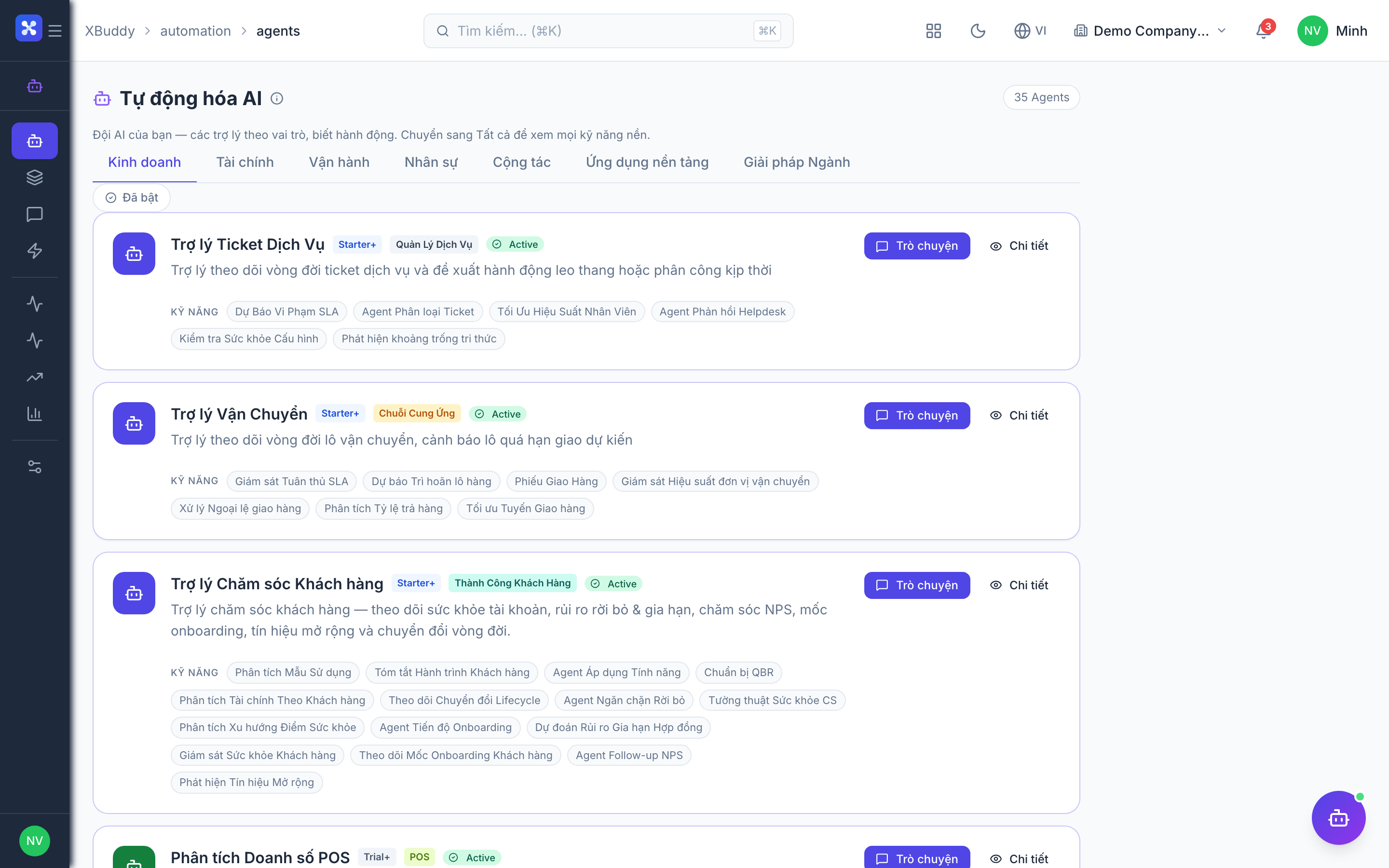
Any actions a pipeline step recommends still route through Automation → Suggestions for human approval — a pipeline orchestrates analysis, not autonomous writes.