FP&A Analyst
The FP&A Analyst is the finance-domain Assistant focused on planning and analysis. It reads your revenue, budgets, and cash flow and reports the trends, forecasts, and variances that leaders need to steer the business.
Domain: Finance · Anchor code: fpa_analyst · Surface: Assistant
What it does
FP&A Analyst turns raw financial data into forward-looking narrative. It analyzes revenue trends, forecasts budgets, and alerts when actuals drift from plan. It also correlates anomalies across data series so a spike in one area is explained by movement in another.
Alongside these analytical Insights, the Assistant carries a bill-payment skill that helps manage outgoing cash within the FP&A cash-flow view.
Insights are read-only reports; the bill-payment skill proposes actions as Suggestions for human approval.
Skills
| Skill | What it does |
|---|---|
| Bill Payment Assistant | Proposes and helps schedule bill payments within the cash-flow plan. |
Insights
| Insight | What it reports |
|---|---|
| Revenue Trend Analyzer | Reports revenue trends over time and inflection points. |
| Budget Forecasting Agent | Forecasts budget outcomes based on run-rate and pipeline. |
| Budget Variance Alert | Reports where actuals diverge materially from budget. |
| Anomaly Correlation Agent | Explains anomalies by correlating them across data series. |
Triggers & schedule
Insights run on weekly and monthly crons aligned to reporting cycles and appear in the Analytics area. The bill-payment skill runs on a cash-flow cadence and is notify-first — actions await human approval.
Actions & approvals
Actions appear in the Suggestions queue with Approve / Dismiss controls. Examples:
- Schedule payment for a bill within the cash-flow window.
- Flag budget variance for a line that has drifted from plan.
Where to find it
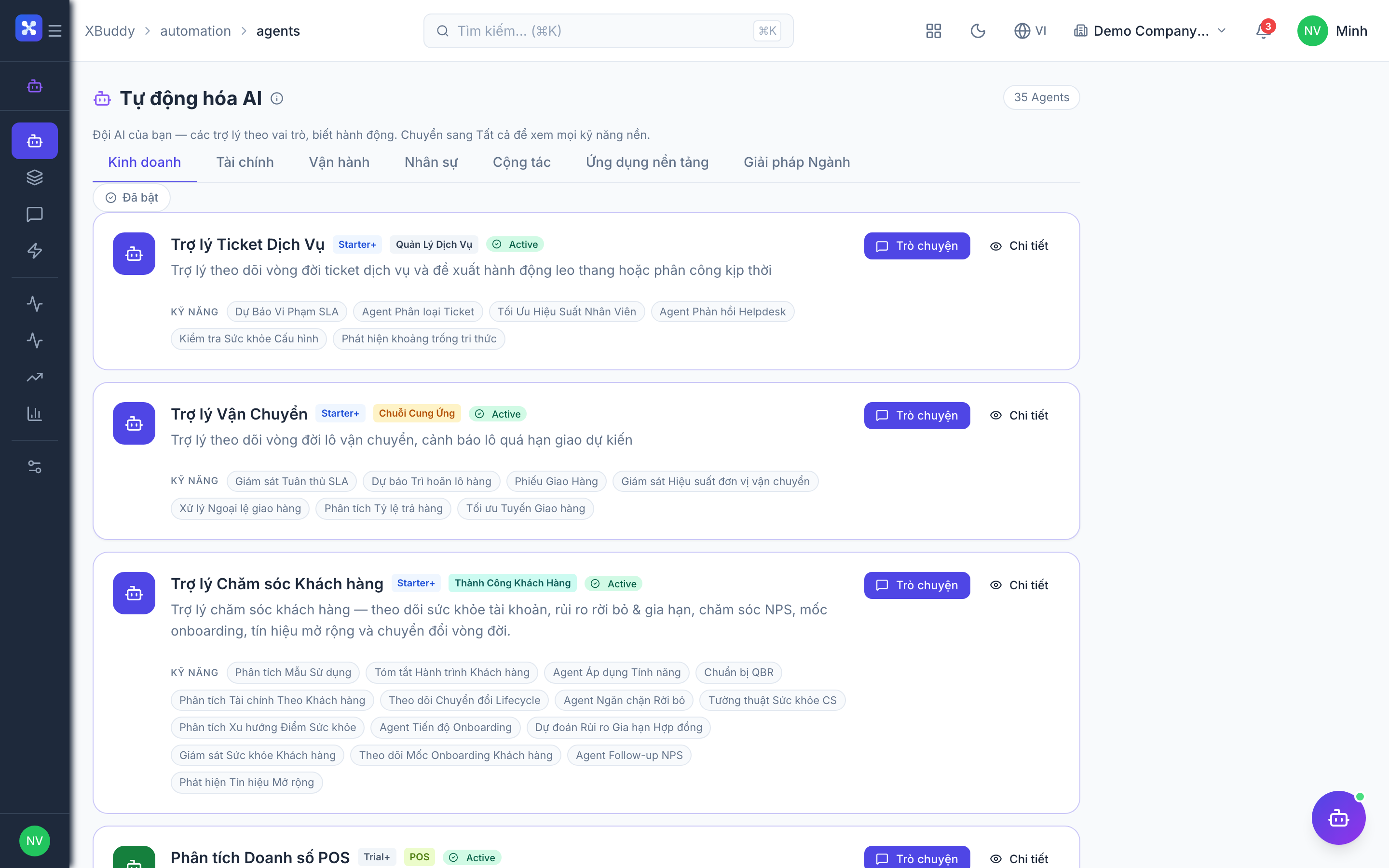
Open Automation → Agents and filter by the Finance domain. The Insights surface in the Analytics area and in the Finance app’s AI Hub.