Lead Qualifier
The Lead Qualifier is the CRM-domain Assistant that gets new leads ready for sales. It enriches contact records, labels them by fit and intent, follows up on quotes, and nurtures hot leads so reps spend their time on the ones most likely to close.
Domain: CRM · Anchor code: lead_qualifier · Surface: Assistant
What it does
Lead Qualifier improves lead quality before a rep ever picks up the phone. It enriches contact records with missing details and applies consistent labels so segmentation and routing work reliably.
It watches quotes that have gone quiet and prompts a follow-up, and it nurtures leads showing buying signals with timely, relevant touchpoints. The result is a cleaner, better-prioritized top of funnel.
Enrichment and outreach are proposed as Suggestions for human approval — the Assistant does not message contacts on its own.
Skills
| Skill | What it does |
|---|---|
| Contact Enricher | Fills in missing contact and company details on lead records. |
| Contact Auto-Labeler | Applies consistent labels by fit, intent, and segment. |
| Quote Followup | Prompts follow-up on quotes that have gone quiet. |
| Hot Lead Nurture Agent | Nurtures high-intent leads with timely touchpoints. |
Triggers & schedule
Skills run on a daily cron across new and open leads. Contact-scoped skills can be run manually from a contact or lead detail page. All runs are notify-first — the Assistant emits Suggestions for human approval.
Actions & approvals
Actions appear in the Suggestions queue with Approve / Dismiss controls. Examples:
- Enrich contact with newly found details.
- Apply label to a lead based on fit and intent.
- Send quote follow-up to a stalled quote.
Where to find it
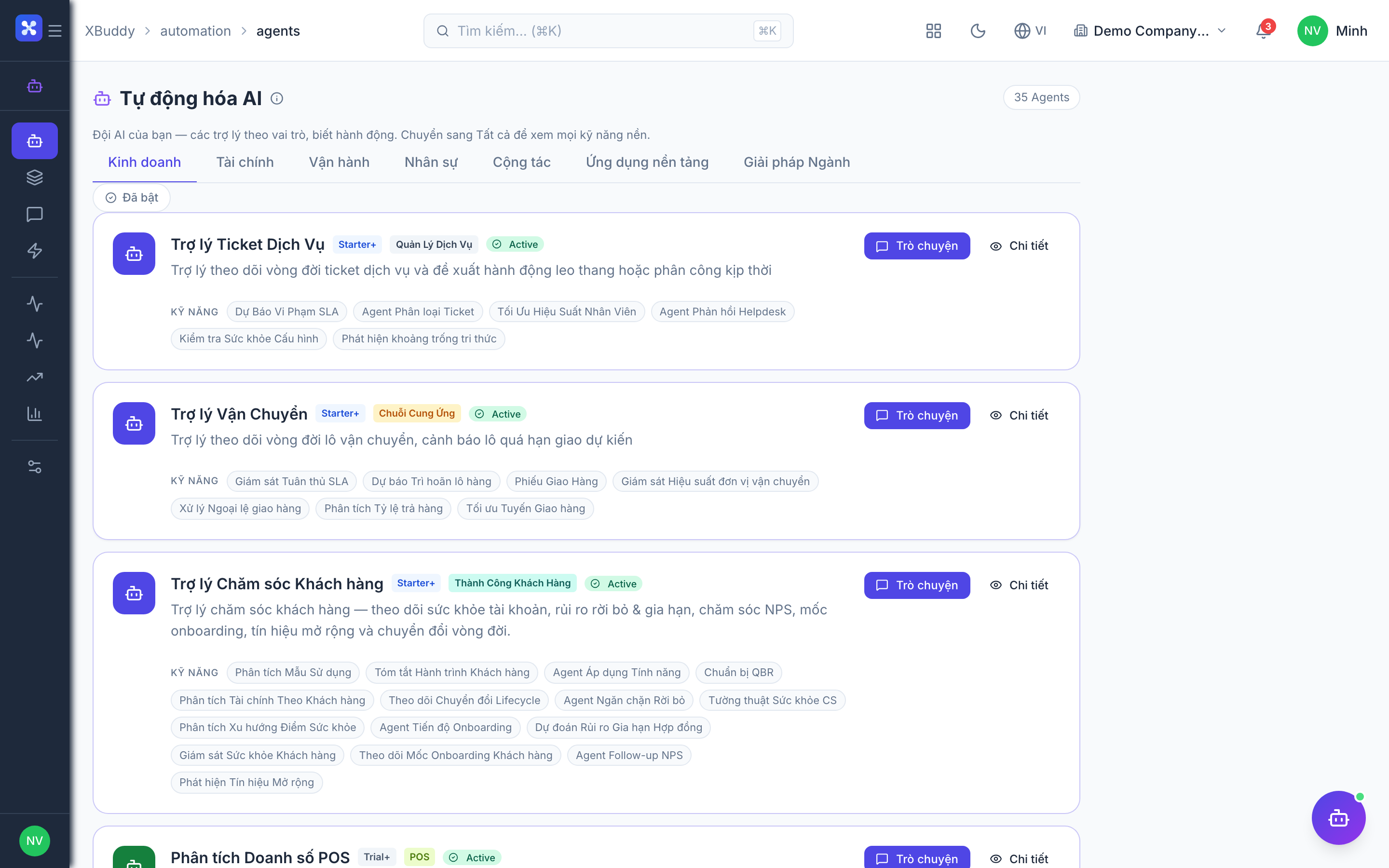
Open Automation → Agents and filter by the CRM domain, or use the AI Hub in the CRM app. On a contact or lead detail page, the entity-scoped panel runs Lead Qualifier against that record.