Project PM
The Project PM is the operations-domain Assistant for projects and tasks. It guards project budgets, forecasts margins, balances resources, and keeps tasks moving by predicting overdue risk and spotting bottlenecks.
Domain: Operations · Anchor code: project_pm · Surface: Assistant
What it does
Project PM keeps delivery on time and on budget. It monitors project spend against budget, forecasts final margin, and recommends procurement when a project needs materials. It looks across modules to give a single health read per project.
At the task level, it forecasts milestone deadlines, assigns tasks intelligently, coaches team velocity, detects bottlenecks and dependency blockers, and predicts which tasks are heading overdue. It also balances resource capacity and optimizes billable hours.
Actions are proposed as Suggestions for human approval; the PM stays in control of the plan.
Skills
| Skill | What it does |
|---|---|
| Project Budget Guardian | Monitors project spend against budget and flags overruns. |
| Project Margin Forecaster | Forecasts a project’s final margin. |
| Project Procurement Recommender | Recommends procurement to meet project needs. |
| Project Cross-Module Health | Combines signals across modules into one project health read. |
| Milestone Deadline Forecaster | Forecasts whether milestones will be met. |
| Task Smart Assigner | Suggests the best owner for a task. |
| Task Velocity Coach | Coaches the team on throughput and cycle time. |
| Task Bottleneck Detector | Detects where work is piling up. |
| Task Overdue Risk Predictor | Predicts which tasks are likely to go overdue. |
| Task Dependency Blocker Alert | Alerts when a dependency is blocking progress. |
| Resource Capacity Balancer | Balances workload across the team. |
| Resource Utilization Agent | Reports how fully resources are utilized. |
| Billable Hours Optimizer | Identifies opportunities to improve billable utilization. |
Insights
| Insight | What it reports |
|---|---|
| Meeting Load Analyzer | Reports how much time is consumed by meetings. |
| Calendar Conflict Detector | Reports scheduling conflicts across calendars. |
Triggers & schedule
Skills run on daily crons across active projects and tasks. Task- and project-scoped skills can be run manually from a record’s detail page. Insights appear in the Analytics area. All runs are notify-first — the Assistant emits Suggestions for human approval.
Actions & approvals
Actions appear in the Suggestions queue with Approve / Dismiss controls. Examples:
- Create task to unblock a dependency.
- Reassign task to balance capacity.
- Flag budget overrun on a project.
Where to find it
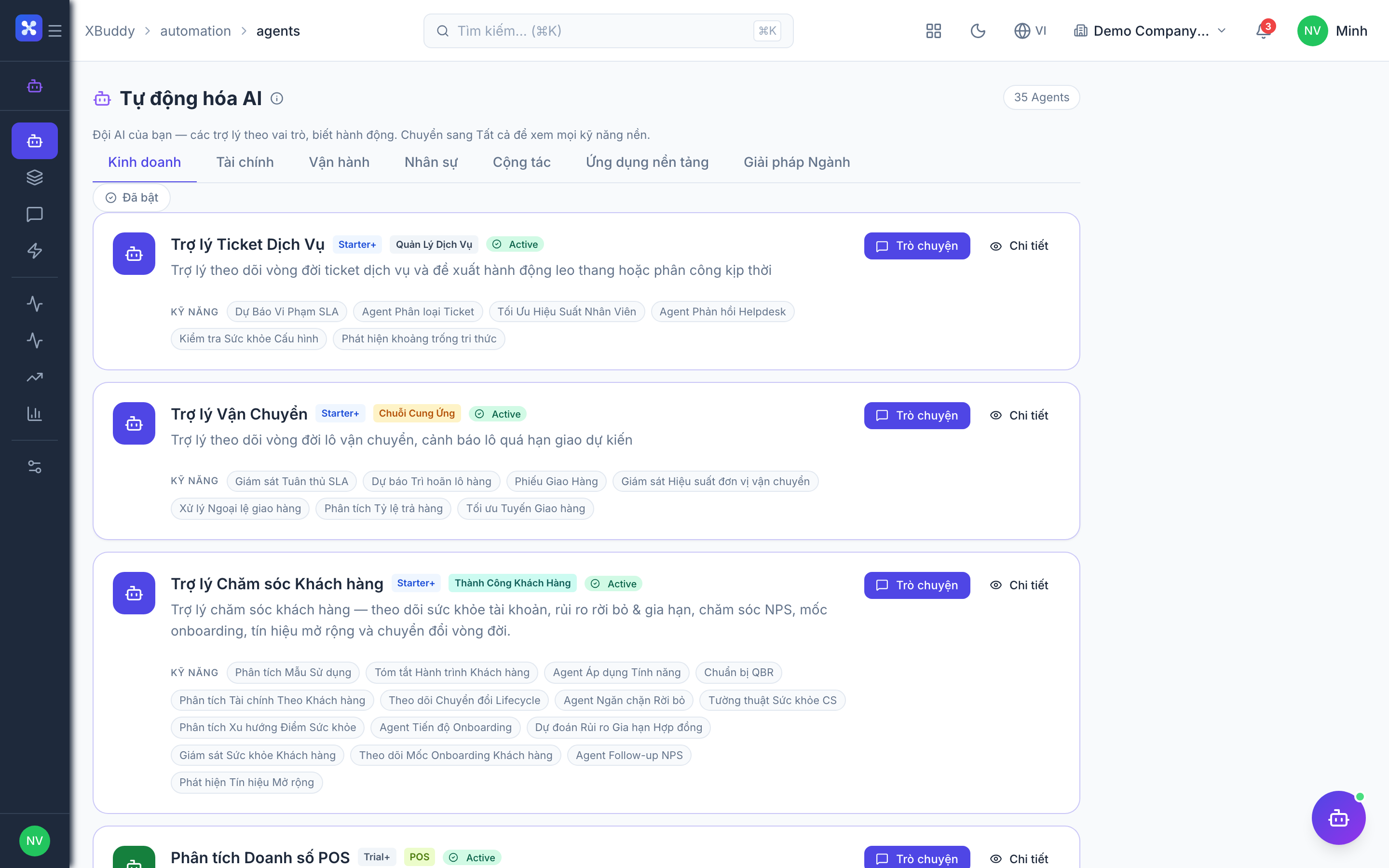
Open Automation → Agents and filter by the Operations domain, or use the AI Hub in the Projects and Tasks apps. On a project or task detail page, the entity-scoped panel runs Project PM against that record.