AP Manager
The AP Manager is the finance-domain Assistant for accounts payable. It watches incoming bills, catches three-way-match exceptions, prioritizes what to pay, and helps you schedule payment runs so nothing goes late and nothing gets paid twice.
Domain: Finance · Anchor code: ap_manager · Surface: Assistant
What it does
AP Manager keeps your payables clean and on time. It reconciles each bill against its purchase order and goods receipt (three-way match), flagging quantity or price mismatches before they are paid. It analyzes AP aging so you always know what is coming due and what is overdue.
When it is time to pay, the Assistant proposes a payment run — grouping bills by due date, vendor priority, and available cash — and highlights any early-payment discounts worth capturing. It also scans for duplicate bills, a common source of accidental double payments.
Everything is proposed as a Suggestion for a human to approve; AP Manager never releases a payment on its own.
Skills
| Skill | What it does |
|---|---|
| 3-Way Match Exception Handler | Compares each bill to its PO and goods receipt and flags quantity or price mismatches. |
| AP Aging Analyzer | Buckets outstanding payables by age to surface what is due soon and what is overdue. |
| Payment Run Scheduler | Proposes a batched payment run grouped by due date and cash availability. |
| Vendor Payment Prioritizer | Ranks which vendors to pay first based on terms, risk, and relationship. |
| Bill Duplicate Detector | Detects likely duplicate bills before they are paid twice. |
| Early Payment Discount Capture | Identifies bills whose early-payment discount is worth taking. |
Triggers & schedule
Most skills run on a daily or weekly cron sweep across all bills in the tenant. Bill-scoped skills can also be run manually from a bill’s detail page when you want an on-the-spot assessment. All runs are notify-first: the Assistant emits Suggestions and waits for human approval.
Actions & approvals
Proposed actions land in the Suggestions queue with Approve / Dismiss buttons. Examples:
- Schedule payment for a bill coming due within the payment window.
- Flag three-way mismatch on a bill whose quantity or price differs from its PO/GRN.
- Send payment reminder or note to route a bill for review.
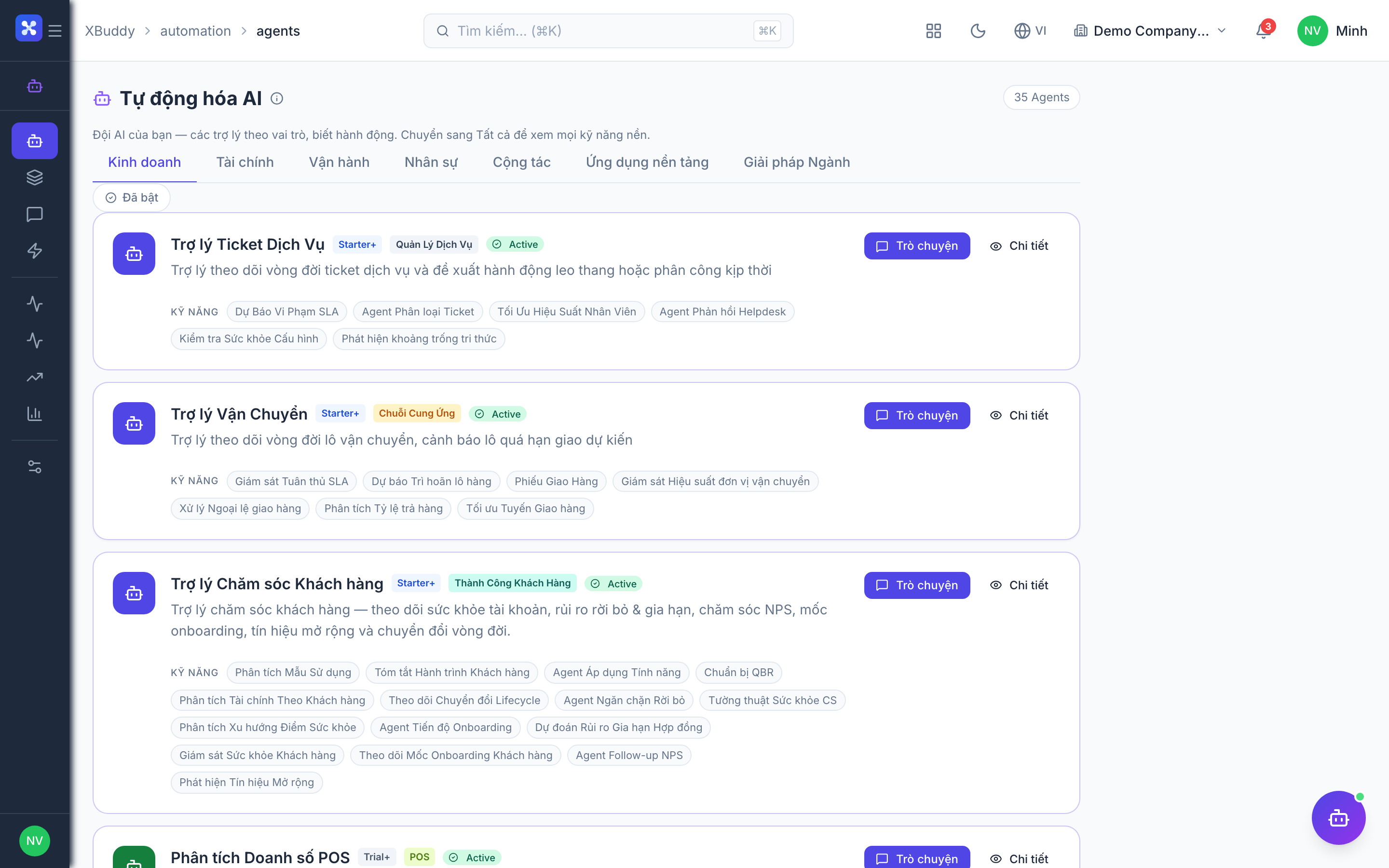
Where to find it
Open Automation → Agents and filter by the Finance domain, or use the AI Hub inside the Finance app. On a bill’s detail page, the entity-scoped agent panel runs AP Manager against that single bill and shows its assessment inline.