OKR
XBuddy OKR turns strategy into measurable, aligned execution. You define Objectives (qualitative, aspirational goals) and attach Key Results (quantitative, measurable outcomes) to them, then cascade those goals from the company level down to teams and individuals. Weekly check-ins keep progress honest, the alignment tree shows how every goal ladders up to the company mission, and cycle analytics turn a quarter of effort into a scored, reviewable record.
Objectives inspire, Key Results measure. A well-formed Objective is memorable and time-bound; each Key Result has a start value, a target, and a current value so progress is always a number — never an opinion.
Key Features
- Objective and Key Result creation with owner, cycle, and confidence scoring
- Goal cascade from company → team → individual with explicit parent alignment
- OKR Tree — visual alignment map showing how goals ladder up to the mission
- Time-boxed OKR Cycles (quarterly / annual) with open, active, and closed states
- Weekly and bi-weekly check-ins that update Key Result current values
- Milestones and Actions linking day-to-day execution to Key Results
- Team Health view — progress, at-risk goals, and check-in compliance per team
- OKR Analytics — completion rates, confidence trends, and alignment coverage
- Reports for leadership review and cycle retrospectives
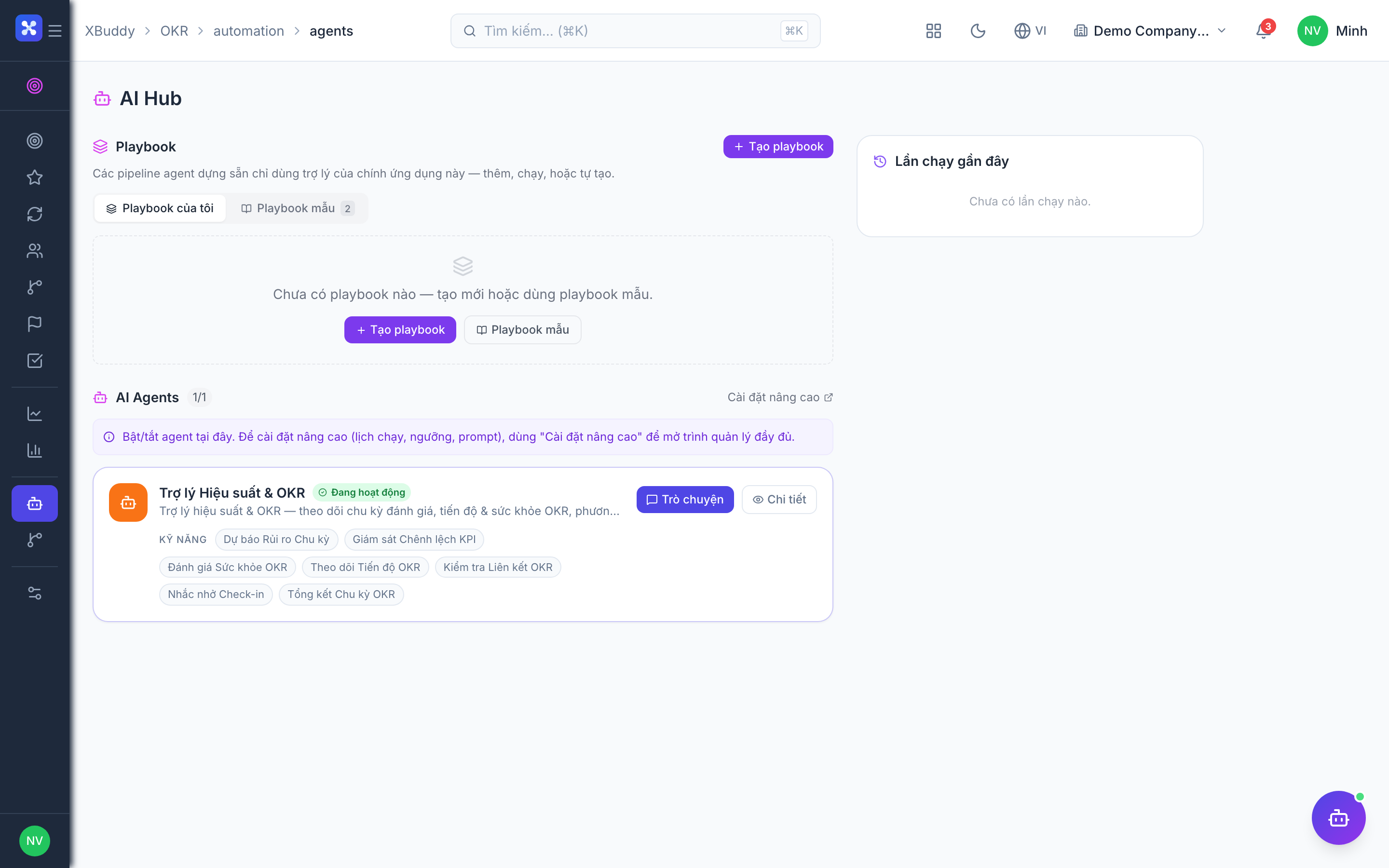
- AI Hub agents that track progress, validate alignment, and nudge check-ins
- Workflows to automate reminders, escalations, and cycle roll-over
Important features
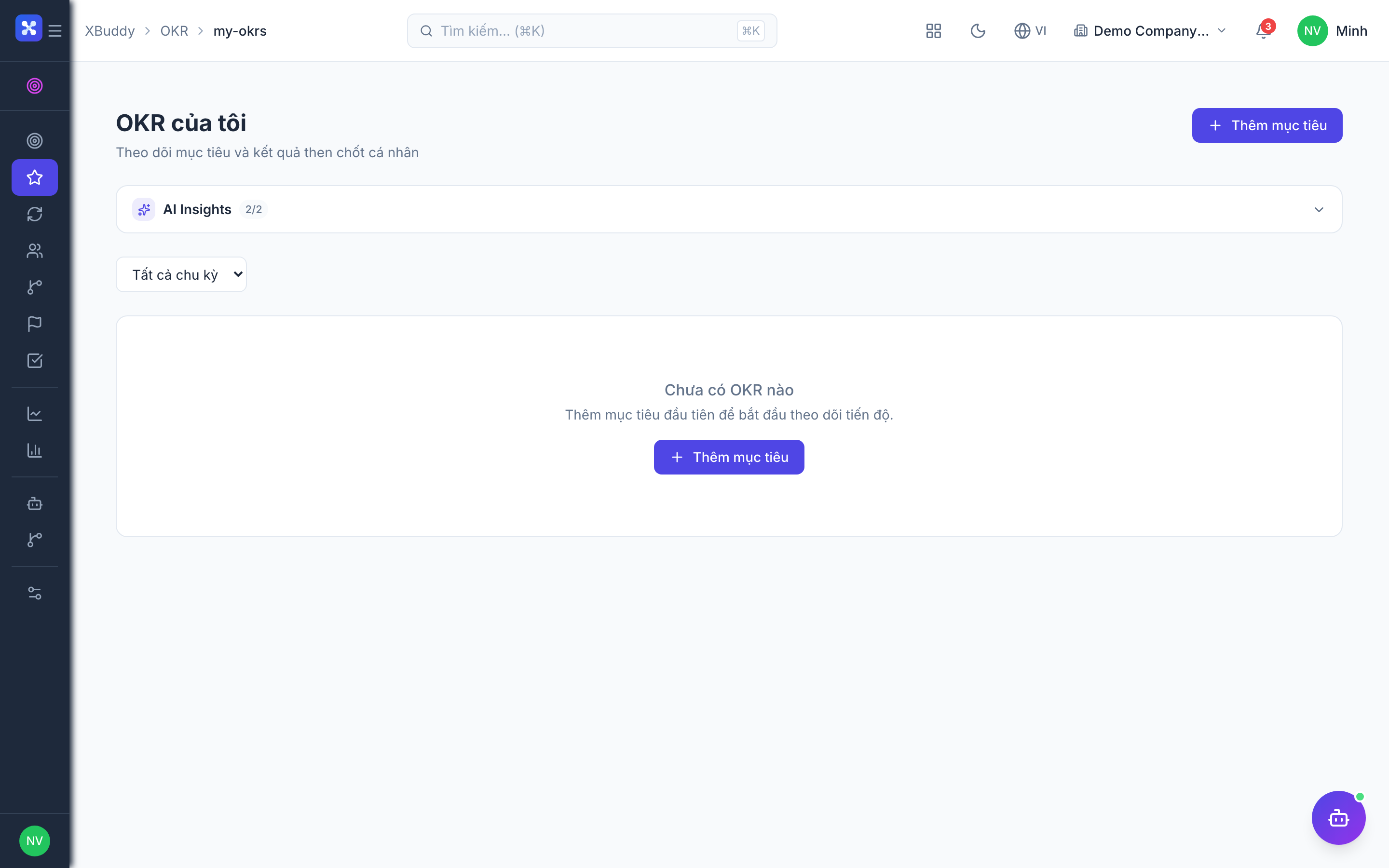
Creating objectives and key results
Every OKR starts with one Objective and two to five Key Results. Objectives are set inside a cycle and assigned an owner; Key Results carry the numbers that prove progress.
Open My OKRs
Go to OKR → My OKRs (/okr/my-okrs) and click New Objective. Give it a clear, outcome-focused title and select the active cycle.
Add key results
Under the objective, add each Key Result with a start value, target value, and unit (%, count, currency). Optionally set a metric type (increase, decrease, or milestone).
Align to a parent
Set the objective’s parent (a team or company objective) so it appears correctly in the OKR Tree. Individual OKRs should ladder up to team OKRs; team OKRs to company OKRs.
Set confidence
Assign an initial confidence score (0–100%). Owners revisit this each check-in to signal whether the goal is on track, at risk, or off track.
Aim for two to five Key Results per Objective. A single Key Result usually means the Objective is really just a task; more than five dilutes focus.
Running OKR cycles
Cycles are the time boxes that group OKRs. Only one cycle is typically active at a time, and closing a cycle freezes its scores for the retrospective.
Create the cycle
Go to OKR → OKR Cycles (/okr/cycles) and create a cycle with a name (e.g. “Q3 2026”), start date, and end date.
Open for drafting
Set the cycle to open so owners can draft and align objectives before it starts.
Activate
When the period begins, set the cycle to active. Check-ins and progress tracking now count toward the cycle score.
Close and score
At period end, set the cycle to closed. Final Key Result values are frozen and roll into the cycle summary and Reports.
Check-ins and progress tracking
Check-ins are the heartbeat of OKR. Each week owners update Key Result current values and confidence, and the system recomputes objective progress automatically.
Open your objective
From OKR → My OKRs (/okr/my-okrs), open an objective and click Check in.
Update key result values
Enter the latest current value for each Key Result. Progress is computed as (current − start) / (target − start).
Update confidence and add a note
Adjust the confidence score and add a short update (blockers, next steps). This narrative appears in Team Health and cycle reports.
Review the roll-up
Objective progress rolls up from its Key Results; team and company progress roll up through the OKR Tree.
Milestones and actions
Milestones and Actions connect execution to outcomes so a Key Result isn’t just a number that mysteriously moves.
Add milestones
Go to OKR → Milestones (/okr/milestones) to define dated checkpoints that a Key Result must pass (e.g. “Beta shipped”, “First 100 customers”).
Log actions
Go to OKR → Actions (/okr/actions) to capture the concrete tasks driving each Key Result. Link actions to Projects where the real work lives.
Track completion
As milestones are hit and actions completed, owners update the linked Key Result value during check-in — closing the loop between activity and result.
Team health and analytics
Team Health gives managers a live read on their teams; OKR Analytics gives leadership the cycle-wide picture.
Review team health
Go to OKR → Team Health (/okr/team-health) to see per-team progress, at-risk objectives (low confidence or lagging progress), and check-in compliance.
Analyse the cycle
Go to OKR → OKR Analytics (/okr/analytics) for completion rates, confidence-over-time trends, and alignment coverage (how many OKRs ladder up correctly).
Export for review
Go to OKR → Reports (/okr/reports) to produce retrospective and leadership-review reports for the cycle.
Full feature reference
| Nav item | Path | What it does |
|---|---|---|
| Overview | /okr | KPI dashboard — active objectives, overall progress, at-risk count, check-in compliance |
| My OKRs | /okr/my-okrs | Create, check in on, and manage the objectives you own |
| OKR Cycles | /okr/cycles | Define and manage time-boxed cycles (open / active / closed) |
| Team Health | /okr/team-health | Per-team progress, at-risk goals, and check-in compliance |
| OKR Tree | /okr/tree | Visual alignment map cascading company → team → individual OKRs |
| Milestones | /okr/milestones | Dated checkpoints that key results must pass |
| Actions | /okr/actions | Concrete tasks driving key results, linkable to Projects |
| OKR Analytics | /okr/analytics | Completion rates, confidence trends, and alignment coverage |
| Reports | /okr/reports | Retrospective and leadership-review reports per cycle |
| AI Hub | /okr/ai-hub | AI agents scoped to OKR (progress, alignment, nudges, summaries) |
| Workflows | /okr/workflows | Automation rules for reminders, escalations, and cycle roll-over |
| Settings | /okr/settings | Cycle cadence, check-in frequency, confidence scale, and scoring rules |
Integration points
| Integrates with | Direction | What flows |
|---|---|---|
| Performance | Bidirectional | KPIs sync to and from Key Results so OKR progress and performance ratings stay aligned |
| Projects | Inbound | Project tasks and milestones link to Actions and Key Results, feeding real execution data into progress |
| HR | Inbound | Org hierarchy (manager relationships) drives the OKR Tree cascade and Team Health roll-ups |
Related AI agents
| Agent | What it does |
|---|---|
| Perf & OKR Coach | Monitors key-result progress against the expected curve, validates that team OKRs contribute to company objectives, nudges owners who miss check-ins, and generates end-of-cycle achievement summaries |
Common workflows
Setting up a new quarter
- Create the cycle in OKR Cycles and set it to open.
- Leadership drafts company objectives; teams draft aligned team objectives in the OKR Tree.
- Individuals draft OKRs laddering up to their team, each with 2–5 measurable key results.
- Review alignment coverage in Analytics, then set the cycle to active.
Weekly check-in rhythm
- Owners update key-result current values and confidence in My OKRs.
- Managers review Team Health for at-risk objectives and follow up on missed check-ins.
- The Perf & OKR Coach nudges anyone who hasn’t checked in.
Closing and reviewing a cycle
- Owners record final key-result values in the last check-in of the cycle.
- Set the cycle to closed to freeze scores.
- Generate the cycle summary in Reports and run the retrospective, then carry forward learnings into the next cycle’s drafts.
FAQ
What’s the difference between an Objective and a Key Result? An Objective is a qualitative, inspiring goal (“Delight our first enterprise customers”). A Key Result is a quantitative measure of that goal (“Increase NPS from 30 to 50”). You track Objectives through the movement of their Key Results.
How is progress calculated?
Each Key Result computes (current − start) / (target − start), clamped to 0–100%. Objective progress is the average of its Key Results, and team/company progress rolls up through the OKR Tree.
Can one objective align to another team’s objective? Yes. Cross-functional objectives can set a parent in another team, and they appear under that parent in the OKR Tree so shared goals stay visible.
What does the confidence score mean? Confidence is the owner’s honest read of whether the goal will be met (0–100%). It’s separate from progress — a Key Result can be 60% complete but low-confidence if the remaining work is at risk. Team Health flags low-confidence goals early.
Why isn’t my OKR showing in the tree? It probably has no parent objective set. Open it in My OKRs and set its parent so it ladders up correctly.