Users
Manage everyone who signs in to your XBuddy workspace at Settings → Users (/settings/users). Each user’s detail page brings together their roles, account type, mobile persona, and app access in one place.
Invite a user
Open Users
Go to Settings → Users and click Invite User.
Enter email and role
Enter the person’s work email and pick at least one role — the role decides what they can do from day one. You can always adjust roles later.
Send the invite
The user receives an email invitation and sets their own password on first sign-in.
Assign or change roles
Open the user’s detail page
From the user list, click the user to open their detail page.
Adjust roles
In the Roles section, add or remove roles. A user can hold multiple roles — their effective permissions are the union of all of them.
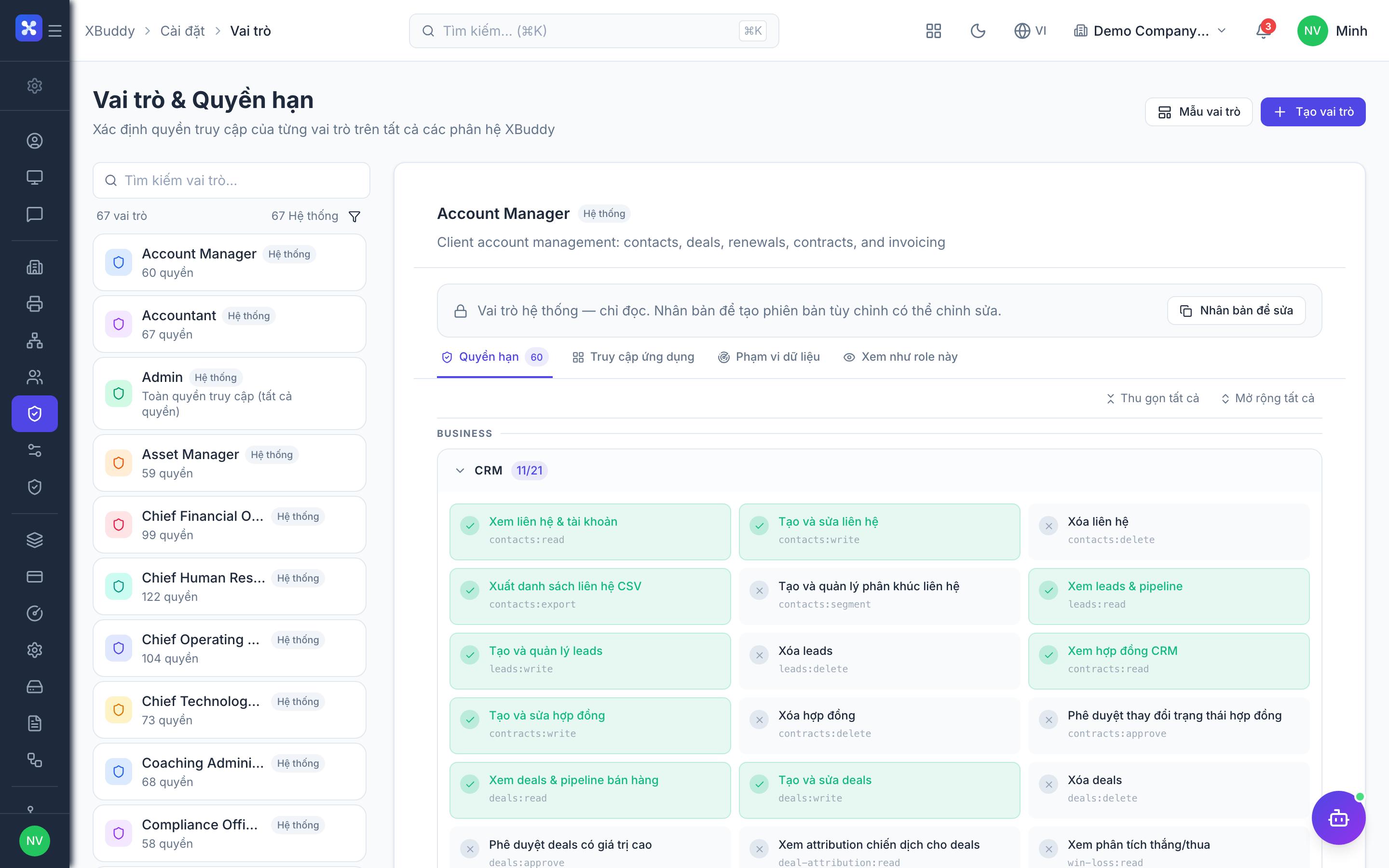
Role changes take effect quickly — permission caches refresh within a few minutes, and sensitive revocations (removing a role, deactivating a user) apply immediately.
Activate and deactivate
Deactivate a user (e.g. when someone leaves) instead of deleting them: their history stays intact for audit, but they can no longer sign in. Reactivate at any time from the same page.
Account type — where the user can sign in
| Account type | Can sign in to |
|---|---|
| Web (default) | The web platform (and mobile if permitted) |
| Mobile | Mobile apps only — a lighter, typically cheaper seat for field and frontline staff |
| Both | Web platform and mobile apps |
The account type is assigned by an admin on the user’s detail page and enforced at login.
Mobile persona — which mobile app
XBuddy ships two mobile apps, and each mobile user gets a persona:
- Manager — approvals, dashboards, team oversight, and management views.
- Workforce — day-to-day execution: attendance clock-in, field jobs, stock operations, sales on the go.
The persona defaults from the user’s role and can be overridden per user by an admin.
Account type and persona shape where the user works — they don’t replace roles. Roles decide capabilities. See Roles and App Access.