Scenarios
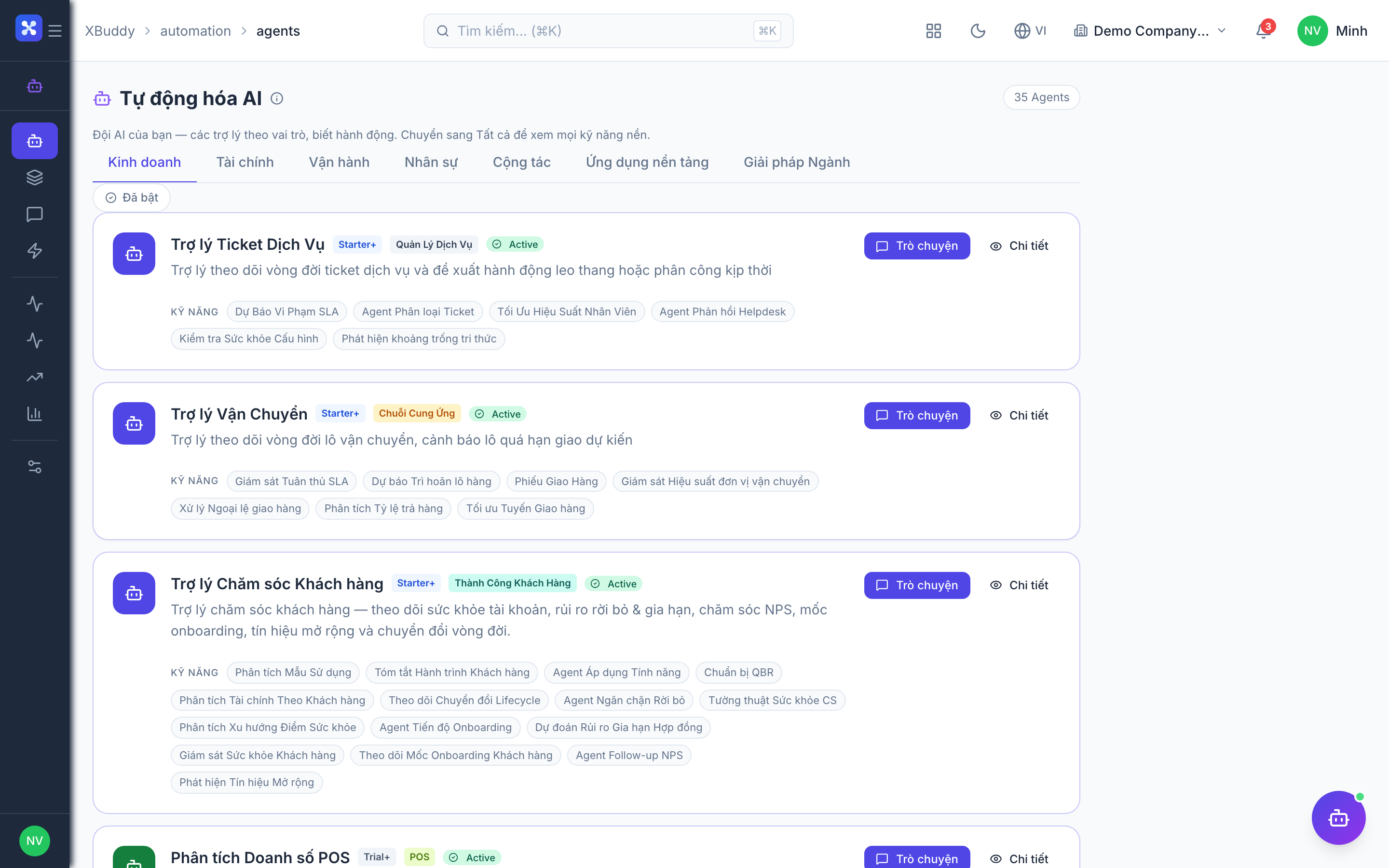
A Scenario is a one-click playbook that runs several agents together and merges their output into a single consolidated result. Where a single agent answers one question, a Scenario answers a business situation — “how did sales do this week”, “are we ready to close the month”, “is the business healthy” — by fanning out to the relevant Assistants and gathering their findings in one place.
Use a single agent for a focused task, a Scenario for a recurring cross-agent review, and a Pipeline when later steps must consume earlier steps’ output.
Two kinds of Scenario
Ad-hoc tenant scenarios
Focused playbooks you run inside one domain when you need a quick, structured review.
| Scenario | What it runs | Domains covered | Typical cadence |
|---|---|---|---|
| Weekly Sales Review | Pipeline, deal, and quote Assistants | Sales, CRM | Weekly |
| Month-End Financial Close | AR / AP / accounting close Assistants | Finance, Accounting | Monthly |
| Lead Blitz | Lead qualification + follow-up Assistants | CRM | On demand |
| Financial Health Check | Cash-flow, AR, AP, expense Assistants | Finance | Monthly / on demand |
| Quality Review | Inspection, NCR, and defect-trend Assistants | Manufacturing, Quality | Weekly |
System scenarios (Master Orchestrator)
Cross-domain playbooks driven by the Master Orchestrator. These reach across many apps to build a business-wide picture.
| Scenario | What it runs | Domains covered | Typical cadence |
|---|---|---|---|
| End-of-Month Report | Finance, sales, and operations closers | Finance, Sales, Operations | Monthly |
| Weekly Digest | Top movers across every enabled Assistant | All | Weekly |
| Business Health Check | KPI and risk Assistants across domains | All | Monthly |
| Financial Review | AR, AP, expense, FP&A Assistants | Finance, Accounting | Monthly |
| Sales Review | Pipeline, forecast, CS Assistants | Sales, CRM, CS | Weekly |
| Operations Review | Inventory, procurement, field-service, quality | Operations | Weekly |
| Full Business Review | Every domain’s headline Assistants | All | Monthly / quarterly |
Run a Scenario
Open Scenarios
Go to Automation → Playbooks / Scenarios.
Pick a Scenario
Choose an ad-hoc or system Scenario. The card lists which Assistants it will run and which domains it covers.
Run it
Click Run. The Scenario fans out to its member agents, each executing within your tenant boundary, and gathers their reports.
Read the consolidated output
The result is a single page combining each agent’s findings — headline metrics first, then per-agent detail. Any recommended actions still flow through Automation → Suggestions for human approval.
Schedule a Scenario
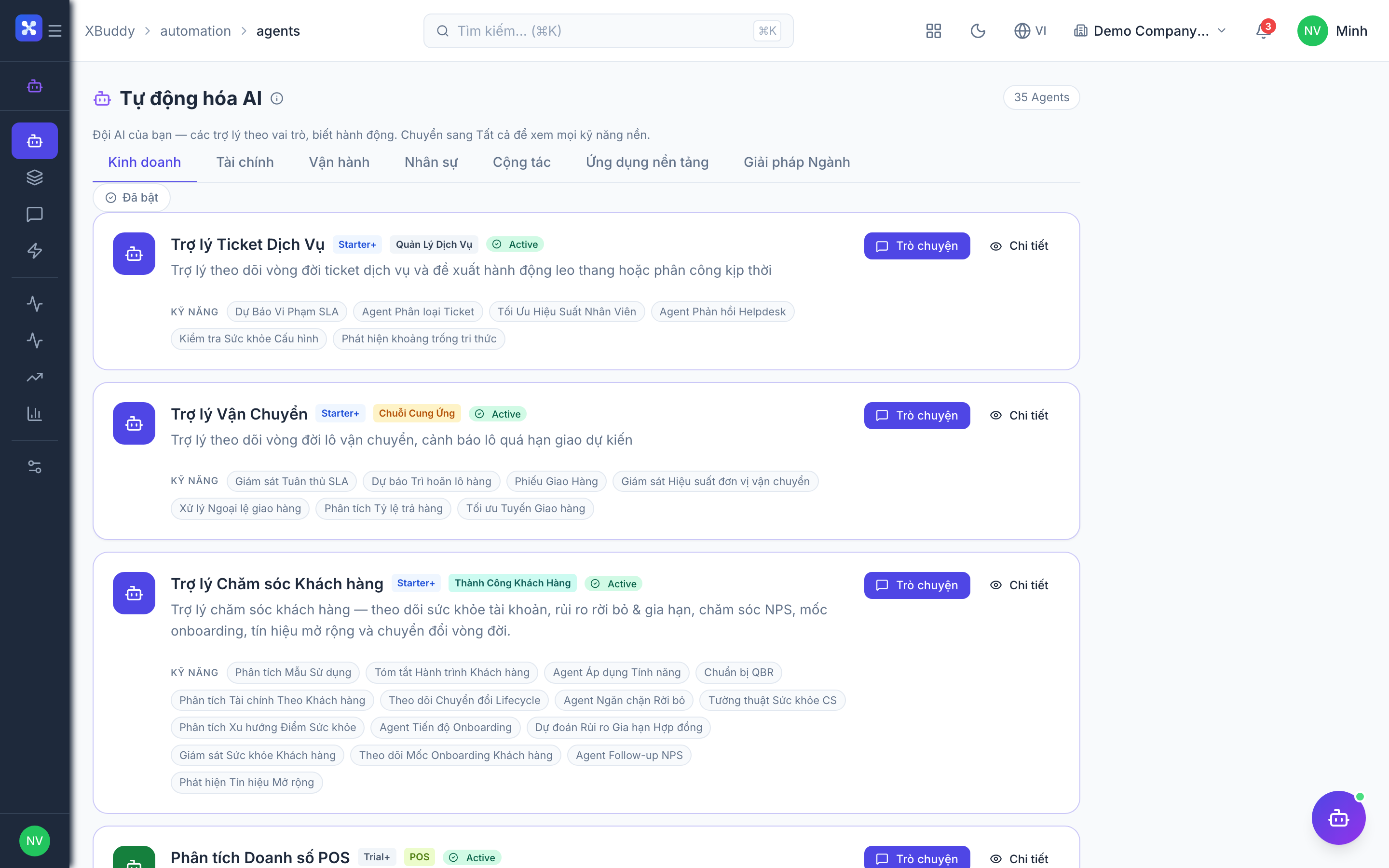
Scenarios can run on the same cron cadences as agents (daily / weekly / monthly). Open the Scenario, enable its schedule, and set the cadence — for example a Weekly Digest every Monday morning, or the End-of-Month Report on the first of each month.
Like agents, a scheduled Scenario is opt-in per tenant — it will not run until you enable its schedule. Manual runs always work.