AI Agents — Overview
XBuddy embeds an AI layer into every business app. Instead of a single generic chatbot, the platform ships 32 role-based Assistants — each one dedicated to a job you already recognize (collecting receivables, qualifying leads, dispatching field technicians, closing the books). This page explains the three surface types, how agents decide when to act, and where each control lives in the product.
The golden rule: notify-first. By default an agent never changes your data on its own. It analyzes, then drops a Suggestion into a queue for a human to Approve or Dismiss. You stay in control; the agent does the legwork.
Three surface types under one roster
Everything in the AI layer belongs to a single roster. Each handler (the code that does the actual work) is grouped under exactly one Assistant. What differs is how it is surfaced to you.
| Surface | What it is | Where you see it |
|---|---|---|
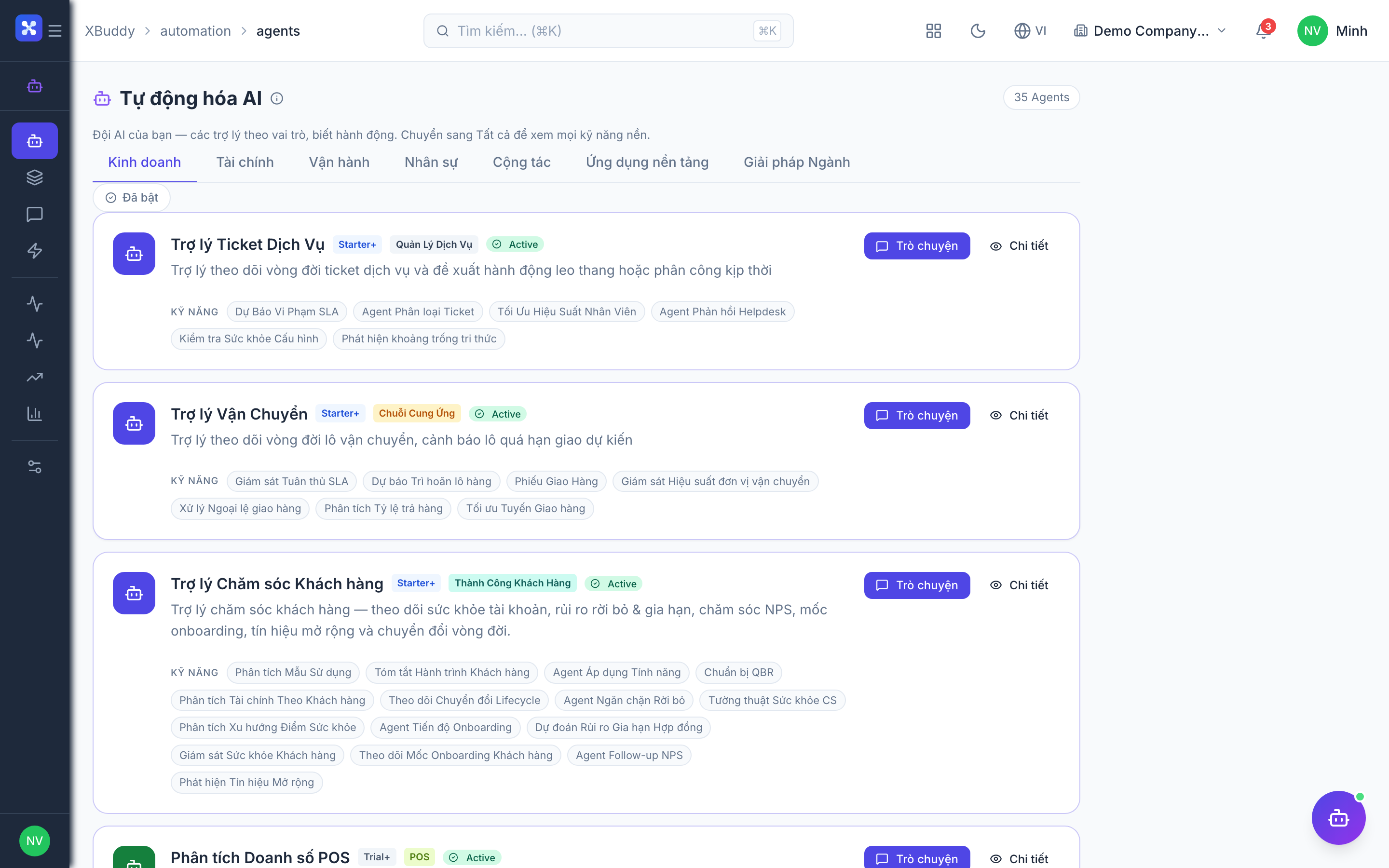
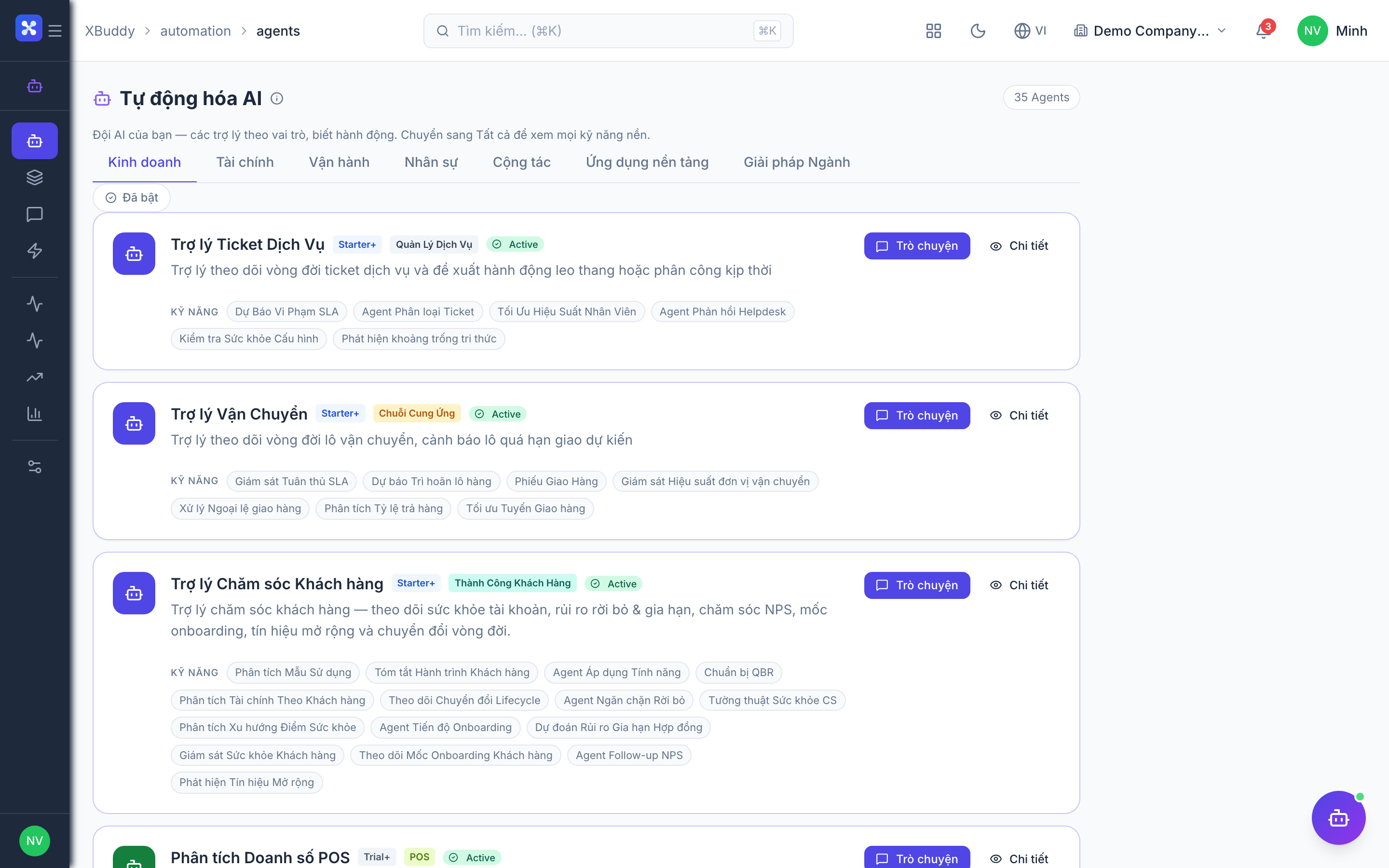
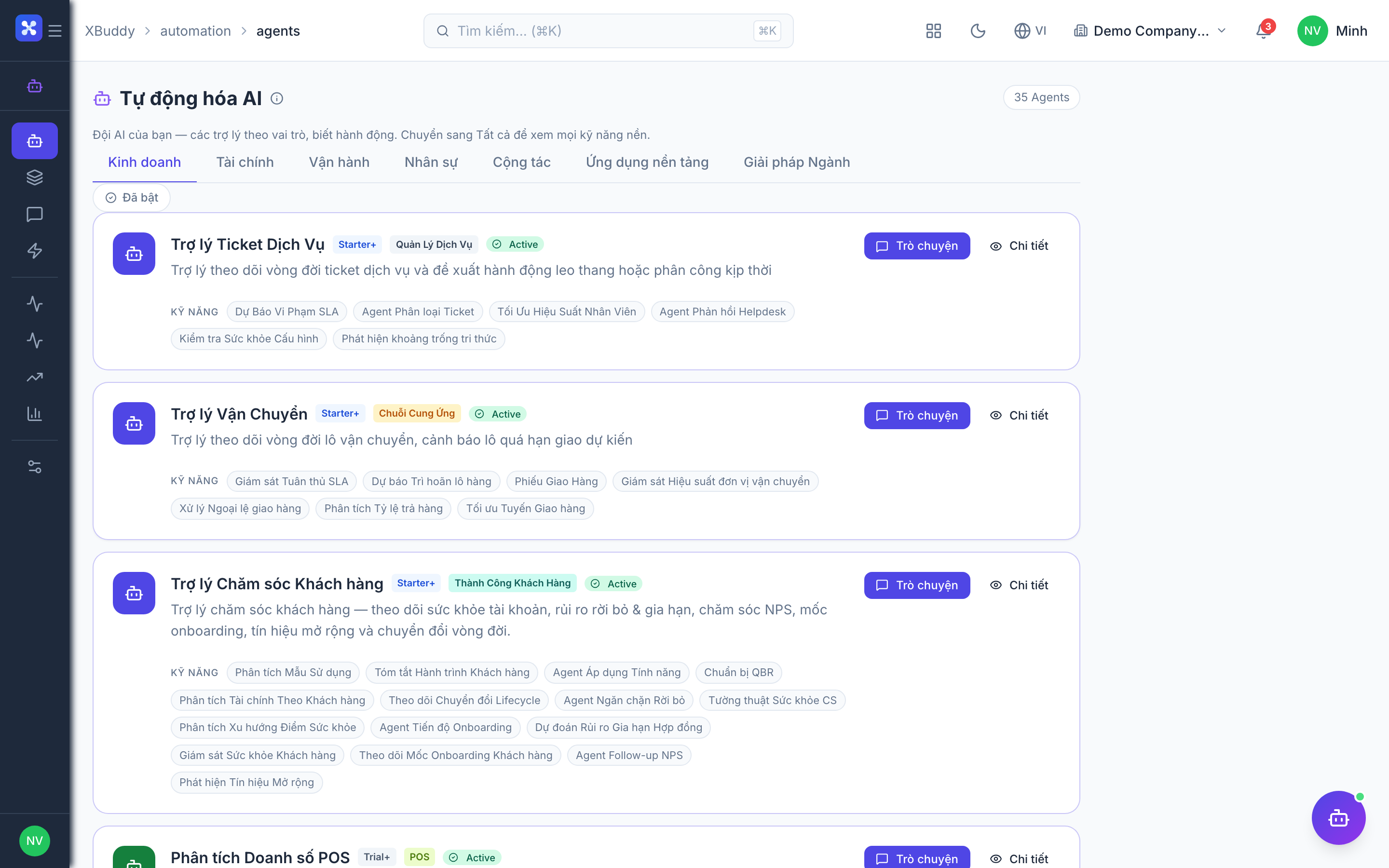
| Assistant | The user-facing agent you enable, run, and manage. The “anchor” of a team of handlers. There are 32 of them. | Automation → Agents (catalog + enable/run) |
| Skill | An internal handler grouped under an Assistant. Runs on cron, does part of the work, and is hidden from the management page. | Runs behind the scenes; contributes to the Assistant’s output |
| Insight | A pure analytics/report handler under an Assistant. Produces read-only findings rather than actions. | Listed separately in the Analytics / AI Insights area |
Think of an Assistant as a manager, its Skills as the staff who do recurring tasks, and its Insights as the analysts who write reports. You hire and direct the manager; the team works underneath.
The notify-first Suggestions flow
Agents run with autonomy = none by default. Rather than acting directly, they emit Suggestions that wait for human approval.
An agent runs
On its schedule (or when you run it manually), the agent inspects your data — overdue invoices, stale deals, low stock, expiring contracts — within your tenant boundary.
It emits a Suggestion
Each recommended action becomes a Suggestion with a reason, an estimated impact, and a confidence score. Suggestions land in Automation → Suggestions.
A human decides
You click Approve (which executes the real underlying action — send the reminder, create the task, schedule the payment) or Dismiss (which discards it). Nothing changes until you approve.
The result is recorded
Approved actions are executed by the platform, logged, and — where they create a record — linked back so you can trace what happened.
Approve is a real write. Approving a “send payment reminder” Suggestion actually sends the reminder; approving “create task” actually creates the task. Dismiss is always safe.
Beyond Suggestions, some Assistants also surface Insights (read-only analytics) and contribute to the AI Feed — a chronological stream of what every agent has been doing.
Entity-scoped runs
Most agents can run in two modes:
- Batch (tenant-wide) — the cron sweep. The agent scans all relevant records (e.g. every overdue invoice) and emits Suggestions across the tenant.
- Entity-scoped (one record) — from a record’s detail page, an on-page AI panel lets you run the relevant Assistant against just that record. For example, open one invoice and run AR Collector on it; the result and any Suggestion appear right there on the invoice page.
Entity-scoped results are saved against the record, so reopening the page shows the history for that record only.
Triggers
| Trigger | When it fires | Example |
|---|---|---|
| Cron | On a schedule — daily, weekly, or monthly | AR Collector sweeps overdue invoices each morning |
| Event-driven | On a record event — create, update, or status change | Deal moves to “Proposal Sent” → Sales Coach follows up |
| Manual | On demand, usually entity-scoped from a detail page | Run Quality Inspector on one inspection now |
Cron agents are opt-in per tenant. A scheduled agent does nothing until you enable its schedule in the agent’s settings. This prevents surprise activity and keeps the Suggestions queue relevant. Manual and entity-scoped runs always work regardless of the schedule.
Where everything lives
The Automation app is the home of the AI layer. Every business app also has an AI Hub section, and record detail pages carry the entity-scoped panel.
| Location | What you do there |
|---|---|
| Automation → Agents | Browse the catalog, enable an Assistant, configure its schedule, run it |
| Automation → Playbooks / Scenarios | One-click multi-agent runs across domains |
| Automation → Pipelines | Multi-step orchestrations where each step feeds the next |
| Automation → Copilot | Conversational AI chat over your data |
| Automation → Suggestions | The approval queue — Approve / Dismiss |
| Automation → AI Feed | Chronological stream of agent activity |
| Automation → Monitor | Run status, failures, retries |
| Automation → Agent Costs / AI Usage | Token consumption and cost tracking |
| Automation → Settings | Tenant-wide AI configuration |
| Each app → AI Hub | The Assistants relevant to that app |
| Record detail pages | Entity-scoped agent panel + inline Approve |