Inventory Planner
The Inventory Planner is XBuddy’s flagship inventory Assistant. It keeps stock balanced — predicting stockouts before they bite, calculating smart reorder points, clearing dead stock, and explaining discrepancies — so you hold the right quantity of the right items.
Domain: Inventory · Anchor code: inventory_planner · Surface: Assistant
What it does
Inventory Planner turns stock data into replenishment decisions. It predicts stockout risk from demand and lead time, calculates smart reorder quantities, and surfaces reorder intelligence so buyers act before shelves empty. It handles stock requests and monitors supplier performance behind replenishment.
It also protects working capital: it detects dead stock, flags expiring lots and aging RMAs, and explains inventory discrepancies so counts can be trusted. It even generates item descriptions to keep the catalog clean.
Replenishment actions are proposed as Suggestions for human approval; the planner decides what to buy.
Skills
| Skill | What it does |
|---|---|
| Stock Request Assistant | Helps create and route internal stock requests. |
| Inventory Stockout Risk Predictor | Predicts which items are at risk of stocking out. |
| Inventory Smart Reorder Calculator | Calculates smart reorder quantities and points. |
| Inventory Reorder Intelligence | Surfaces reorder recommendations across items. |
| Inventory Dead Stock Detector | Detects slow-moving and dead stock. |
| Inventory Discrepancy Explainer | Explains count discrepancies. |
| Inventory Expiring Lots Alert | Alerts on lots nearing expiry. |
| Inventory RMA Aging Monitor | Monitors aging returned-material authorizations. |
| Inventory Item Description Generator | Generates clean item descriptions. |
| Inventory Supplier Performance Digest | Summarizes supplier performance for replenishment. |
Insights
| Insight | What it reports |
|---|---|
| Inventory Turnover Analyst | Reports inventory turnover and its drivers. |
Triggers & schedule
Skills run on daily crons across the item base. The stock-request and reorder skills can be run manually from an item’s detail page. The turnover Insight appears in the Analytics area. All runs are notify-first — the Assistant emits Suggestions for human approval.
Actions & approvals
Proposed actions land in the Suggestions queue with Approve / Dismiss buttons. Examples:
- Create stock request to replenish an at-risk item.
- Flag dead stock for markdown or write-off review.
- Alert expiring lot before it becomes unsellable.
How to use it
- Run it. Open an inventory item’s detail page and click Run in the entity-scoped agent panel — or let the daily cron run it. The Planner reads that item’s demand, stock, and lead time.
- Read the output. The assessment shows stockout risk, suggested reorder quantity, and any dead- stock or expiry flags, with a “basis of analysis” line.
- Approve a suggestion. If the Planner proposes a stock request, review the reasoning and click Approve to raise it, or Dismiss to skip.
Example output
Item SKU-7781 — Reorder Assessment
- Stockout risk: High — projected to run out in 6 days at current demand
- On hand: 40 · Reorder point: 120 · Suggested order: 300
- Recommended action: Create stock request for 300 units to cover the 14-day lead time.
Basis of analysis: 1 item, 90 days of demand. Method: AI-assisted.
Suggested action: Create stock request · [Approve] [Dismiss]
Where to find it
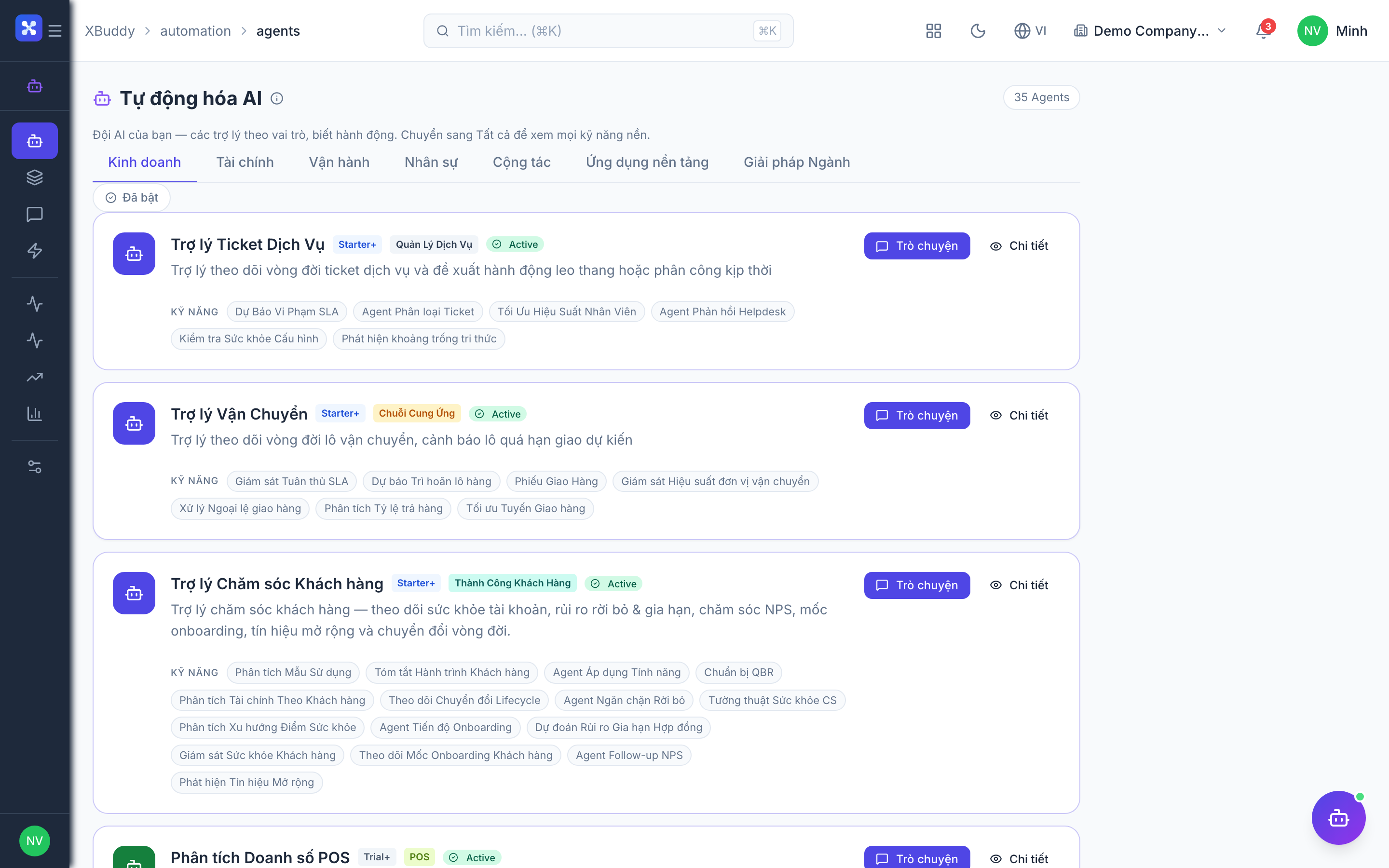
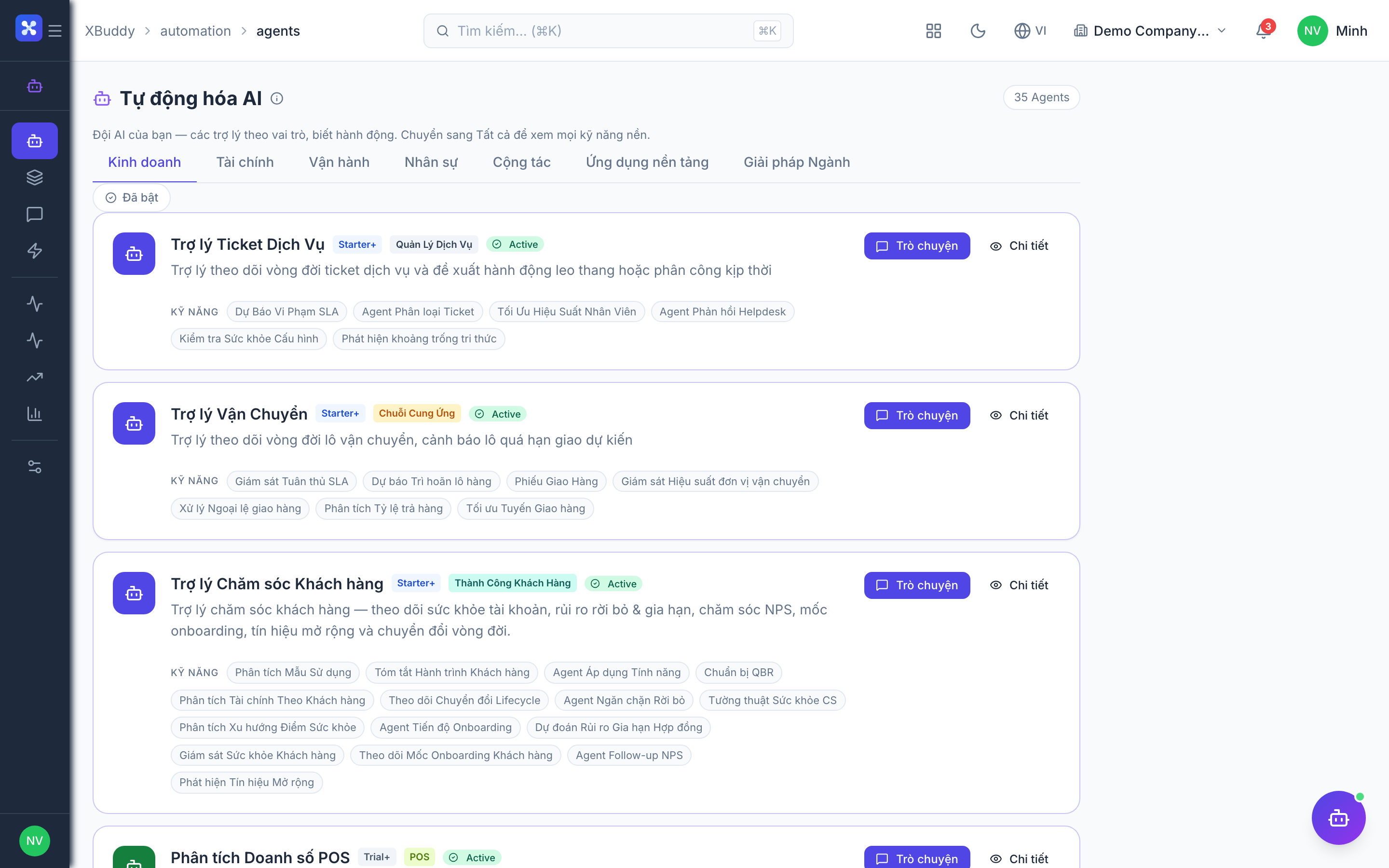
Open Automation → Agents and filter by the Inventory domain, or use the AI Hub in the Inventory app. On an item’s detail page, the entity-scoped agent panel runs Inventory Planner against that item and shows the assessment plus any pending suggestions inline.