Learning Coordinator
The Learning Coordinator is the LMS-domain Assistant. It recommends courses, nudges on expiring certifications, and reports training compliance, completion, and coaching effectiveness so learning stays current across the workforce.
Domain: LMS · Anchor code: learning_coordinator · Surface: Assistant
What it does
Learning Coordinator connects people to the learning they need. It recommends relevant courses based on role and gaps, and reminds employees before certifications expire so credentials never lapse.
Alongside these skills it carries analytics Insights that report training compliance, completion rates, and the effectiveness of coaching programs.
Skill actions are notify-first — the Assistant emits Suggestions for human approval; Insights are read-only reports.
Skills
| Skill | What it does |
|---|---|
| Course Recommendation Agent | Recommends courses based on role and skill gaps. |
| Certification Expiry Nudger | Reminds employees before certifications expire. |
Insights
| Insight | What it reports |
|---|---|
| LMS Compliance Agent | Reports mandatory-training compliance status. |
| Training Completion Monitor | Reports course completion rates across the org. |
| Coaching Effectiveness Report | Reports outcomes and effectiveness of coaching. |
Triggers & schedule
Skills run on daily crons and can be enrolled from a learner’s detail page. Insights run on reporting cycles and appear in the Analytics area. All skill runs are notify-first — actions await human approval.
Actions & approvals
Actions appear in the Suggestions queue with Approve / Dismiss controls. Examples:
- Enroll in training recommended for a learner.
- Send certification renewal reminder before expiry.
Where to find it
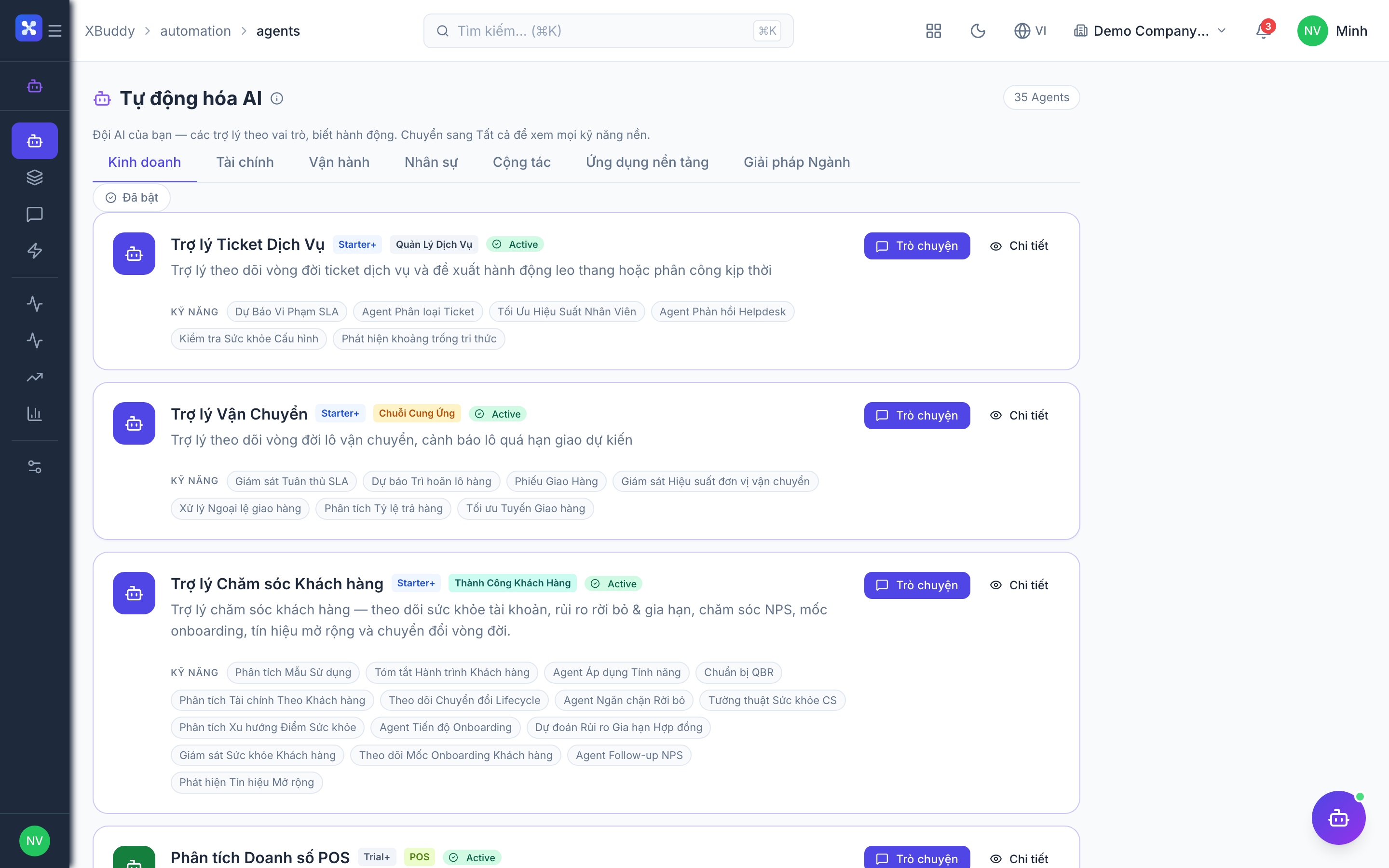
Open Automation → Agents and filter by the LMS domain, or use the AI Hub in the LMS app. Insights surface in the Analytics area.