Procurement Assistant
The Procurement Assistant is the supply-chain Assistant that runs the buying process. It helps with RFQs and requisitions, validates goods receipts, scores vendor responses, tracks the procurement budget, and monitors vendor performance and risk.
Domain: Supply Chain · Anchor code: procurement_assistant · Surface: Assistant
What it does
Procurement Assistant supports every step from need to fulfillment. It drafts and manages RFQs and requisitions, scores and analyzes vendor quote responses, and validates incoming goods receipts against orders. It handles debit notes and vendor returns when things go wrong.
On the analytics side, it monitors PO cycle time, tracks spend against the procurement budget, scores vendor performance and risk, and watches procurement-contract expiry so renewals are not missed.
Actions are proposed as Suggestions for human approval; the Assistant does not place or confirm orders on its own.
Skills
| Skill | What it does |
|---|---|
| RFQ Assistant | Drafts and manages requests for quotation. |
| Requisition Assistant | Helps create and route purchase requisitions. |
| Goods Receipt Validator | Validates goods receipts against purchase orders. |
| Debit Note Assistant | Prepares debit notes for over-billing or returns. |
| Vendor Return Assistant | Manages returns of goods to vendors. |
| RFQ Quote Scoring Advisor | Scores vendor quotes for price, terms, and fit. |
| RFQ Response Analyzer | Analyzes the spread of RFQ responses. |
| PO Cycle Time Monitor | Tracks how long purchase orders take from raise to receipt. |
| Procurement Budget Tracker | Tracks procurement spend against budget. |
| Vendor Performance Agent | Rates vendors on delivery, quality, and reliability. |
| Vendor Scorecard Agent | Compiles vendor scorecards across metrics. |
| Vendor Risk Assessor | Assesses vendor concentration and supply risk. |
| Procurement Contract Expiry Monitor | Flags supplier contracts approaching expiry. |
| Service Confirmation Assistant | Confirms service-based procurement deliverables. |
Triggers & schedule
Skills run on daily and weekly crons across open procurement documents. Document-scoped skills (PO, RFQ) can be run manually from a document’s detail page. All runs are notify-first — the Assistant emits Suggestions for human approval.
Actions & approvals
Actions appear in the Suggestions queue with Approve / Dismiss controls. Examples:
- Confirm delivery on a received PO.
- Flag three-way mismatch on a receipt that doesn’t match its order.
- Score vendor quotes on an RFQ.
Where to find it
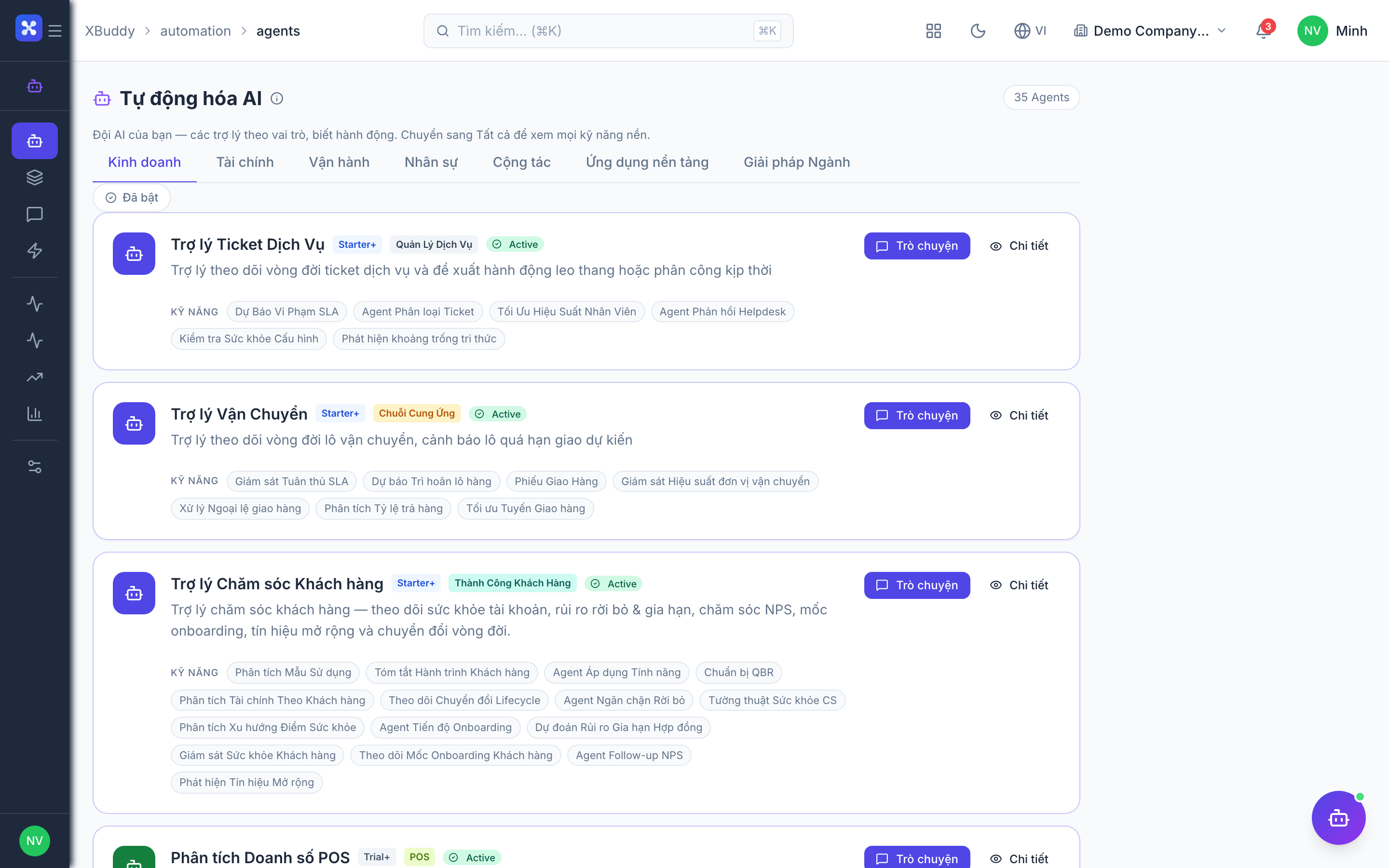
Open Automation → Agents and filter by the Supply Chain domain, or use the AI Hub in the Procurement app. On a PO or RFQ detail page, the entity-scoped panel runs the Assistant against that document.