Sales Coach
The Sales Coach is XBuddy’s flagship sales Assistant. It is a multi-entity, process-aware agent that coaches deals to close, assists with quotations and sales orders, optimizes pricing, and surfaces upsell and segmentation opportunities across the pipeline.
Domain: Sales · Anchor code: sales_coach · Surface: Assistant
What it does
Sales Coach spans the whole sell motion. On a deal, it reads the stage, activity, and health, then coaches the next best move and flags stale deals before they slip. On a quotation or sales order, it assists with building the document, optimizes pricing, and monitors pipeline and order health.
Across the book of business it detects upsell opportunities, suggests segments, analyzes campaign attribution, and helps with customer returns and commission calculation. Because it consolidates what used to be several micro-agents, one Assistant now covers deal, quote, and order work.
Every action — a follow-up, a pricing change, an upsell deal — is proposed as a Suggestion for a human to approve. Sales Coach coaches; the rep decides.
Skills
| Skill | What it does |
|---|---|
| Deal Coach | Coaches the next best action on an open deal. |
| Quotation Assistant | Assists with building and refining quotations. |
| Sales Order Assistant | Assists with creating and managing sales orders. |
| Pricing Optimizer | Suggests optimal pricing for a quote or order. |
| Quotation Pipeline Intelligence | Reports on quotation pipeline health and conversion. |
| Sales Order Health Monitor | Monitors sales orders for risk and fulfillment issues. |
| Product Sales Intelligence | Analyzes product-level sales performance. |
| Upsell Opportunity Detector | Detects upsell and cross-sell opportunities. |
| Segment Suggester | Suggests customer segments for targeting. |
| Campaign Attribution Analyst | Attributes revenue to marketing campaigns. |
| Customer Return Assistant | Assists with processing customer returns. |
| Commission Calculator Agent | Calculates sales commissions. |
Triggers & schedule
Skills run on daily crons across open deals, quotations, and orders. Deal-, quote-, and order-scoped skills can be run manually from a record’s detail page. All runs are notify-first — the Assistant emits Suggestions for human approval before acting.
Actions & approvals
Proposed actions land in the Suggestions queue with Approve / Dismiss buttons. On agents enrolled for inline approval, you can approve directly inside the assessment card. Examples:
- Schedule follow-up on a deal that has gone quiet.
- Flag stale deal that has stalled in-stage.
- Create upsell deal when an expansion signal fires.
- Optimize price on a quotation.
How to use it
- Run it. Open a deal, quotation, or sales-order detail page and click Run in the entity-scoped agent panel — or let the daily cron run it. Sales Coach reads that record and produces a coaching assessment.
- Read the output. The assessment card shows the lifecycle stage, a risk read, key metrics, and a recommended action, with a “basis of analysis” line for transparency.
- Approve a suggestion. If Sales Coach proposes an action, review the reasoning, confidence, and estimated impact, then click Approve right in the card. A confirmation shows what happened (for example, a newly created task with a link). Not now? Click Dismiss.
Example output
Deal — Acme Corp Expansion — Coaching Assessment
- Lifecycle stage: Negotiation
- Risk: Medium — no activity logged in 12 days
- Deal value: ₫ 320,000,000
- Recommended action: Schedule a follow-up — the deal has stalled in negotiation; a check-in now protects momentum before month-end.
Basis of analysis: 1 deal, 6 activities. Method: AI-assisted.
Suggested action: Schedule follow-up (confidence 72%, impact: keeps deal on track) · [Approve] [Dismiss]
Where to find it
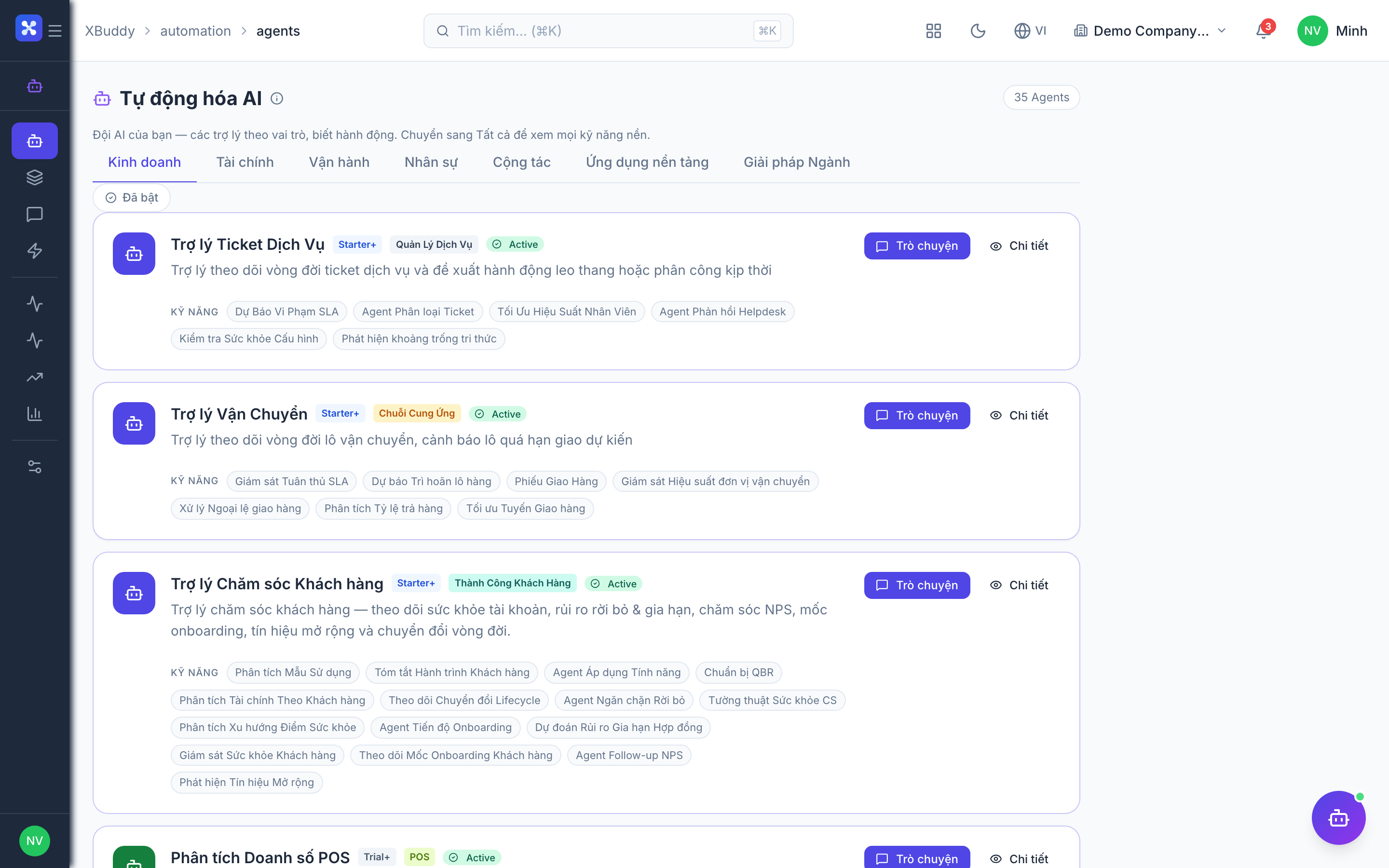
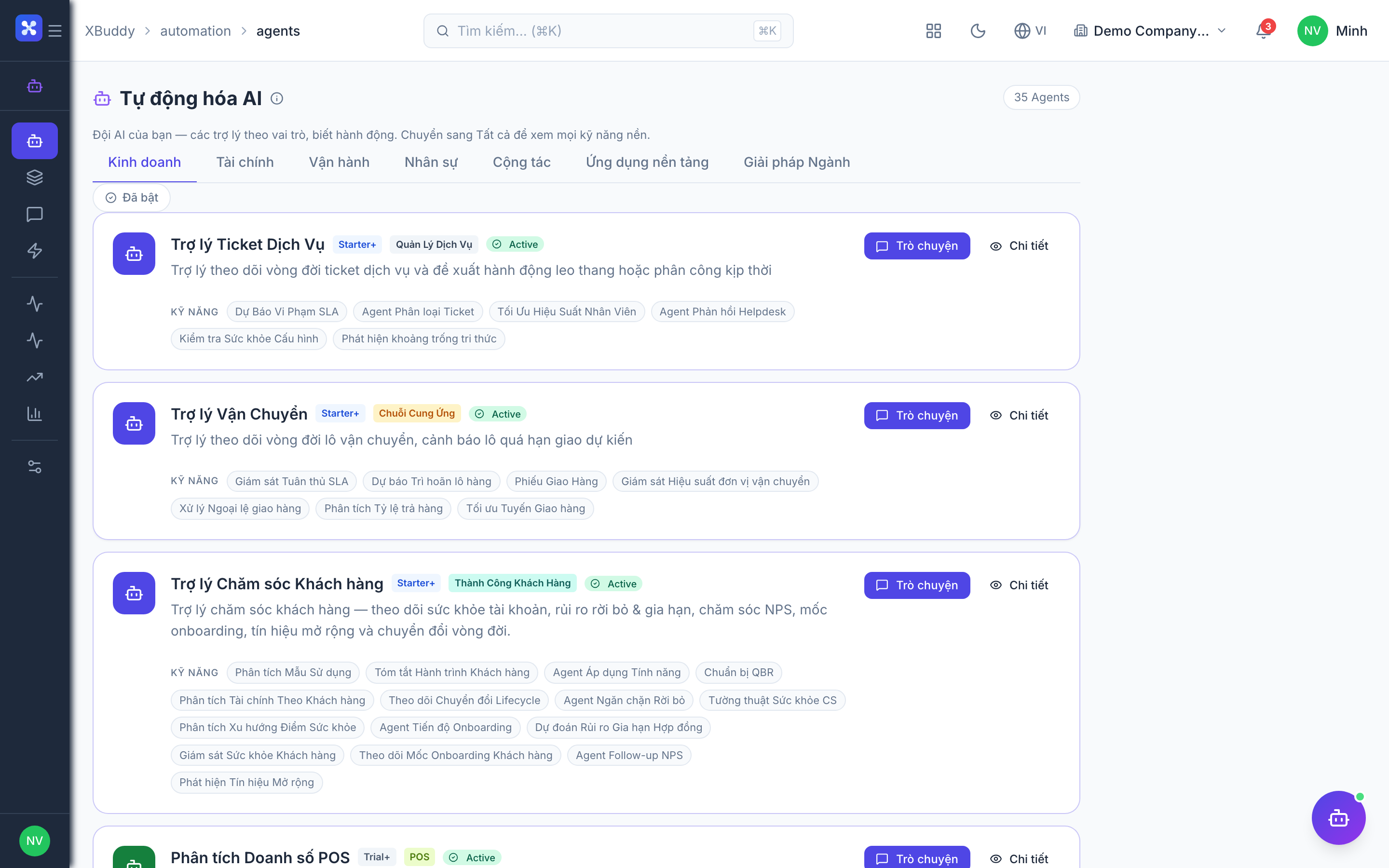
Open Automation → Agents and filter by the Sales domain, or use the AI Hub in the CRM and Sales apps. On a deal, quotation, or sales-order detail page, the entity-scoped agent panel runs Sales Coach against that record and shows the coaching plus any pending suggestions inline.