POS Manager
The POS Manager is the retail point-of-sale Assistant. It is insight-oriented: it benchmarks shops against each other, reconciles daily takings, detects shrinkage, and advises on peak staffing.
Domain: POS · Anchor code: pos_manager · Surface: Assistant
What it does
POS Manager turns register and shop data into operational insight. It benchmarks shops across the chain to surface outliers, reconciles each day’s sales against cash and card takings, and detects patterns that point to shrinkage or loss.
It also analyzes traffic patterns to advise on peak-hour staffing so shops are covered when it matters most.
This Assistant is insight/analytics-oriented — it has no action skills; its Insights are read-only reports.
Insights
| Insight | What it reports |
|---|---|
| POS Cross-Shop Benchmarking | Reports performance benchmarks across shops. |
| POS Daily Reconciliation Agent | Reports daily sales-vs-takings reconciliation. |
| POS Shrinkage Detector | Reports patterns indicating shrinkage or loss. |
| POS Peak Staffing Advisor | Reports peak-hour traffic and staffing needs. |
Triggers & schedule
Insights run on daily crons aligned to shop close and on weekly benchmarking cycles. They appear in the Analytics area rather than the Suggestions queue.
Actions & approvals
POS Manager is insight-oriented and does not propose write actions. Its reconciliation and shrinkage findings are surfaced for managers to investigate and act on manually.
Where to find it
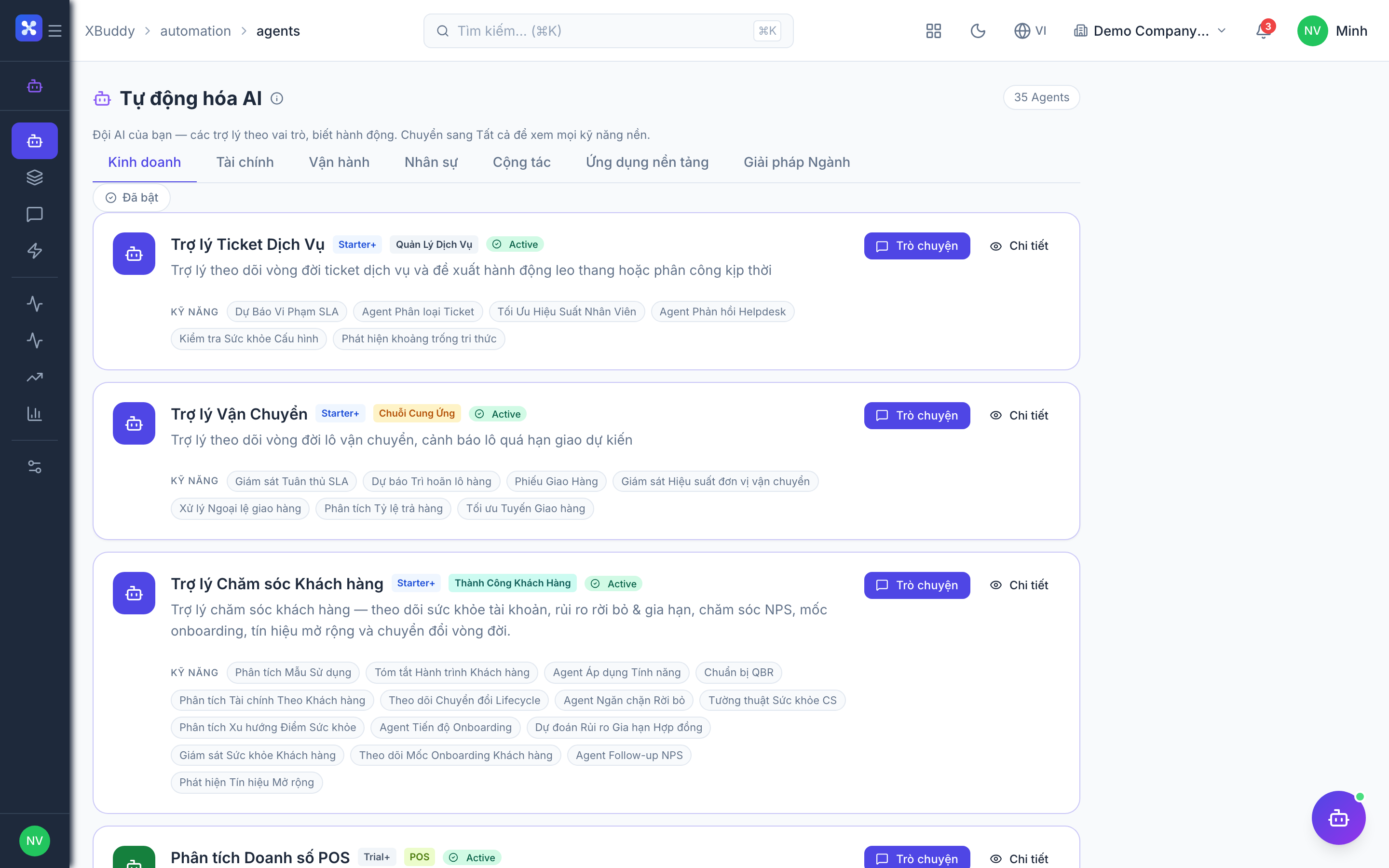
Open Automation → Agents and filter by the POS domain. The Insights surface in the Analytics area and in the POS app’s AI Hub.