Contract Lifecycle
The Contract Lifecycle Assistant manages contracts from draft to renewal. It analyzes clause risk, advises on wording, monitors expiry, chases signatures, screens NDAs, and audits compliance so no contract slips through the cracks.
Domain: Contract Management · Anchor code: contract_lifecycle · Surface: Assistant
What it does
Contract Lifecycle reads contracts and their metadata to surface risk and keep the pipeline moving. It analyzes risky clauses, advises on clause wording, and screens NDAs automatically. It monitors expiry dates, chases outstanding signatures, and audits documents for compliance gaps.
For service contracts it assists with drafting and manages the renewal process so recurring agreements are not missed.
Actions are notify-first: the Assistant emits Suggestions for human approval and does not sign or renew on its own.
Skills
| Skill | What it does |
|---|---|
| Contract Risk Analyzer | Analyzes contracts for risk exposure. |
| Contract Clause Advisor | Advises on clause wording and alternatives. |
| Contract Expiry Monitor | Flags contracts approaching expiry. |
| Contract Signature Chaser | Chases outstanding contract signatures. |
| NDA Auto-Screener | Screens NDAs for standard and non-standard terms. |
| Service Contract Assistant | Assists with drafting service contracts. |
| Service Contract Renewal | Manages the renewal of service contracts. |
| Document Compliance Auditor | Audits contract documents for compliance gaps. |
Triggers & schedule
Skills run on daily and weekly crons across active contracts. Contract-scoped skills can be run from a contract’s detail page. All runs are notify-first — the Assistant emits Suggestions for human approval.
Actions & approvals
Actions appear in the Suggestions queue with Approve / Dismiss controls. Examples:
- Send signature reminder on a contract awaiting signature.
- Flag clause risk on a contract with non-standard terms.
- Create service renewal for an expiring service contract.
Where to find it
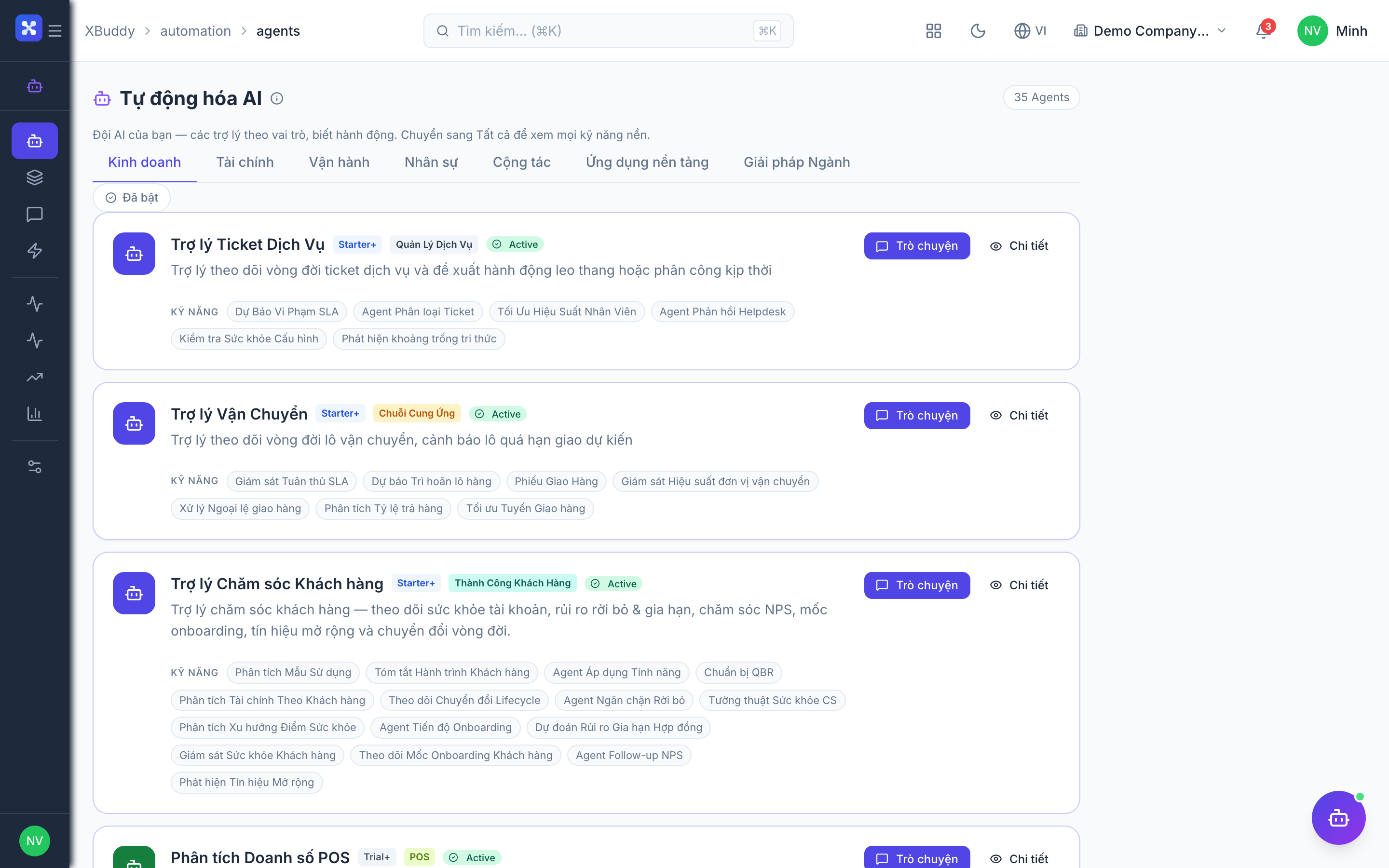
Open Automation → Agents and filter by the Contract Management domain, or use the AI Hub in the Legal / Contract app. On a contract detail page, the entity-scoped panel runs the Assistant against that contract.