Finance
XBuddy Finance is the operational money layer of your business: it turns sales and purchases into invoices, bills, and payments, chases what customers owe, controls what you owe suppliers, and keeps cash flow visible. Every document it produces posts a journal entry into Accounting automatically, so your books stay accurate without double entry.
Who uses it: AR clerks issuing and chasing customer invoices, AP staff processing supplier bills, employees filing expense claims, finance managers approving payments and closing periods, and FP&A owners watching cash flow. Finance sits downstream of Sales, Procurement, and Inventory and upstream of Accounting — it is where transactions become money.
For Vietnam, Finance handles VAT at the standard rates (0%, 5%, 8%, 10%), enforces compliant invoice sequencing, and supports declaration output such as form 01/GTGT. Configure tax codes and sequences in Finance → Settings.
Key Features
- Customer invoices: create, send, PDF, track payment, and dun overdue accounts
- Supplier bills with a full draft → submit → approve → schedule → paid lifecycle
- Expense claims with multi-level approval and receipt capture
- Payments and bank reconciliation with automatic matching
- Tiered dunning (payment reminders) for overdue receivables
- Recurring billing and retainers for subscription and prepaid revenue
- Timesheet billing — turn approved time into invoices
- Credit notes for refunds and corrections
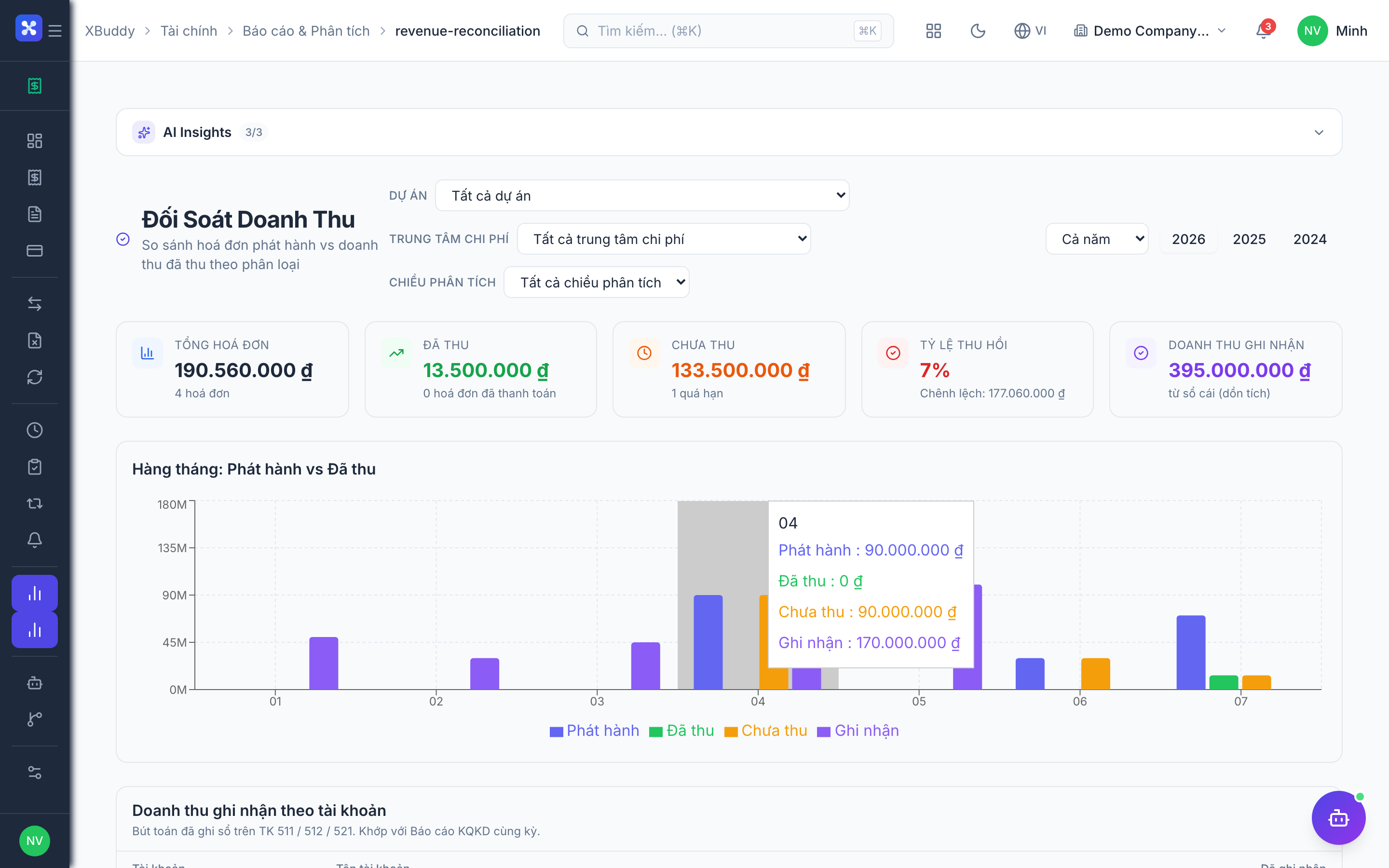
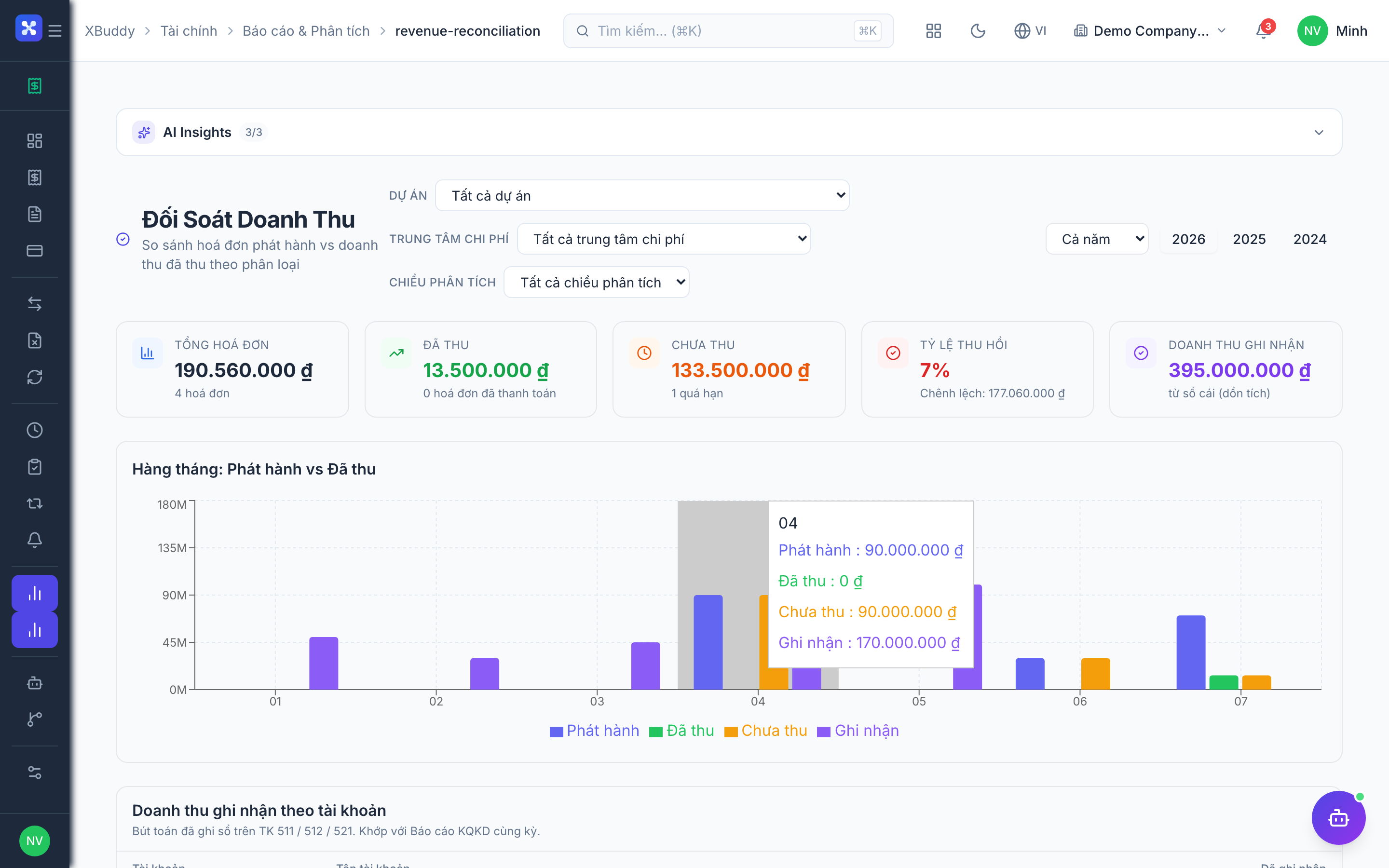
- Revenue reconciliation to catch gaps between orders, invoices, and payments
- Automatic journal posting to Accounting on every invoice, bill, and payment
Important features
Customer invoices
Invoices bill your customers. Create one from scratch, from a won CRM deal, or from a fulfilled sales order. XBuddy generates a compliant PDF, sends it, and tracks the payment status through to paid.
Create the invoice
Go to Finance → Invoices → New Invoice. Pick the customer, add line items (or pull them from a sales order), and choose the VAT rate per line.
Send it
Click Send to email the PDF to the customer, or download it. The invoice status moves to sent.
Track payment
As payments arrive they are matched against the invoice; status advances to partially paid or paid. Overdue invoices are eligible for dunning.
Supplier bills
Bills record what you owe suppliers, typically created from a purchase order and its goods receipt. Bills flow through a controlled approval lifecycle before payment.
Draft the bill
Go to Finance → Bills → New Bill, or create it from a PO so the lines and amounts pre-fill.
Submit and approve
Submit the draft; approvers review it (three-way matching against PO and GRN is available). Approved bills are cleared for payment.
Schedule and pay
Schedule the payment by due date, then record the payment. The bill status moves to paid and a journal entry posts automatically.
Expense claims + approval
Employees submit expense claims with receipts; the claim routes through multi-level approval before it is reimbursed and posted.
File a claim
Go to Finance → Expenses → New Expense, enter the amount and category, and attach the receipt image.
Route for approval
The claim is sent to the configured approver chain. The Expense Auditor AI agent can flag unusual or policy-breaking claims.
Reimburse
Once approved, the expense is scheduled for reimbursement and posts a journal entry to Accounting.
Payments & reconciliation
Payments record money in and out and reconcile against bank activity. XBuddy matches bank transactions to open invoices and bills so nothing is missed.
Record a payment
Go to Finance → Payments → New Payment, choose the customer/supplier and the invoice/bill it settles.
Reconcile with the bank
Connected bank feeds surface incoming/outgoing transactions; match each to its payment to reconcile. Unmatched items are flagged for review.
Dunning (tiered reminders)
Dunning automates chasing overdue receivables through escalating reminder tiers so your team does not have to send them manually.
Review the dunning queue
Go to Finance → Dunning to see overdue invoices grouped by how late they are.
Let the tiers run
Each tier (e.g. friendly reminder → firm notice → escalation) sends its own template automatically. The AR Collector agent proposes and can send the next reminder.
Recurring billing & retainers
Recurring billing generates invoices on a schedule (monthly/annual), and retainers track prepaid balances drawn down over time — ideal for subscriptions and service agreements.
Set up a recurring invoice
Go to Finance → Recurring → New Schedule, set the customer, amount, and frequency. XBuddy issues each invoice automatically on the cycle date.
Manage a retainer
Under Finance → Retainers, create a prepaid balance; as work is billed, the retainer is drawn down and the remaining balance is always visible.
Full feature reference
| Nav item | What it does |
|---|---|
| Overview | Finance dashboard with AR/AP KPIs, cash position, overdue totals, and charts of revenue and outstanding balances. |
| Invoices | Customer (AR) invoices — create, send, PDF, track payment status, apply VAT per line, and generate credit notes or reminders. |
| Bills | Supplier (AP) bills with the draft → submit → approve → schedule → paid lifecycle and optional three-way matching against PO/GRN. |
| Expenses | Employee expense claims with receipt capture and multi-level approval before reimbursement and posting. |
| Payments | Records of money received and paid, linked to the invoice/bill they settle, with bank reconciliation and matching. |
| Credit Notes | Refunds and corrections that reverse or reduce an invoice; posts the offsetting journal entry and adjusts the customer balance. |
| Recurring | Scheduled invoice generation (monthly/annual) for subscriptions and repeating charges. |
| Timesheets | Billable time records that can be turned into invoices; the source for time-and-materials billing. |
| Timesheet Approvals | Approval queue where managers approve submitted timesheets before they become billable. |
| Retainers | Prepaid customer balances drawn down as work is billed, with remaining-balance tracking. |
| Dunning | Tiered, automated payment-reminder engine for overdue receivables, grouped by aging. |
| Finance Reports | Reporting hub: AR/AP aging, cash flow, revenue, expense analysis, and tax/VAT reports with CSV export. |
| Revenue Reconciliation | Cross-checks orders, invoices, and payments to surface revenue leakage or unbilled fulfillment. |
Integration points
| Connects to | How the data flows |
|---|---|
| Sales | A confirmed sales order can generate a draft invoice with customer and lines pre-filled. |
| Accounting | Every invoice, bill, expense, and payment posts a journal entry automatically to the general ledger. |
| Inventory | Goods issue (delivery) can trigger the customer invoice for shipped goods, keeping billing tied to fulfillment. |
| Procurement | Supplier bills are created from purchase orders; three-way matching compares PO, goods receipt, and bill. |
| Bank Accounts | Bank feeds provide transactions that are matched to payments for reconciliation. |
| Time Tracking | Approved timesheets flow into billing so time-and-materials work is invoiced from actual hours. |
Related AI agents
| Agent | What it does |
|---|---|
| AR Collector | Monitors overdue invoices, proposes and sends the right dunning reminder, and escalates aging receivables. |
| AP Manager | Reviews supplier bills, flags three-way mismatches, and schedules payments to optimize cash and avoid late fees. |
| Expense Auditor | Screens expense claims for policy breaches, duplicates, and anomalies before approval. |
| FP&A Analyst | Analyzes cash flow and financial trends, producing forward-looking insights for finance leaders. |
Common workflows
1. Order to cash
- A sales order is confirmed in Sales.
- When goods ship (Inventory → Goods Issue) or the order is fulfilled, a draft invoice is generated in Finance.
- The AR clerk reviews and sends the invoice; a journal entry posts to Accounting.
- The customer pays; the payment is matched and reconciled against the bank feed.
- If it goes overdue, Dunning and the AR Collector chase it automatically.
2. Procure to pay
- A purchase order is approved in Procurement.
- Goods are received (Inventory → GRN).
- A supplier bill is created from the PO; three-way matching validates it against the PO and GRN.
- The bill is approved, scheduled, and paid; a journal entry posts automatically.
3. Expense reimbursement
- An employee files a claim in Finance → Expenses with a receipt.
- The Expense Auditor screens it; it routes through multi-level approval.
- Once approved, it is scheduled for reimbursement and posts to Accounting.
FAQ
Do I have to post journal entries manually? No. Every invoice, bill, expense, and payment posts its journal entry to Accounting automatically. You only touch the ledger for manual adjustments.
How does three-way matching work? When a bill is created from a purchase order, XBuddy compares the bill against the PO and the goods receipt (quantities and prices). Mismatches are flagged for the AP Manager before approval.
Can I invoice recurring subscriptions? Yes. Use Finance → Recurring to generate invoices automatically on a monthly or annual cycle, and Retainers for prepaid balances.
How is VAT handled for Vietnam? Configure tax codes for the standard rates (0%, 5%, 8%, 10%) in Finance → Settings. Invoices apply VAT per line, follow compliant sequencing, and feed tax/VAT reports (e.g. form 01/GTGT).
What is Revenue Reconciliation for? It cross-checks orders, invoices, and payments to reveal revenue leakage — for example goods that shipped but were never invoiced, or invoices never paid.
Can I bill from timesheets? Yes. Approved timesheets (via Timesheet Approvals) become billable time you can convert into a customer invoice, supporting time-and-materials billing.