Collaboration Flow
The Collaboration Flow connects the tools your teams use daily — Documents, Projects & Tasks, Approvals, E-Signatures, and Contract Management — into a coherent, auditable process. Whether you’re producing a client deliverable, running an internal project, or closing a contract, this flow ensures nothing falls through the cracks.
Apps involved
Each stage below names which app does the work:
- Documents — version-controlled storage, comments, tagging
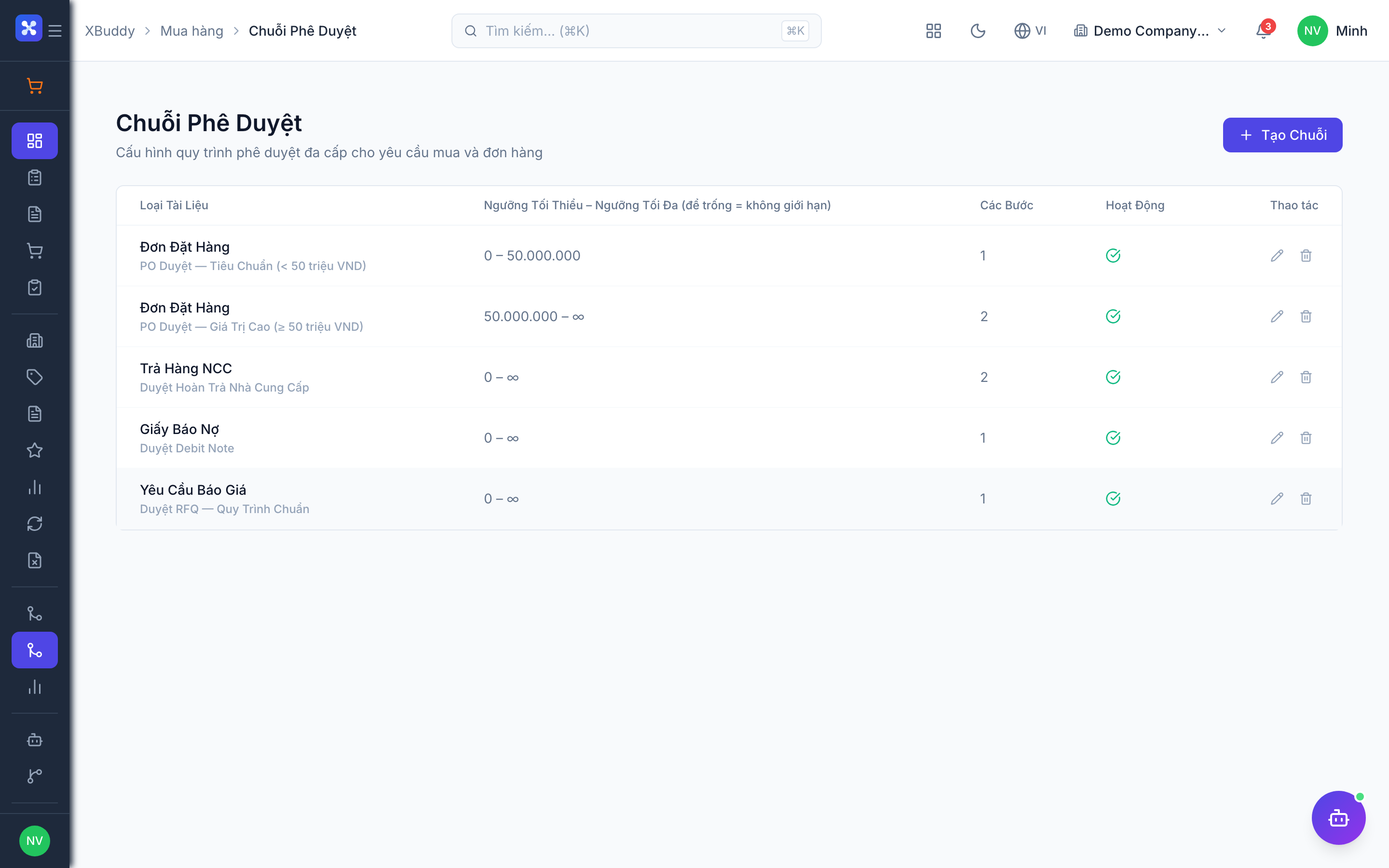
- Approvals — multi-step approval routing and audit trail
- Signatures — legally binding e-signatures and certificates
- Contract Management — contract lifecycle, obligations, renewals
- Projects & Tasks — milestones, tasks, dependencies
- Calendar — task and milestone scheduling
- Communications — stakeholder notifications
Flow Overview
Document Creation / Upload
          ↓
Team Collaboration (Comments, Versions)
          ↓
Internal Review & Approval Routing
          ↓
External E-Signature (if required)
          ↓
Contract Storage & Lifecycle Management
          ↓
Project-Linked Task Execution
          ↓
Deliverable Sign-Off
The flow at a glance
Create and collaborate
Documents provides version-controlled storage with inline comments and entity linking.
Route for internal approval
Approvals sends the document through a sequential, parallel, or hybrid chain with a full audit trail.
Collect e-signatures
Signatures sends the approved document to signatories and archives the signed PDF with a certificate.
Manage the contract lifecycle
Contract Management tracks obligations, milestone payments, and renewal reminders.
Execute linked tasks
Projects & Tasks + Calendar break the scope into milestones and tasks with dependencies and scheduling.
Sign off deliverables
Approvals + Signatures + Documents route the final deliverable for client acceptance and archive everything.
Stage 1: Document Creation & Collaboration
Modules: Documents
What happens
Work starts with a document — a proposal, policy, SOP, deliverable, or contract. The Documents module provides version-controlled storage with structured collaboration features.
Key steps
- Create or Upload — Start from scratch (using a template) or upload an existing file. File lands in the correct folder based on your team’s hierarchy.
- Real-Time Comments — Collaborators add inline comments on specific pages or selections. Comment threads are resolved when addressed.
- Version Control — Every save creates a new version. Writers can add a version note to explain changes. Reviewers can compare versions side-by-side.
- Tagging & Linking — Tag the document by category (proposal, legal, finance, etc.). Link it to relevant entities: a Deal in CRM, a Project, or a Contact.
- Access Control — Owner sets who can view, comment, or edit. External collaborators get time-limited share links.
Stage 2: Internal Approval Routing
Modules: Approvals, Documents
What happens
Once a document is ready for formal sign-off, the author triggers an approval workflow. XBuddy routes the document through the configured approval chain — sequential, parallel, or hybrid.
Approval Workflow Types
| Type | How it works | Best for |
|---|---|---|
| Sequential | Approvers review one after another; each step unlocks only after the previous approves | Legal → Finance → Director chain |
| Parallel | All approvers receive the document simultaneously; all must approve | Multi-department review with no dependency |
| First Response | First approver to respond (approve or reject) resolves the step | Urgent approvals with flexible delegation |
| Majority Vote | Step passes when a majority of assigned approvers approve | Committee decisions |
Key steps
- Select Approval Workflow — Author opens the document → Request Approval → choose from pre-configured workflows (or build ad hoc).
- Notify Approvers — Each approver receives in-app notification + email with a direct link to the document.
- Approver Review — Approver opens the document, reads, and optionally adds comments. Clicks Approve or Reject with Comments.
- Rejection Handling — If rejected, the document reverts to draft. Author addresses comments, updates the document, and re-submits. Revision history preserved.
- Approval Completion — All steps passed → document status changes to Approved. Approval record stored with approver names, timestamps, and any comments.
- Audit Trail — Every action (view, comment, approve, reject) is logged with user and timestamp. Retrievable for compliance purposes.
Set approval deadlines on each step. If an approver doesn’t respond within the deadline, the system sends a reminder and optionally escalates to their backup.
Stage 3: E-Signature
Modules: E-Signatures, Documents
What happens
For documents requiring legally binding signatures (contracts, offer letters, NDAs, client proposals), the E-Signatures module sends them to internal or external signatories. Signed PDFs are automatically archived.
Key steps
- Prepare Signature Request — From an approved document, click Send for Signature. Drag signature blocks onto the PDF at the correct positions for each signer.
- Add Signatories — List signatories in signing order (or simultaneous). Each signer can be internal (XBuddy user) or external (email-only).
- Send & Track — System sends each signer a secure email link. Real-time status: Pending → Viewed → Signed. Reminder emails auto-sent after 48 hours if not signed.
- Certificate of Completion — Once all signatures collected, a tamper-proof Certificate of Completion is attached (signer IPs, timestamps, document hash).
- Auto-Archive — Signed document and certificate saved back to Documents. If linked to a Contract record, it becomes the executed version of that contract.
Supported Signature Types
| Type | Legal Validity | Best For |
|---|---|---|
| Click-to-Sign | Electronic signature (eIDAS compliant) | Most business documents |
| Drawn Signature | Electronic signature | Informal agreements, acknowledgments |
| OTP-Verified | Advanced electronic signature | Higher-value contracts (verify identity by SMS OTP) |
Stage 4: Contract Lifecycle Management
Modules: Contract Management, Documents, Finance
What happens
Signed contracts enter the Contract Management module for ongoing lifecycle tracking: obligations, milestones, renewals, and expiry.
Key steps
- Create Contract Record — Contract Management creates a record with: parties, effective date, expiry date, value, payment terms, and renewal clause.
- Attach Signed Document — The signed PDF from E-Signatures is attached. All historical versions (draft, negotiated, executed) linked in Documents.
- Track Obligations — Deliverables and obligations defined in the contract are logged as tasks with due dates. Assigned to responsible owners.
- Milestone Payments — If contract has milestone-based payments, Finance is notified at each milestone completion to generate invoice.
- Renewal Reminders — System alerts contract owner 90/60/30 days before expiry: renew, renegotiate, or terminate.
- Auto-Renewal (if configured) — Contracts with auto-renewal clauses generate a new contract record and notify both parties.
This stage is the day-to-day walkthrough. For how the contract lifecycle itself behaves — the full set of states, amendments to signed agreements, and AI clause review against your own playbook — see Contracts & Signatures.
Stage 5: Project-Linked Task Execution
Modules: Projects & Tasks, Calendar, Communications
What happens
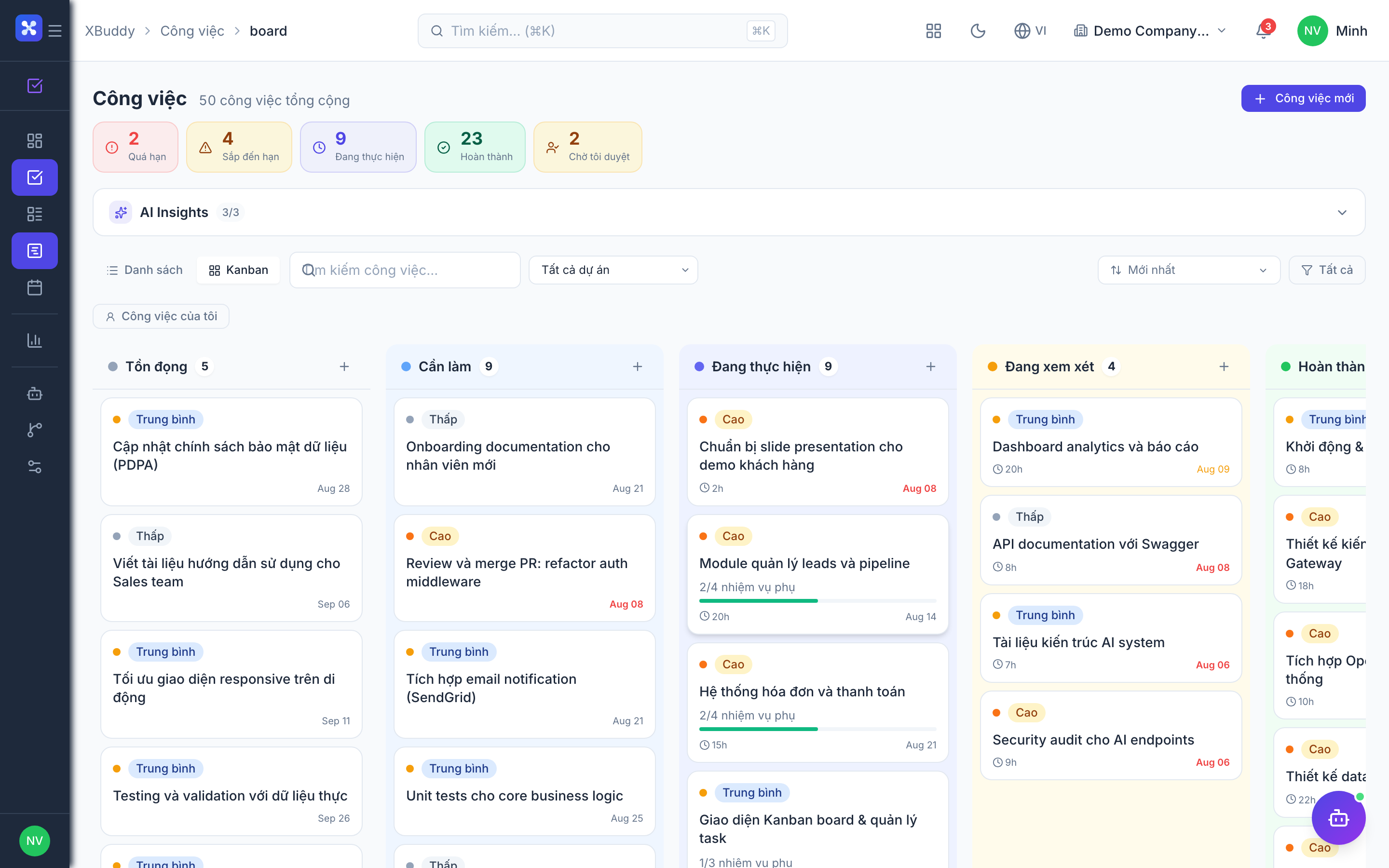
Most deliverables require coordinated work across a team. The Projects & Tasks module provides structure: milestones, task lists, dependencies, and progress tracking — all linked back to the documents and contracts that define the scope.
Key steps
- Create Project — Define project name, client, start/end dates, status, and team members. Link to the relevant Contract or Deal.
- Build Work Breakdown Structure (WBS) — Create Milestones (major phases) and Tasks (individual work items) under each milestone.
- Assign & Schedule — Assign each task to a team member with a due date. Dependency chains ensure no one starts a task before its prerequisite is done.
- Calendar Sync — Project tasks and milestones sync to team members’ Calendars. External stakeholder meetings added as events.
- Progress Tracking — Tasks updated to In Progress / Under Review / Done. Milestone % completion auto-calculated from task completion.
- Document Attachments — Each task can have documents, links, and comments. Deliverables uploaded directly on the task when complete.
- Status Reports — Weekly automated progress report generated and sent to project stakeholders.
AI Agent
- Project Risk Detector (weekly): Flags tasks that are overdue or have not been updated in 5+ days. Calculates predicted project completion date based on current velocity.
Stage 6: Deliverable Sign-Off
Modules: Approvals, E-Signatures, Documents
What happens
When a project deliverable (report, design, implementation) is complete, it goes through the same approval and signature process as a contract — creating an auditable record of client acceptance.
Key steps
- Upload Final Deliverable — Team member uploads the final version to the project’s document library.
- Internal QA Approval — Route through internal approval (QA lead → project manager) before sending to client.
- Client Acceptance — Send deliverable to client with a sign-off request (via E-Signatures or a simple approval link).
- Acceptance Certificate — Upon client sign-off, an Acceptance Certificate is generated. Triggers the associated milestone payment in Finance.
- Archive & Close — All project documents, approvals, and signed deliverables archived under the project record. Project status → Closed.
Cross-Module Linking Reference
| Scenario | Modules Involved |
|---|---|
| Client proposal → approval → contract | Documents + Approvals + E-Signatures + Contract Mgmt |
| Project kickoff → execution → sign-off | Projects & Tasks + Documents + Approvals + Finance |
| Policy update → review → publish → notify | Documents + Approvals + Communications |
| HR hire → offer letter → onboarding docs | Documents + E-Signatures + HR + Self-Service |
| Vendor agreement → negotiation → sign → track | Documents + Approvals + E-Signatures + Contract Mgmt + Finance |
Related AI agents
These agents automate parts of the collaboration flow:
| Agent | Stage it supports | What it does |
|---|---|---|
| Approvals Steward | Internal Approval Routing | Chases stalled approvals, escalates on deadline, and surfaces bottleneck steps |
| Contract Lifecycle | Contract Management | Tracks obligations and expiry, sends renewal reminders, and flags contract review risk |
| Signature Steward | E-Signature | Reminds pending signers, tracks signature status, and requests new signature rounds |
| Documents Librarian | Document Collaboration | Auto-tags and classifies documents, keeps folders tidy, and links to related entities |
| Project PM | Task Execution · Sign-Off | Flags overdue and stale tasks, predicts completion dates, and proposes corrective tasks |
Key Metrics
| Metric | Target |
|---|---|
| Approval turnaround time | ≤ 24 hours per step |
| Contract signature time | ≤ 3 business days |
| Project on-time delivery | ≥ 90% of milestones |
| Document version conflicts | 0 per month |
| Approval SLA breach rate | ≤ 5% |