Knowledge Curator
The Knowledge Curator keeps the knowledge base useful. It advises on improving articles, fills content gaps, and reports where searches fail or content has gone stale.
Domain: Knowledge · Anchor code: knowledge_curator · Surface: Assistant
What it does
Knowledge Curator improves the quality and coverage of the knowledge base. It reviews existing articles and advises on how to make them clearer, and it identifies missing topics so the KB gets filled where users actually need answers.
Its Insights report where searches return no useful result and where published content has aged past its useful life, giving curators a prioritized backlog.
Skill actions are notify-first — the Assistant emits Suggestions for human approval; Insights are read-only reports.
Skills
| Skill | What it does |
|---|---|
| Article Improvement Advisor | Advises on improving knowledge-base articles. |
| KB Gap Filler | Identifies and drafts content for missing topics. |
Insights
| Insight | What it reports |
|---|---|
| Search Gap Analyzer | Reports searches that return no useful result. |
| Stale Content Detector | Reports articles that have gone out of date. |
Triggers & schedule
Skills run on daily and weekly crons across the knowledge base, and an article can be improved from its detail page. Insights run on reporting cycles and appear in the Analytics area. Skill runs are notify-first — actions await human approval.
Actions & approvals
Actions appear in the Suggestions queue with Approve / Dismiss controls. Examples:
- Create task to improve or update a flagged article.
- Draft missing article for an identified content gap.
Where to find it
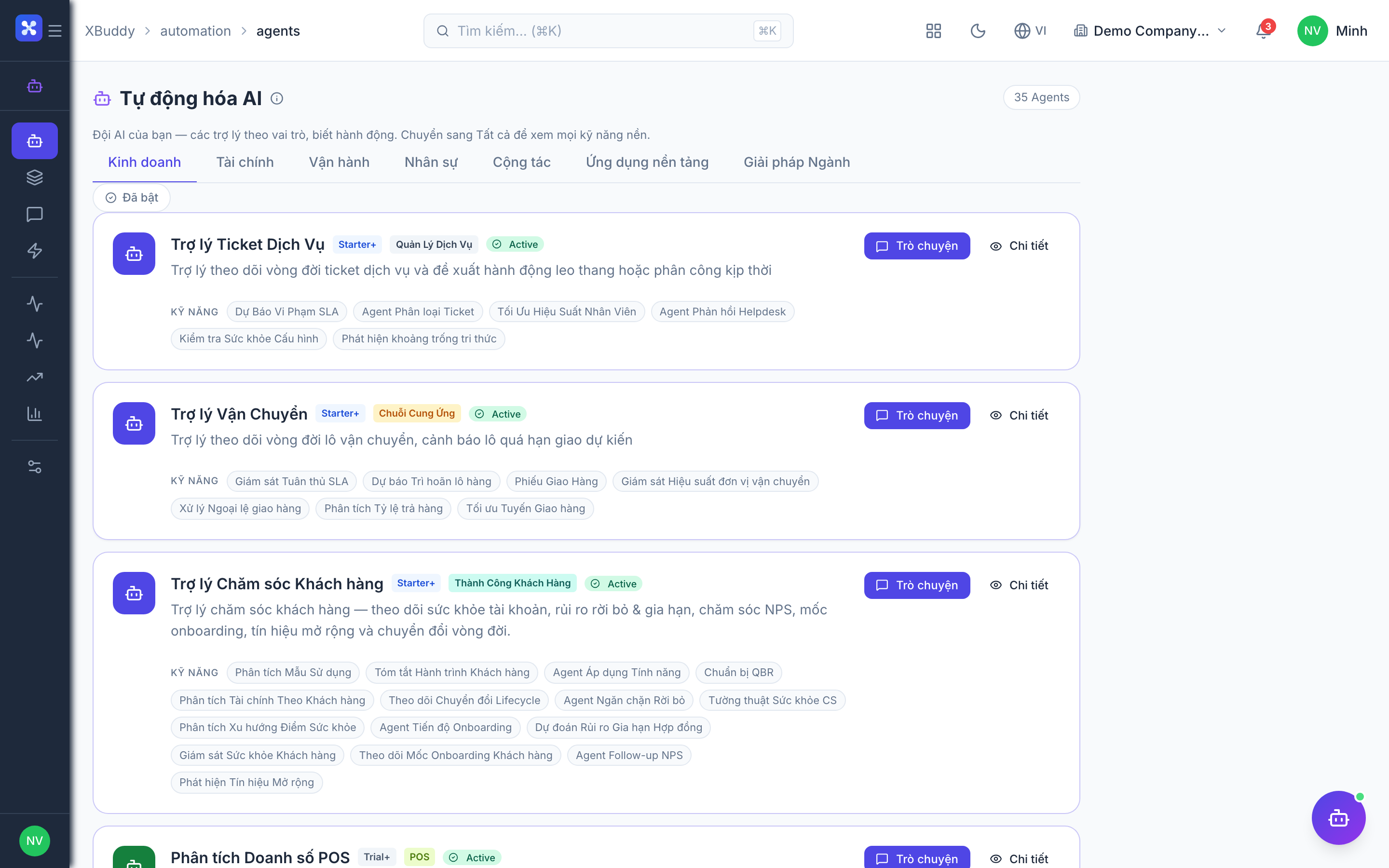
Open Automation → Agents and filter by the Knowledge domain, or use the AI Hub in the Knowledge Base app. On an article detail page, the entity-scoped panel runs the Assistant against that article.