Quality
XBuddy Quality is the quality management workspace where you plan and execute inspections, capture pass/fail results, and manage every non-conformance from detection through disposition and closure. It standardizes what “good” means with reusable inspection templates, records results with a controlled two-step submit, and drives statistical process control (SPC) and pass-rate reporting so quality is measured, not guessed.
Who uses it: quality inspectors and QC technicians running checks, quality managers owning the non-conformance (NCR) process, production supervisors reacting to failures on the line, and procurement owners tracking supplier quality. Quality sits across Manufacturing (in-process checks on work orders), Inventory (incoming inspection at goods receipt), and Procurement (supplier scorecards).
Inspection results use a two-step submit: you enter and review results first, then confirm to lock them. A failed inspection can automatically raise a Non-Conformance Report (NCR) so nothing that fails simply disappears.
Key Features
- Reusable inspection templates with checklists, tolerances, and pass/fail criteria
- Two-step inspection submit (enter → review → confirm) with pass/fail verdicts
- Non-conformance reports (NCR) with a full lifecycle: open → investigate → disposition → close
- NCR escalation for high-severity or overdue findings
- Incoming (goods receipt), in-process (work order), and supplier inspections
- Statistical process control (SPC) trends and pass-rate analytics
- Supplier quality scorecards feeding procurement decisions
- Corrective and preventive action tracking on NCRs
- Reporting on pass rate, defect rate, and NCR aging with CSV export
- AI-assisted trend detection and quality suggestions
Important features
Inspection templates
Templates standardize what gets checked. Each template defines the checklist items, measurement tolerances, and the pass/fail criteria so every inspector applies the same standard.
Create a template
Go to Quality → Templates → New Template. Add checklist items, each with a tolerance range or a pass/fail rule.
Set the inspection type
Choose whether the template is for incoming (goods receipt), in-process (work order), or final/supplier inspection so it appears in the right context.
Publish and reuse
Publish the template; it can then be attached to any inspection so results are captured consistently.
Running an inspection (two-step submit)
Inspections capture actual measured or observed results against a template. The two-step submit prevents accidental sign-off: you enter results, review them, then confirm to lock the verdict.
Start the inspection
Go to Quality → Inspections → New Inspection, pick the template, and link the source (goods receipt, work order, or supplier).
Enter results
Record each checklist item’s measurement or pass/fail. XBuddy computes an overall verdict from the criteria.
Review, then confirm
In the review step, check every entry. Confirm to submit — a fail verdict can auto-raise an NCR and notify the quality manager.
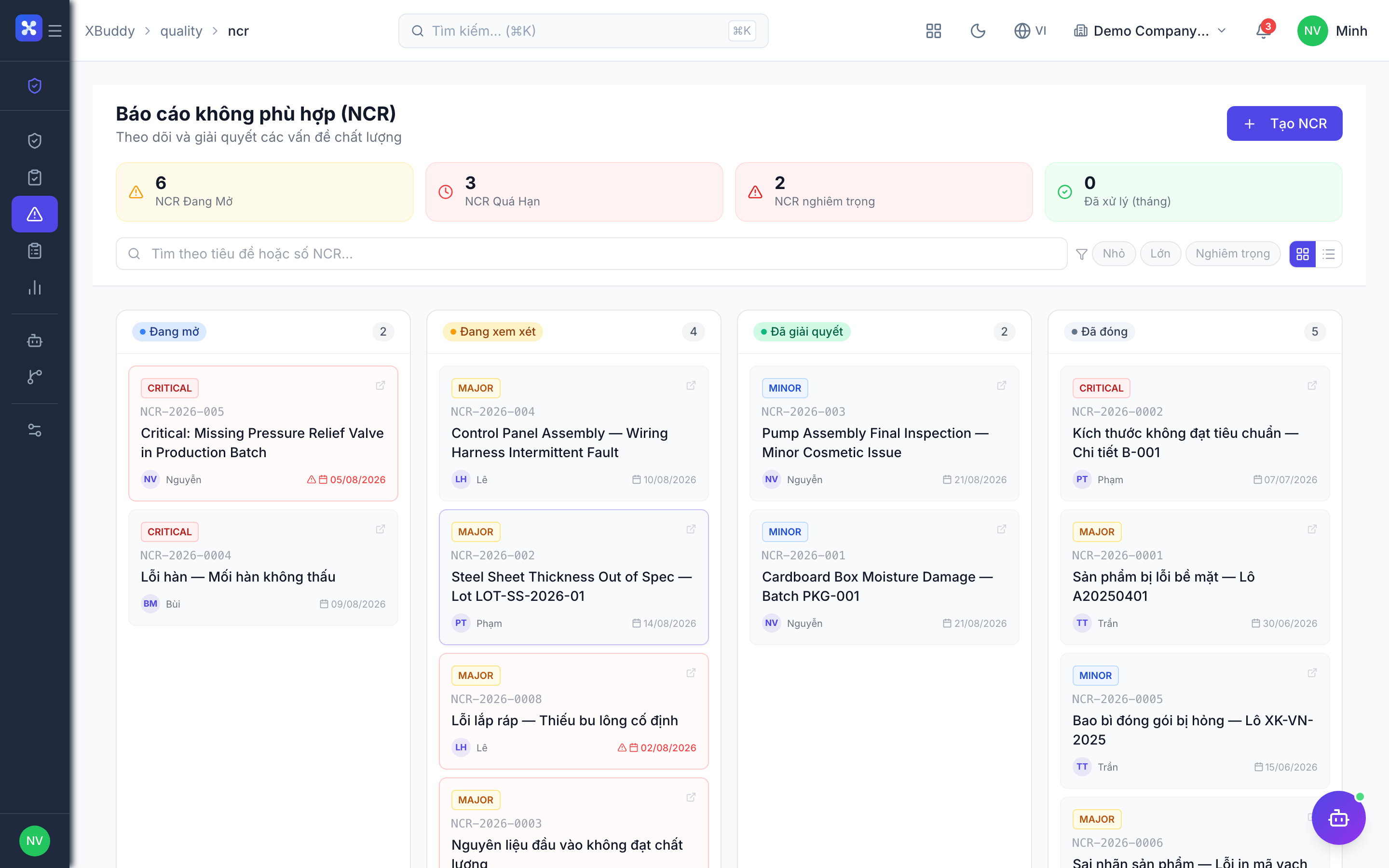
Non-conformance reports (NCR) lifecycle
An NCR is the record of anything that failed to meet spec. It carries the finding through investigation, disposition (accept, rework, scrap, return), and closure, with corrective/preventive actions logged along the way.
Open an NCR
An NCR is raised automatically from a failed inspection, or manually in Quality → NCR → New NCR. Capture the defect, severity, and affected quantity.
Investigate and disposition
Assign an owner, record root cause, and choose a disposition — accept as-is, rework, scrap, or return to supplier.
Escalate if needed
High-severity or overdue NCRs escalate to the quality manager so critical issues are not sitting idle.
Close
Once corrective actions are verified, close the NCR. The full history stays on record for audit.
SPC & pass-rate reporting
Statistical process control turns individual inspection results into trends. Pass-rate and defect-rate charts show whether a process is stable, drifting, or out of control.
View SPC trends
Go to Quality → Reports and open the SPC / pass-rate view to see results plotted over time by product, process, or supplier.
Drill into failures
From any trend, drill down to the failing inspections and their linked NCRs to find the root cause.
Export
Export pass rate, defect rate, and NCR aging as CSV for reviews or supplier scorecards.
Supplier quality
Incoming inspections at goods receipt feed a supplier quality picture. Repeated defects from one vendor surface in their scorecard and can trigger a supplier-quality NCR.
Inspect on receipt
When goods arrive, run an incoming inspection linked to the goods receipt and supplier.
Track the scorecard
Failures accumulate against the supplier; Reports shows supplier pass rate so procurement can act on chronic quality issues.
Full feature reference
| Nav item | What it does |
|---|---|
| Overview | Quality dashboard with pass rate, open NCR count, defect trends, and inspection volume KPIs. |
| Inspections | Workspace to create and run inspections against templates, capturing pass/fail results via the two-step submit. |
| NCR | Non-conformance report register: raise, investigate, disposition, escalate, and close findings through their full lifecycle. |
| Templates | Reusable inspection templates defining checklists, tolerances, and pass/fail criteria per inspection type. |
| Reports | Quality reporting: pass rate, defect rate, SPC trends, NCR aging, and supplier quality scorecards with CSV export. |
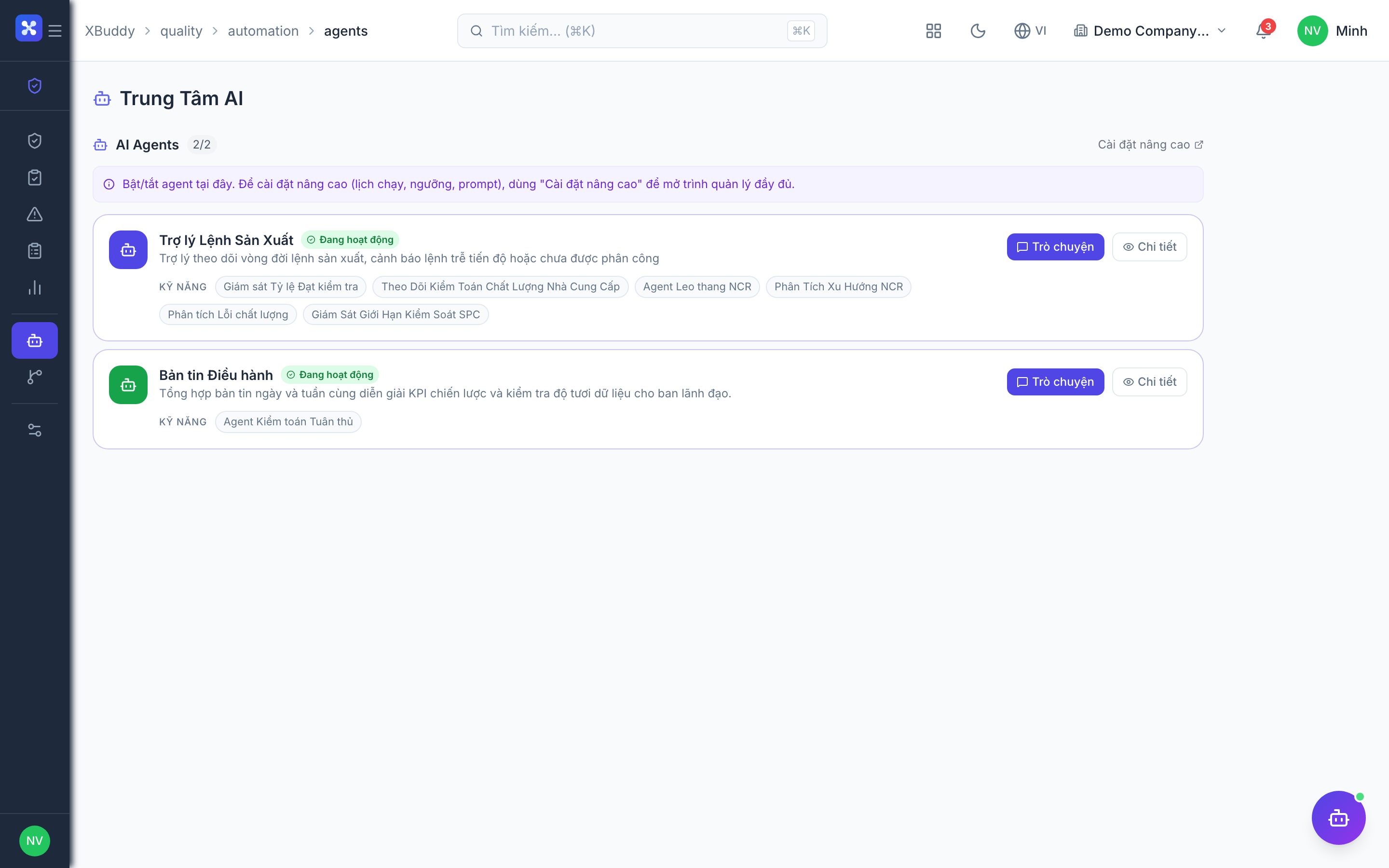
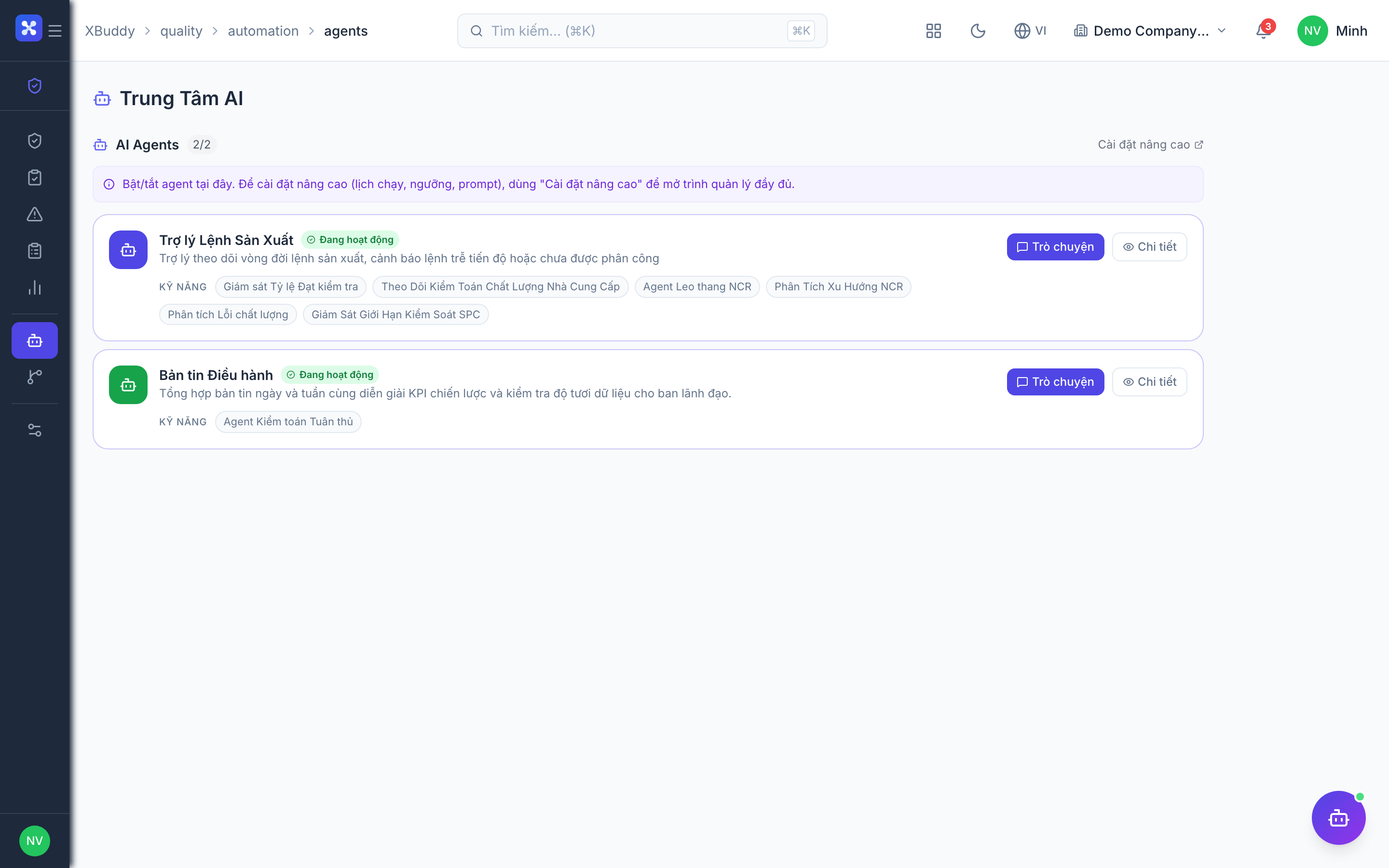
| AI Hub | Run quality AI assistants (Quality Inspector) and review trend detections and suggestions. |
| Workflows | Automation for quality events — auto-raise NCR on fail, escalate overdue NCRs, or notify on defect spikes. |
| Settings | Configure inspection types, severity levels, disposition options, permissions/data scope, and quality master data. |
Integration points
| Connects to | How the data flows |
|---|---|
| Manufacturing | In-process inspections attach to work orders; a fail can hold production and raise an NCR against the batch. |
| Inventory | Incoming inspections run at goods receipt (GRN); a rejected receipt blocks stock from being accepted into on-hand. |
| Procurement | Supplier inspection results build supplier quality scorecards that inform sourcing and can trigger a vendor return. |
| Workflow | Quality events (fail, NCR open, escalation) can trigger notifications, approvals, and downstream actions. |
Related AI agents
| Agent | What it does |
|---|---|
| Quality Inspector | Watches inspection results and NCR trends, flags recurring defects and out-of-control processes, and proposes corrective actions. |
Common workflows
1. Incoming inspection at goods receipt
- Goods arrive and a Goods Receipt (GRN) is created in Inventory.
- Run an incoming inspection in Quality → Inspections, linked to the GRN and supplier.
- Enter results and confirm via the two-step submit.
- A pass accepts stock into on-hand; a fail raises an NCR and can trigger a vendor return.
2. Handling a failed in-process check
- A work order runs an in-process inspection against its template.
- The inspection fails — an NCR is auto-raised with defect and severity.
- Quality investigates root cause and sets a disposition (rework/scrap).
- Corrective actions are verified and the NCR is closed; the trend appears in SPC reporting.
3. Supplier quality escalation
- Repeated incoming failures accumulate against a supplier.
- Reports shows the supplier’s declining pass rate.
- A supplier-quality NCR is escalated to procurement.
- Procurement acts — corrective plan, vendor return, or resourcing.
FAQ
Why is inspection submit two steps? To prevent accidental sign-off. You enter and review results first, then confirm to lock the verdict — because confirming a fail can raise an NCR and hold stock or production.
When is an NCR raised automatically? When an inspection is confirmed with a fail verdict (if auto-raise is enabled in Settings). You can also open one manually in Quality → NCR.
What dispositions can an NCR have? Accept-as-is, rework, scrap, or return to supplier. The chosen disposition drives the downstream action (e.g., a vendor return in Procurement).
What is SPC here? Statistical process control plots inspection results over time to show whether a process is stable or drifting. It lives in Quality → Reports alongside pass-rate and defect-rate charts.
How does supplier quality get tracked? Incoming inspection results at goods receipt accumulate per supplier into a scorecard, so chronic quality problems are visible to procurement.
Can I reuse the same checklist across products? Yes. Build it once as a Template and attach it to any inspection of the matching type — every inspector then applies the same criteria.