Communications Concierge
The Communications Concierge keeps multi-channel conversations from going unanswered. It digests open conversations that need a reply and reports on SLA breaches across channels.
Domain: Communications · Anchor code: communications_concierge · Surface: Assistant
What it does
Communications Concierge watches conversations across the channels you connect (email, chat, and messaging). It compiles a digest of unanswered conversations so nothing falls through, prioritizing the ones waiting longest.
Its Insight reports where conversations have breached response SLAs, giving team leads visibility into channel responsiveness.
Skill actions are notify-first — the Assistant emits Suggestions for human approval; the Insight is a read-only report.
Skills
| Skill | What it does |
|---|---|
| Unanswered Conversation Digest | Compiles a digest of conversations awaiting a reply. |
Insights
| Insight | What it reports |
|---|---|
| SLA Breach Notifier | Reports conversations that have breached response SLAs. |
Triggers & schedule
The digest runs on a daily cron across open conversations, and a conversation can be actioned from its detail view. The Insight runs on a reporting cycle and appears in the Analytics area. Skill runs are notify-first — actions await human approval.
Actions & approvals
Actions appear in the Suggestions queue with Approve / Dismiss controls. Examples:
- Send notification about an unanswered conversation.
- Apply conversation tags to organize the inbox.
Where to find it
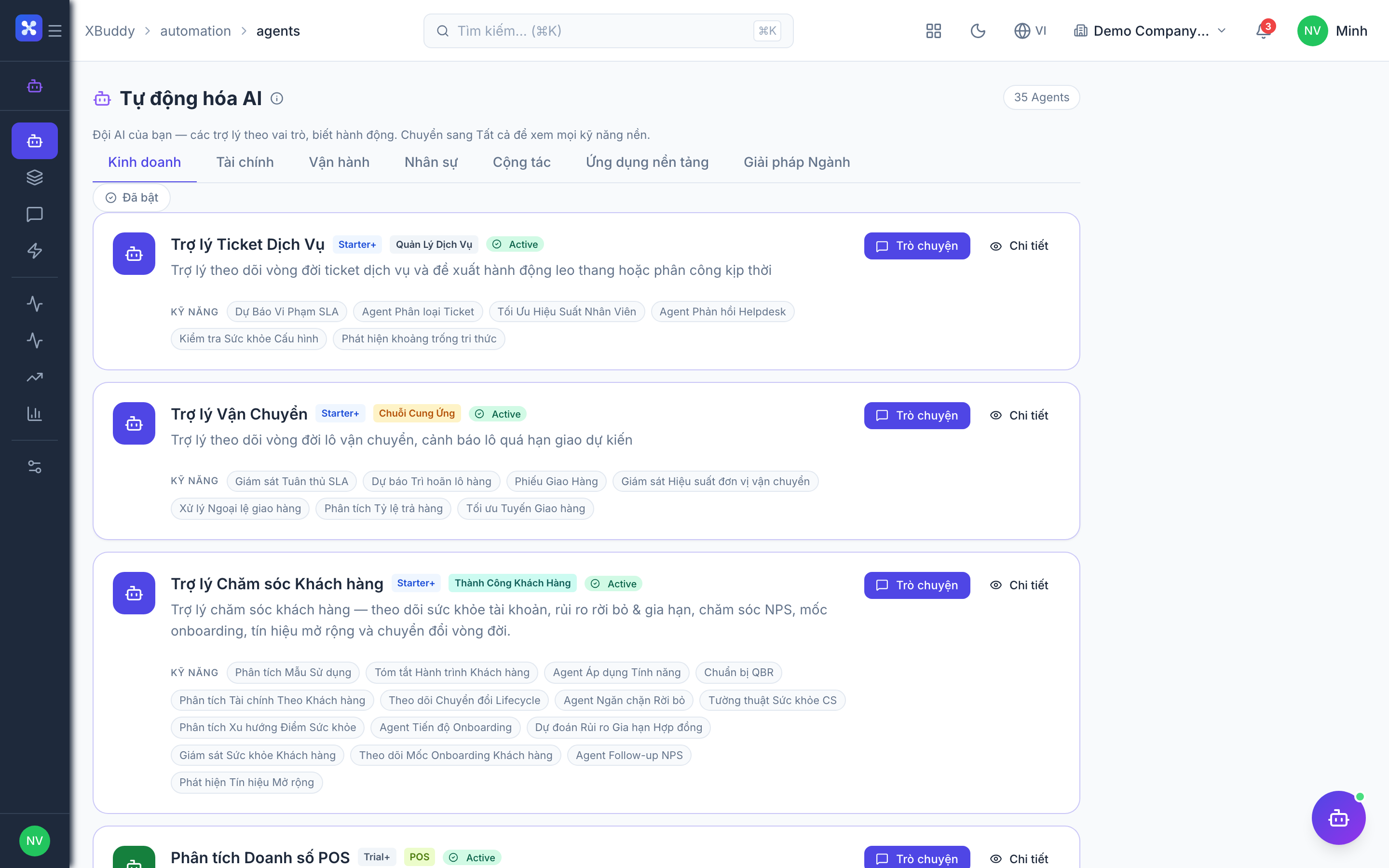
Open Automation → Agents and filter by the Communications domain, or use the AI Hub in the Communications app. On a conversation detail view, the entity-scoped panel runs the Assistant against that conversation.