HR Ops
The HR Ops Assistant is the day-to-day people-operations partner. It watches engagement, leave, attendance, probation, and learning across the workforce, nudges managers and employees at the right moments, and reports on utilization and overtime so HR can act before problems compound.
Domain: HR · Anchor code: hr_ops · Surface: Assistant
What it does
HR Ops keeps the employee lifecycle moving. It monitors engagement signals, detects unusual leave and attendance patterns, and reminds people to close probation reviews, submit timesheets, and use their leave balance. On the development side it surfaces learning gaps, plans succession and workforce needs, and coaches on performance.
It also carries a set of analytics Insights that report timesheet utilization, overtime, and time-log compliance so managers see where hours are going.
Every proposed action is notify-first: HR Ops emits Suggestions for human approval rather than changing records on its own.
Skills
| Skill | What it does |
|---|---|
| Employee Engagement Monitor | Tracks engagement signals and flags declining morale. |
| Leave Pattern Analyst | Detects unusual leave patterns across teams. |
| Probation Review Nudger | Reminds managers to complete probation reviews on time. |
| Attendance Anomaly Detector | Flags irregular clock-in and absence patterns. |
| Overtime Risk Detector | Warns when overtime is trending into risk territory. |
| Learning Gap Agent | Identifies skill gaps against role requirements. |
| Succession Planning Agent | Highlights succession risk for key roles. |
| Workforce Planning Agent | Projects headcount needs against demand. |
| Performance Coach | Coaches managers on performance conversations. |
| Onboarding Experience Agent | Monitors the new-hire onboarding journey. |
| Knowledge Gap Detector | Spots knowledge gaps that need documentation or training. |
| Self Assessment Nudger | Reminds employees to complete self-assessments. |
| Leave Balance Reminder | Nudges employees to use accrued leave balance. |
| Timesheet Submission Reminder | Reminds employees to submit timesheets on time. |
Insights
| Insight | What it reports |
|---|---|
| Timesheet Utilization Analyzer | Reports billable vs non-billable time utilization. |
| Overtime Alert | Reports overtime accumulation across teams. |
| Timesheet Reminder | Reports outstanding timesheet submissions. |
| Time Log Compliance Monitor | Reports compliance gaps in time logging. |
Triggers & schedule
Skills run on daily and weekly crons across the workforce, and reminder skills fire on their own cadence (probation, timesheet, leave balance). Insights run on reporting cycles and appear in the Analytics area. All runs are notify-first — actions await human approval.
Actions & approvals
Actions appear in the Suggestions queue with Approve / Dismiss controls. Examples:
- Send probation review reminder to a manager with a review due.
- Nudge timesheet submission for an employee with an overdue timesheet.
- Flag overtime risk for a team trending over threshold.
Where to find it
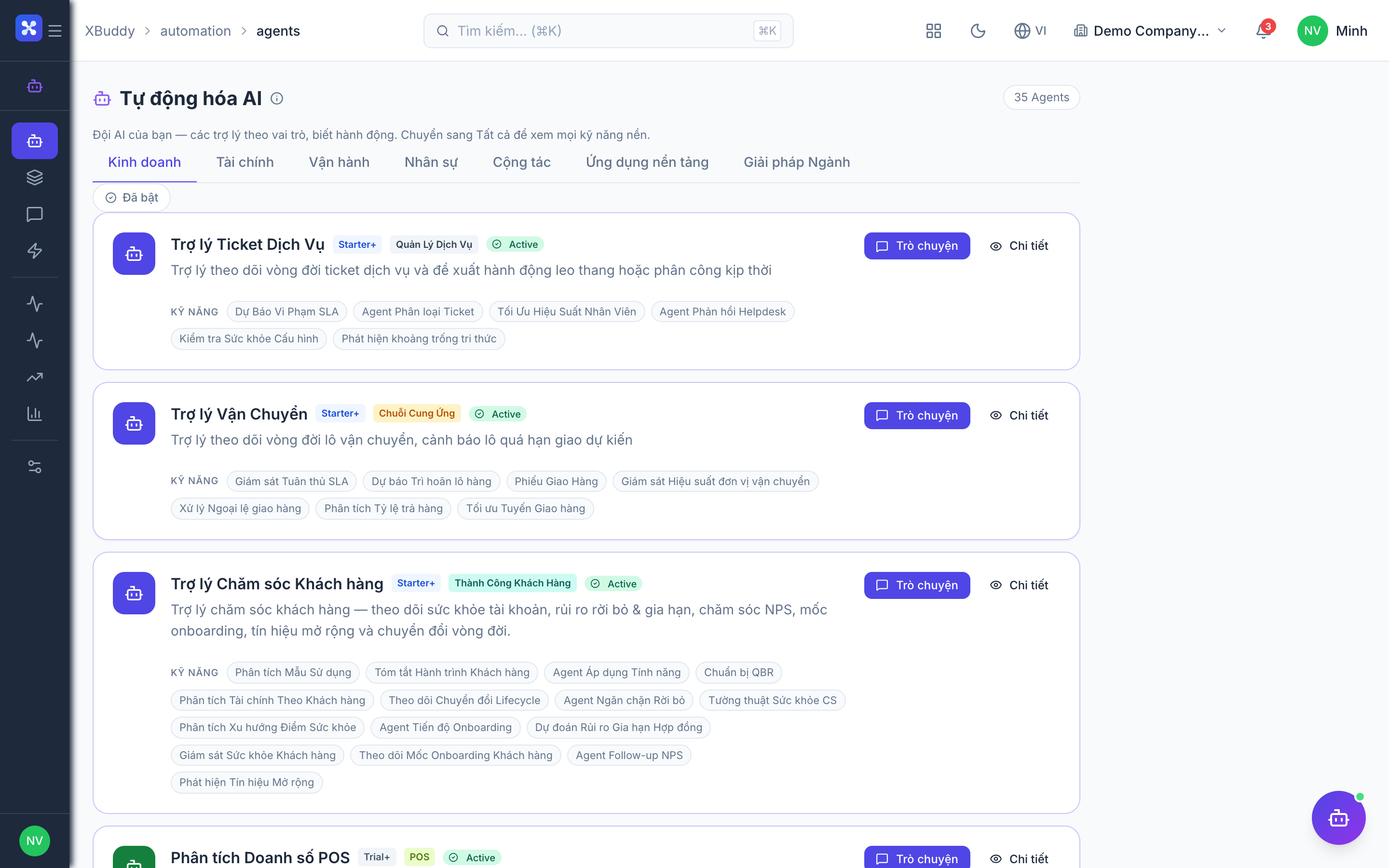
Open Automation → Agents and filter by the HR domain, or use the AI Hub in the HR app. Insights surface in the Analytics area.