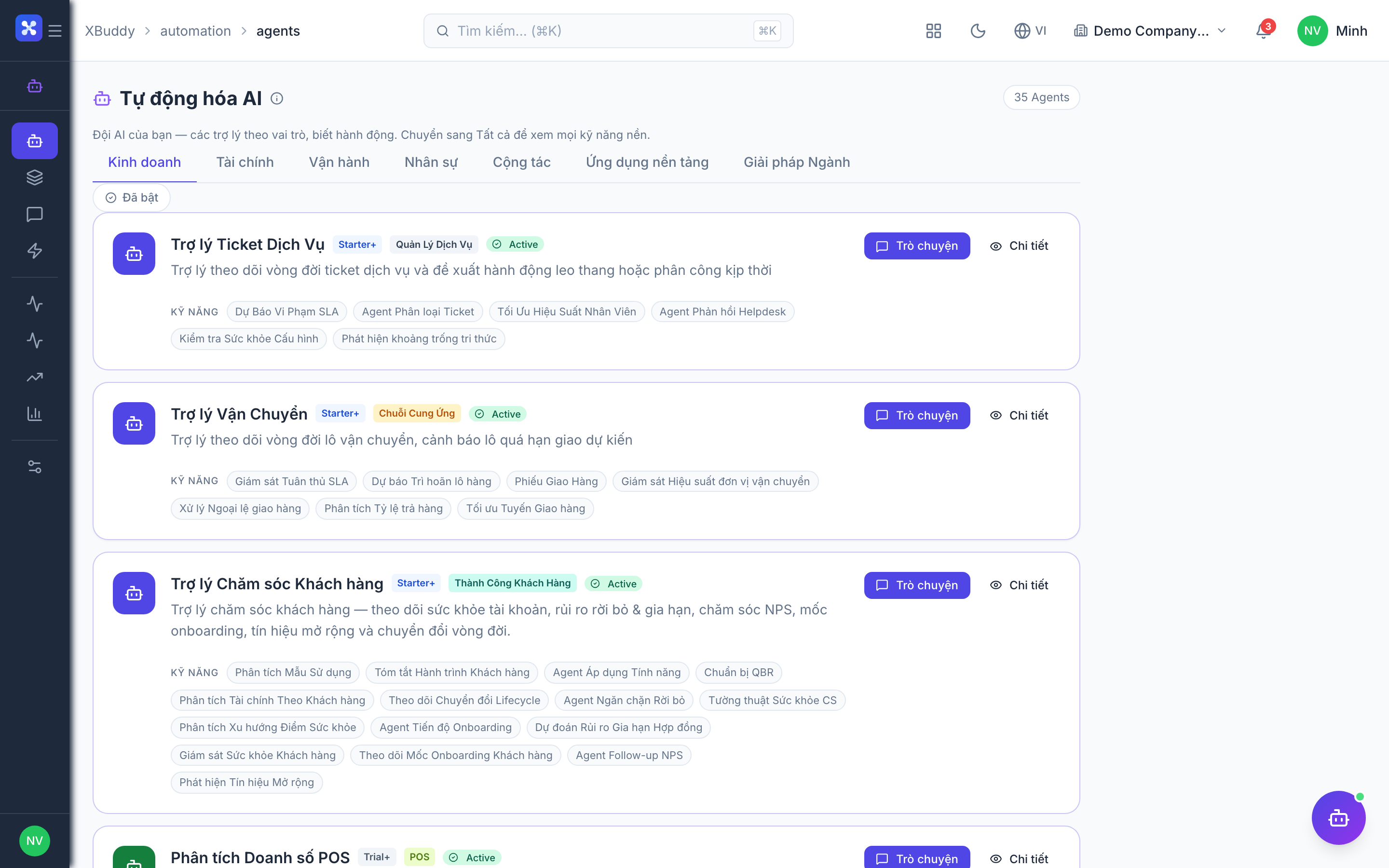
Asset Manager
The Asset Manager is the operations-domain Assistant for physical and fixed assets. It tracks utilization, drives depreciation, schedules preventive maintenance, and reports on cost, damage patterns, and compliance.
Domain: Operations · Anchor code: asset_manager · Surface: Assistant
What it does
Asset Manager gives you a full picture of your asset base. It analyzes how heavily assets are used, advises on lifecycle decisions (repair vs. replace), and alerts when assets or warranties are nearing expiry. It tracks onboarding bundles so new assets are set up correctly.
On the finance side, it computes fixed-asset depreciation and reports depreciation and maintenance cost trends, including per-cost-center analysis. It also audits compliance and spots damage patterns across the fleet.
Maintenance and work-order actions are proposed as Suggestions for human approval.
Skills
| Skill | What it does |
|---|---|
| Asset Utilization Analyzer | Analyzes how fully each asset is used. |
| Asset Onboarding Bundle Tracker | Tracks that new assets are onboarded with their full bundle. |
| Asset Depreciation Intelligence | Explains depreciation status and options. |
| Asset Lifecycle Advisor | Advises on repair, replace, or retire decisions. |
| Asset Expiry Alert | Alerts on assets or warranties nearing expiry. |
| Fixed Asset Depreciation Agent | Computes fixed-asset depreciation entries. |
| Preventive Maintenance Scheduler | Schedules preventive maintenance work orders. |
Insights
| Insight | What it reports |
|---|---|
| Asset Depreciation Monitor | Reports depreciation status across the asset base. |
| Maintenance Cost Analyst | Reports maintenance cost trends. |
| Asset Cost Center Depreciation Analyzer | Reports depreciation by cost center. |
| Asset Damage Pattern Analyst | Reports recurring damage patterns. |
| Asset Compliance Auditor | Reports on asset compliance status. |
Triggers & schedule
Skills run on daily and monthly crons aligned to the depreciation and maintenance calendar. Asset-scoped skills can be run manually from an asset’s detail page. Insights appear in the Analytics area. All runs are notify-first — the Assistant emits Suggestions for human approval.
Actions & approvals
Actions appear in the Suggestions queue with Approve / Dismiss controls. Examples:
- Create asset work order for preventive maintenance.
- Flag asset expiry on a warranty nearing its end.
- Recommend replacement on an under-performing asset.
Where to find it
Open Automation → Agents and filter by the Operations domain, or use the AI Hub in the Asset Management app. On an asset’s detail page, the entity-scoped panel runs Asset Manager against that asset.