Agent Catalog
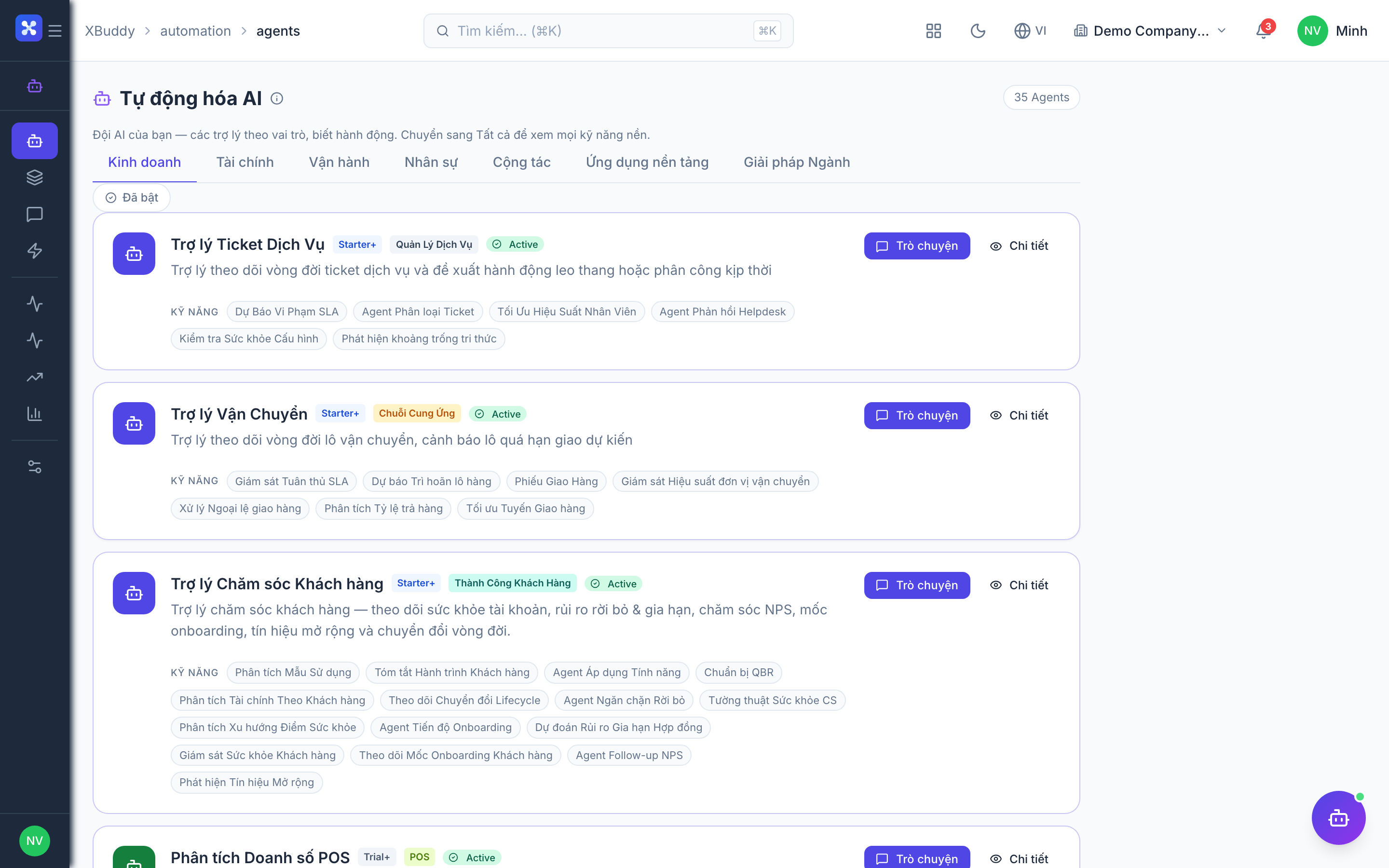
XBuddy ships 32 Assistants. Each Assistant is the user-facing anchor of a team of internal Skills (cron handlers that do recurring work) and Insights (read-only analytics handlers). The counts below tell you how much work sits under each Assistant.
Click any Assistant name to open its detail page. Slugs are the kebab-case of the name —
e.g. AR Collector → ar-collector, Field Service Dispatcher → fs-dispatcher.
Finance & Accounting
| Assistant | Domain | Skills | Insights |
|---|---|---|---|
| AR Collector | finance | 7 | 0 |
| AP Manager | finance | 6 | 0 |
| Expense Auditor | finance | 3 | 0 |
| Accountant Assistant | accounting | 17 | 0 |
| FP&A Analyst | finance | 1 | 4 |
Sales, CRM & Support
| Assistant | Domain | Skills | Insights |
|---|---|---|---|
| Lead Qualifier | crm | 4 | 0 |
| Sales Coach | sales | 12 | 0 |
| CS Guardian | customer_success | 14 | 0 |
| Support Concierge | service_management | 5 | 0 |
Procurement, Inventory & Logistics
| Assistant | Domain | Skills | Insights |
|---|---|---|---|
| Procurement Assistant | supply_chain | 14 | 0 |
| Inventory Planner | inventory | 10 | 1 |
| Logistics Coordinator | logistics | 7 | 0 |
Operations
| Assistant | Domain | Skills | Insights |
|---|---|---|---|
| Project PM | operations | 13 | 2 |
| Field Service Dispatcher | field_service | 10 | 0 |
| Asset Manager | operations | 7 | 5 |
| Quality Inspector | manufacturing | 10 | 0 |
People
| Assistant | Domain | Skills | Insights |
|---|---|---|---|
| HR Ops | hr | 14 | 4 |
| Recruiter Copilot | hr | 5 | 0 |
| Payroll Assistant | payroll | 7 | 0 |
| Performance & OKR Coach | performance | 12 | 0 |
| Learning Coordinator | lms | 2 | 3 |
Cross-Platform & Collaboration
| Assistant | Domain | Skills | Insights |
|---|---|---|---|
| Contract Lifecycle | contract_management | 8 | 0 |
| Signature Steward | signatures | 2 | 0 |
| Approvals Steward | approvals | 6 | 0 |
| Exec Briefing | general | 2 | 4 |
| Knowledge Curator | knowledge | 2 | 2 |
| Documents Librarian | documents | 1 | 1 |
| Communications Concierge | communications | 1 | 1 |
Verticals & Marketing
| Assistant | Domain | Skills | Insights |
|---|---|---|---|
| POS Manager | pos | 0 | 4 |
| F&B Ops | fnb | 0 | 2 |
| Distribution Manager | distribution | 0 | 1 |
| Marketing Strategist | marketing | 3 | 2 |
Enable and run an agent
Open the catalog
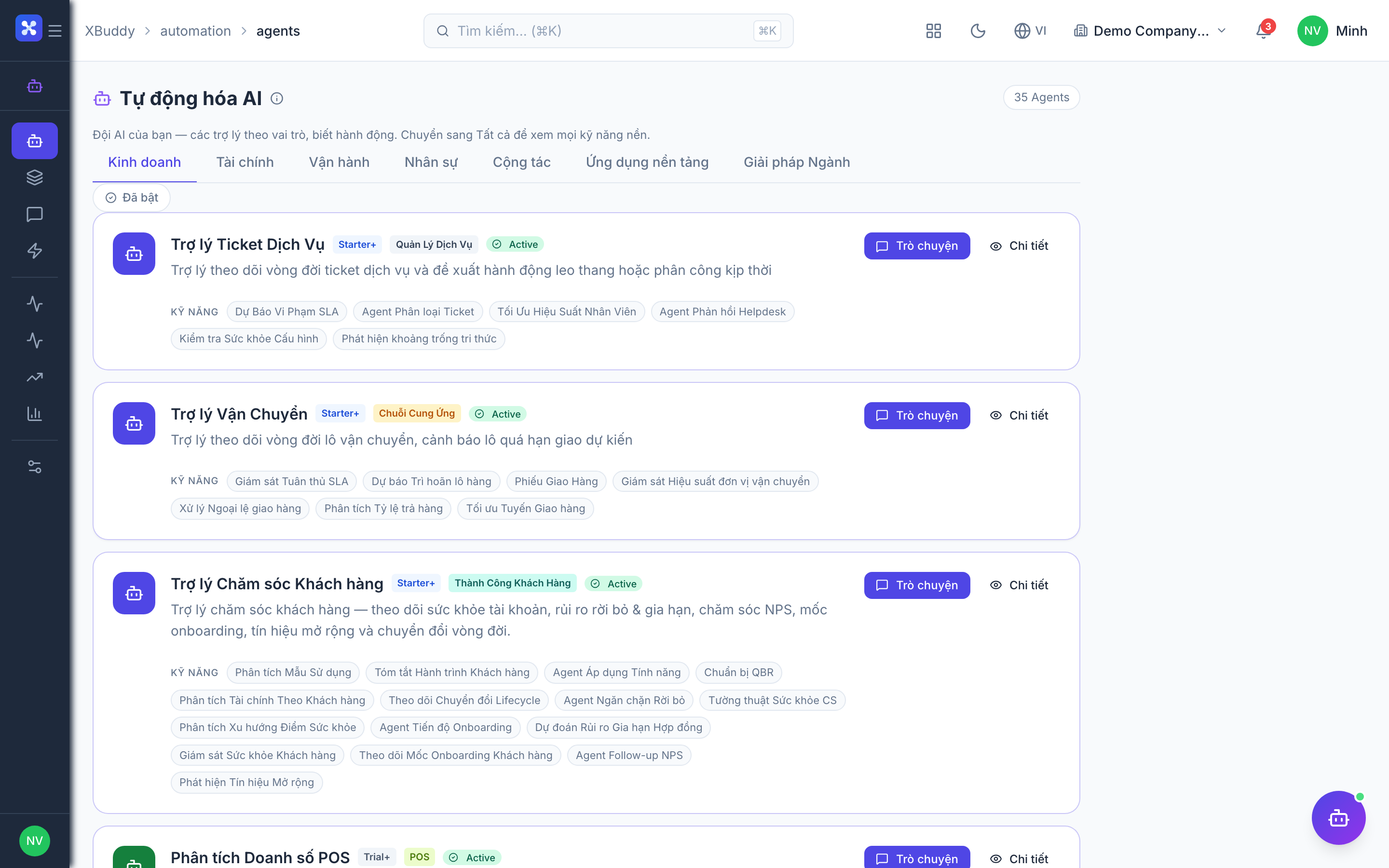
Go to Automation → Agents. Each card shows an Assistant, its domain, and its current state (enabled / disabled).
Enable the Assistant
Open the Assistant and toggle it on. Cron agents also require you to enable a schedule — until you do, the Assistant will not run on its own.
Configure the schedule (optional)
For scheduled Assistants, set the cadence (daily / weekly / monthly) and time. Event-driven handlers fire automatically once the Assistant is enabled.
Run it manually
Use Run to execute the Assistant now. From a record’s detail page, use the on-page AI panel to run it entity-scoped against that single record.
Review the output
Findings appear in the Assistant card and in AI Feed. Any recommended actions land in Automation → Suggestions for you to Approve or Dismiss.
Enabling an Assistant does not grant it autonomy. It still emits Suggestions for human approval — nothing is written to your data until you approve.