AR Collector
The AR Collector is XBuddy’s flagship accounts-receivable Assistant. It is the process-aware agent behind every invoice: it understands where an invoice sits in its lifecycle, chases overdue balances, tunes dunning, and protects cash flow — proposing each collection action for a human to approve.
Domain: Finance · Anchor code: ar_collector · Surface: Assistant
What it does
AR Collector keeps money coming in. For each invoice it resolves the lifecycle stage (draft, current, overdue, escalation-needed, paid), estimates payment probability, and recommends the next best action — a friendly reminder, a firmer follow-up, or an escalation to management.
Across the whole ledger it analyzes AR aging, measures how effective your dunning sequences are, and watches customer concentration risk so you are not over-exposed to a single payer. It also assists with credit notes, retainer utilization, and recurring-billing health.
Because it is process-aware, AR Collector never sends a message or escalates on its own. Every proposed action goes through the Suggestions queue for human approval.
Skills
| Skill | What it does |
|---|---|
| Invoice Collector | Assesses each overdue invoice and proposes the next collection step. |
| AR Aging Intelligence | Buckets receivables by age and highlights the riskiest balances. |
| Dunning Effectiveness Monitor | Measures how well dunning sequences drive payment. |
| Customer Concentration Risk | Flags over-exposure to a small number of payers. |
| Credit Note Assistant | Assists with issuing and applying credit notes. |
| Retainer Utilization Advisor | Reports how much of each retainer has been consumed. |
| Recurring Billing Health Monitor | Watches recurring billing for failures and drift. |
Triggers & schedule
Most skills run on a daily cron sweep across all open invoices — a morning collections pass. The Invoice Collector is also entity-scoped, so you can run it manually from a single invoice’s detail page for an on-demand assessment. All runs are notify-first: the Assistant emits Suggestions and waits for human approval before any customer is contacted.
Actions & approvals
Proposed actions land in the Suggestions queue with Approve / Dismiss buttons. Examples:
- Send invoice reminder on a balance that has just gone overdue.
- Escalate approval request on an invoice more than 30 days past due.
- Issue credit note when a correction is warranted.
- Flag concentration risk when one customer dominates receivables.
How to use it
- Run it. Open an invoice’s detail page and, in the entity-scoped agent panel, click Run — or let the daily cron do it for you. The Assistant reads that invoice, resolves its lifecycle stage, and produces an assessment.
- Read the output. The assessment card shows the lifecycle stage, days overdue, amount due, payment probability, and a recommended action. A “basis of analysis” line tells you exactly which records were used.
- Approve a suggestion. If the Assistant proposes an action (for example, Send invoice reminder), review the reasoning and click Approve. The action runs, and a confirmation card shows what happened — reminder reference, recipient, and timestamp. Prefer not to act? Click Dismiss.
Example output
Invoice INV-2043 — AR Assessment
- Lifecycle stage: Overdue
- Days overdue: 34
- Amount due: ₫ 48,500,000
- Payment probability: 58%
- Recommended action: Escalate for management review — invoice is over 30 days past due and the last reminder was sent 9 days ago with no response.
Basis of analysis: 1 invoice, 2 prior reminders. Method: AI-assisted.
Suggested action: Escalate approval request · [Approve] [Dismiss]
Where to find it
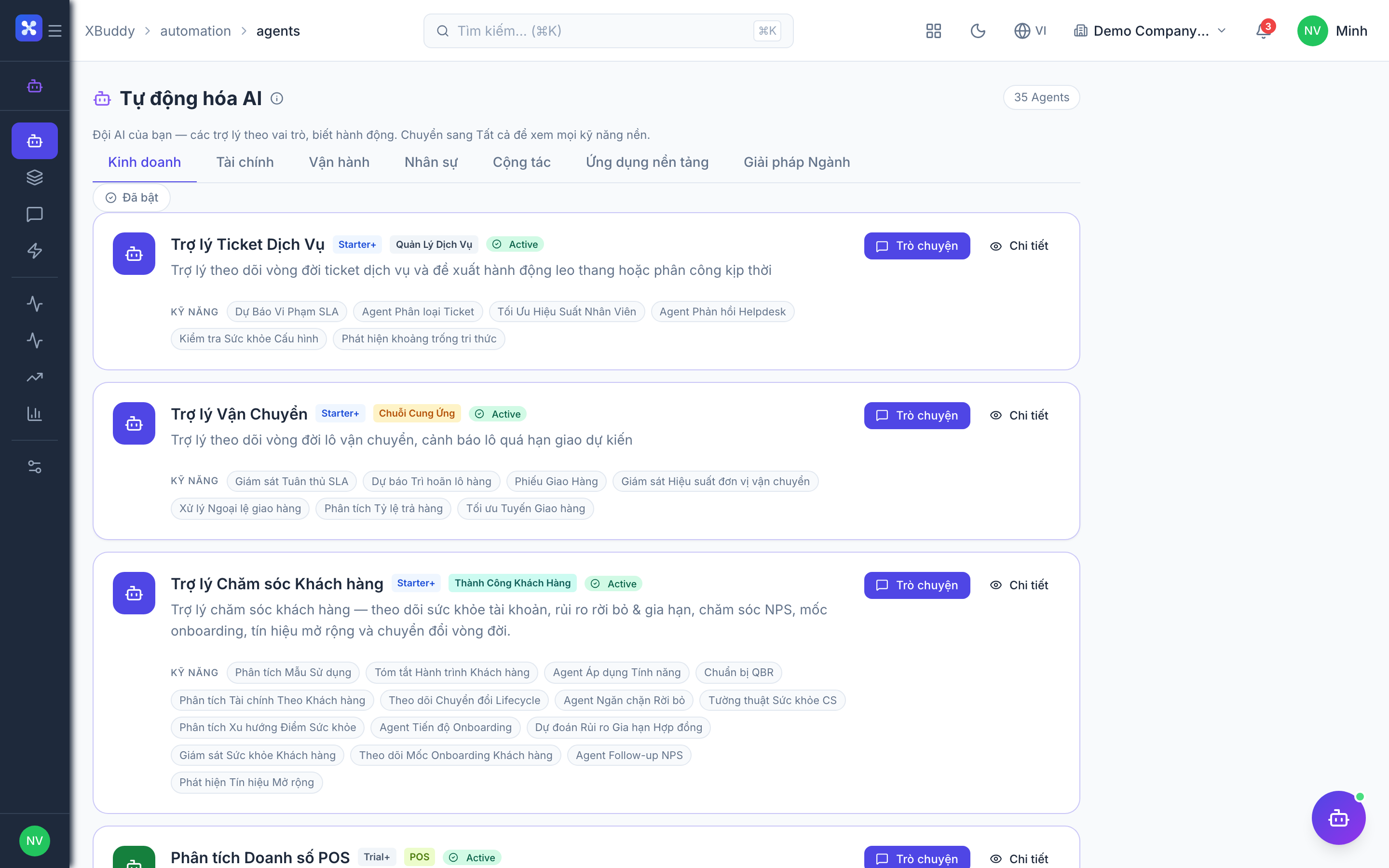
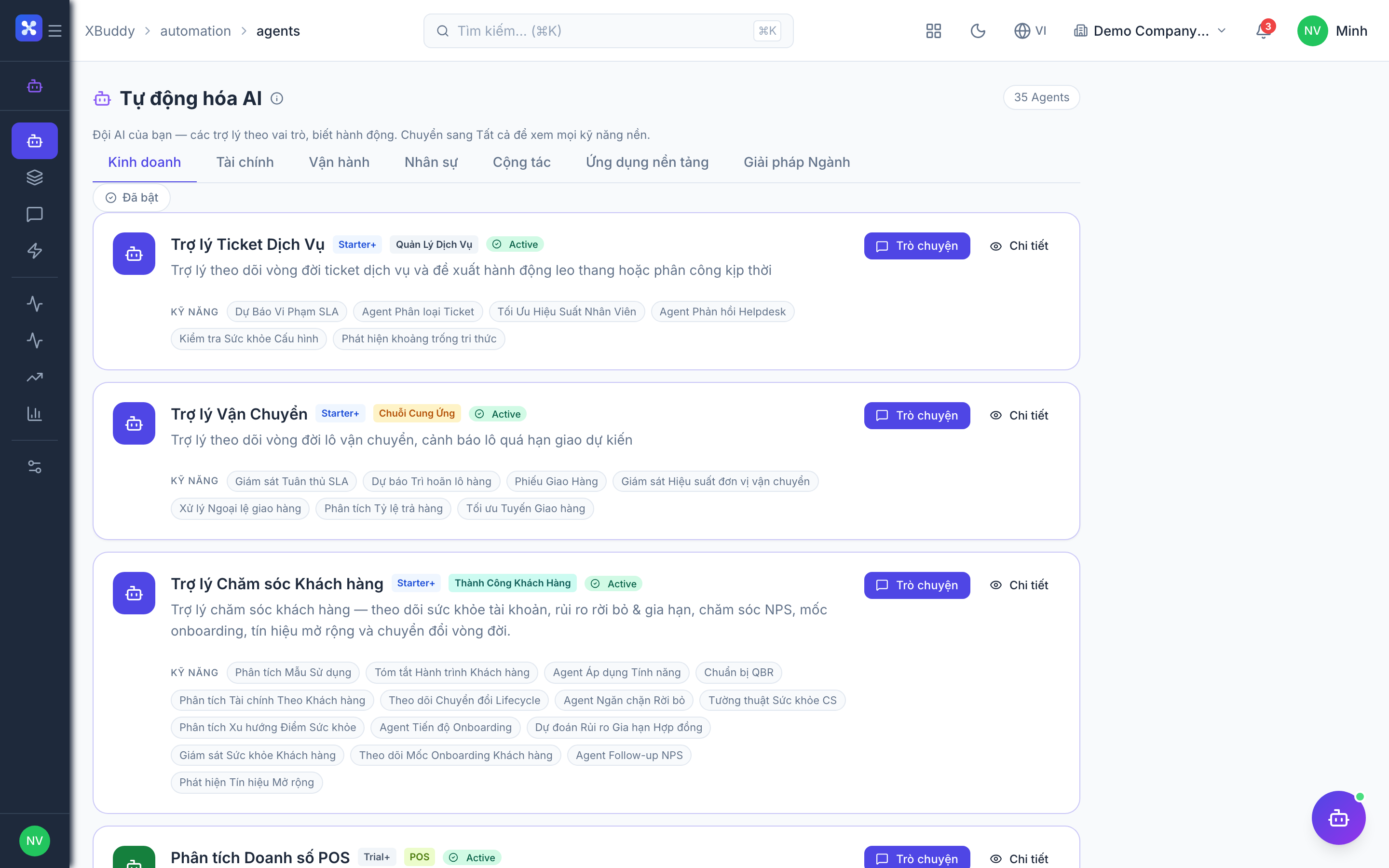
Open Automation → Agents and filter by the Finance domain, or use the AI Hub in the Finance app. On any invoice’s detail page, the entity-scoped agent panel runs AR Collector against that single invoice and shows the assessment plus any pending suggestions inline.