Documents Librarian
The Documents Librarian keeps the document library current. It monitors documents approaching expiry and reports on documents that have gone stale so nothing important is missed or out of date.
Domain: Documents · Anchor code: documents_librarian · Surface: Assistant
What it does
Documents Librarian watches the document repository for time-sensitive files. It flags documents approaching their expiry or review date so owners act before they lapse.
Its Insight reports on documents that have not been touched or reviewed in a long time, giving librarians a list of content to refresh or retire.
Skill actions are notify-first — the Assistant emits Suggestions for human approval; the Insight is a read-only report.
Skills
| Skill | What it does |
|---|---|
| Document Expiry Monitor | Flags documents approaching expiry or review. |
Insights
| Insight | What it reports |
|---|---|
| Stale Document Detector | Reports documents that have gone stale or unreviewed. |
Triggers & schedule
The expiry monitor runs on a daily cron across the library, and a document can be actioned from its detail page. The Insight runs on a reporting cycle and appears in the Analytics area. Skill runs are notify-first — actions await human approval.
Actions & approvals
Actions appear in the Suggestions queue with Approve / Dismiss controls. Examples:
- Create task to review a document nearing expiry.
- Apply document tags to organize flagged content.
Where to find it
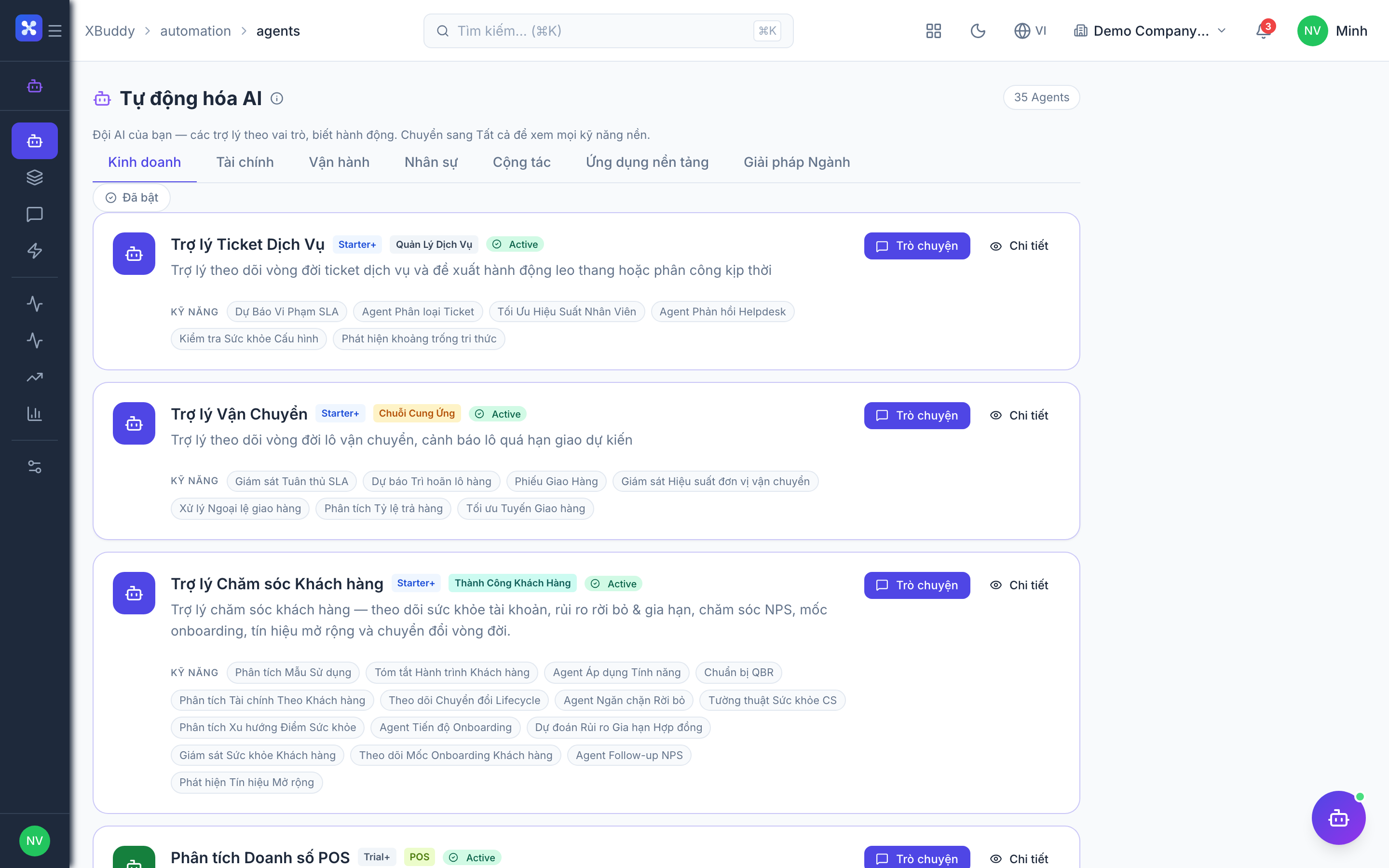
Open Automation → Agents and filter by the Documents domain, or use the AI Hub in the Documents app. On a document detail page, the entity-scoped panel runs the Assistant against that document.