Expense Auditor
The Expense Auditor is the finance-domain Assistant that reviews employee expense claims. It looks for out-of-pattern spend, duplicate submissions, and policy violations so approvers can trust what they sign off.
Domain: Finance · Anchor code: expense_auditor · Surface: Assistant
What it does
Expense Auditor acts as a first-pass reviewer on every expense claim. It scores each claim for anomalies — amounts far above the norm for a category, unusual timing, or missing receipts — and surfaces the ones worth a closer look.
It cross-checks claims against each other to catch duplicates, where the same receipt or trip is submitted twice. It also validates each claim against your expense policy (category limits, receipt requirements, per-diem caps) and flags breaches for the approver.
The Assistant proposes approve or flag actions as Suggestions; a human always makes the final call.
Skills
| Skill | What it does |
|---|---|
| Expense Anomaly | Scores each expense for out-of-pattern amounts, timing, or missing documentation. |
| Expense Duplicate Detector | Detects the same expense or receipt submitted more than once. |
| Expense Policy Compliance | Checks each claim against category limits and receipt/policy rules. |
Triggers & schedule
Skills run on a daily cron sweep across pending and recently submitted expenses. An expense-scoped run can also be triggered manually from an expense’s detail page. All runs are notify-first — the Assistant emits Suggestions for human approval rather than approving on its own.
Actions & approvals
Actions appear in the Suggestions queue with Approve / Dismiss controls. Examples:
- Approve expense for a clean, in-policy claim.
- Flag expense for a claim with an anomaly, duplicate, or policy breach.
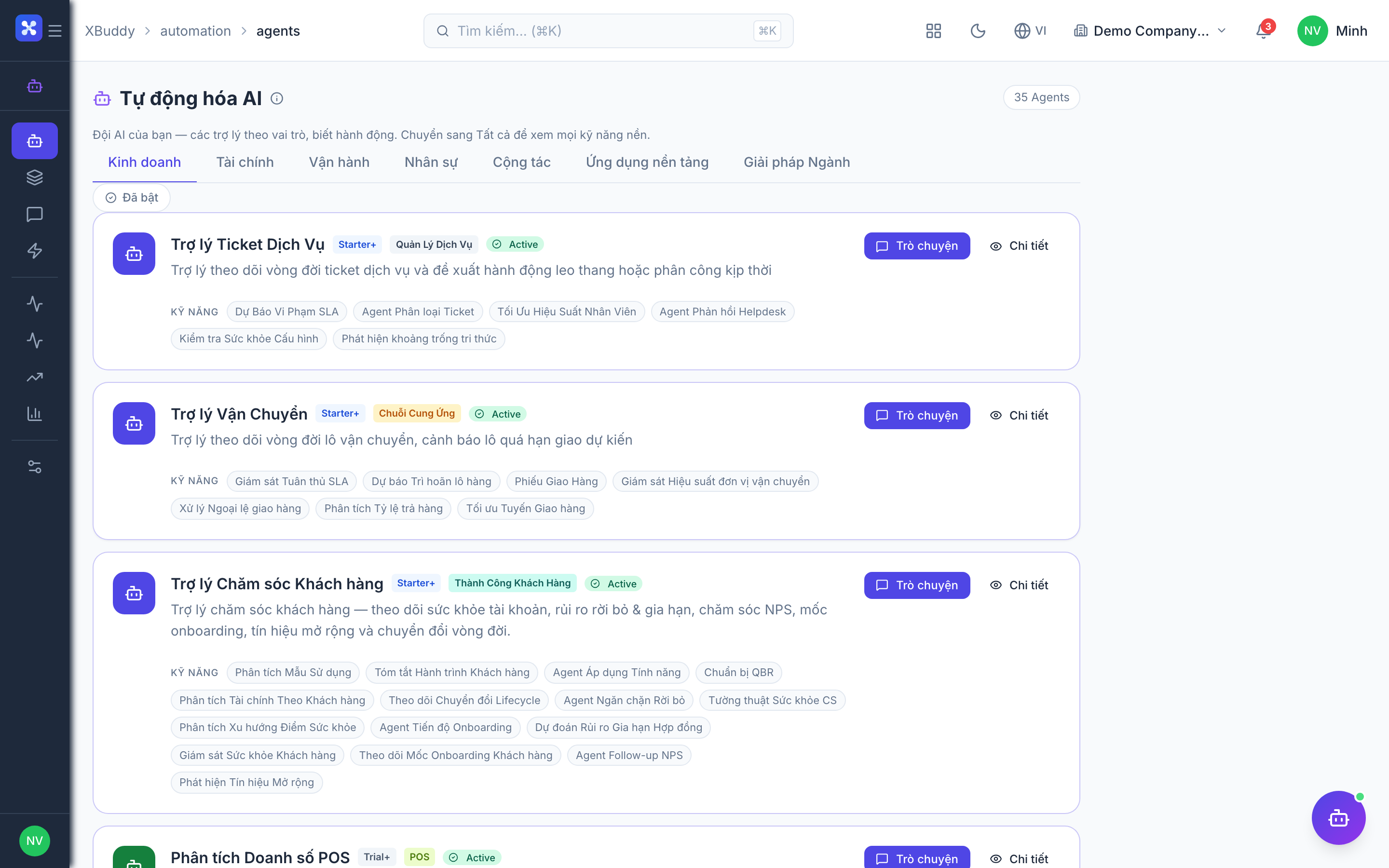
Where to find it
Open Automation → Agents and filter by the Finance domain, or use the AI Hub in the Finance app. On an expense’s detail page, the entity-scoped panel runs Expense Auditor against that claim and shows the result inline.